HAPPY 2026! – SamMobile. Awesome deals Galaxy Z Fold7, Watch8, S25 Ultra and S95F OLED TV
Last updated: December 18th, 2025 at 15:56 UTC+01:00
SamMobile has affiliate and sponsored partnerships, we may earn a commission.
Samsung has released an update to Good Lock's Theme Park module. It bring six new features. Here are more details.
Reading time: 1 minutes
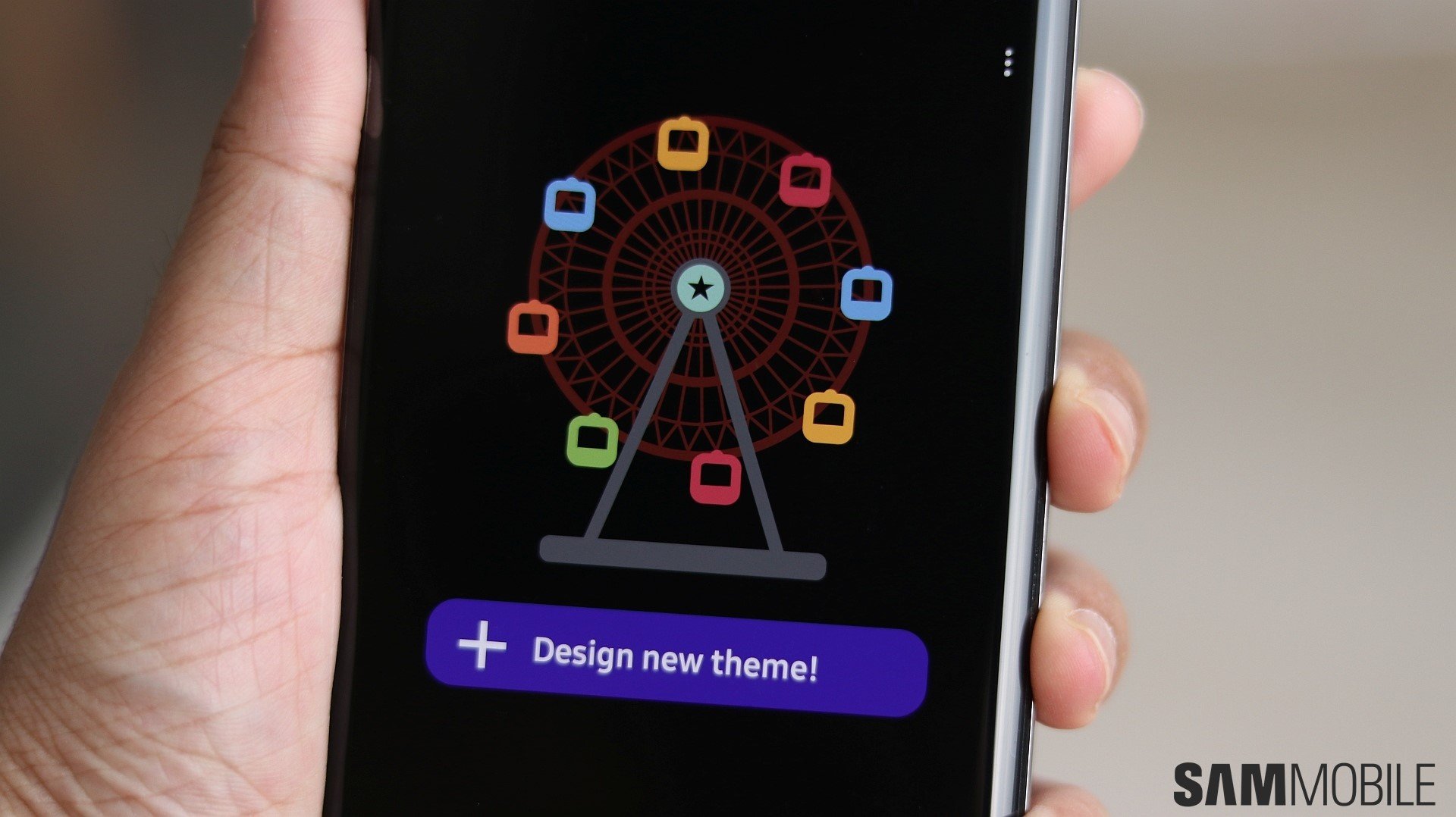
Samsung is rolling out an update to Good Lock’s Theme Park module. Carrying version 1.1.01.38, it brings six major changes.
First, the app now lets you bookmark a theme. To bookmark a theme, go to the Theme section, tap on a theme, and you will see a heart icon at the top-right corner of the pop-up. Tap on the heart icon, and the theme is bookmarked, or in other words, marked as a favourite.
Second, Theme Park now offers an improved user interface for editing icons. The layout is now split into three sections: Shape, Effects, and Icon. Third, the icon editing section now offers a new option in Effects, called Emboss, and a new option in Icon called Monochrome.
Fourth, Samsung says that the app now offers “Updated Quick Panel icon preview.” Fifth, on devices running One UI 8.5, Theme Park now lets you customise the color of the home screen badge.
To update Theme Park, go to the Galaxy Store, tap the hamburger menu icon at the top-left corner of the screen, select Updates, and tap on Update all.
I’m a computer science engineer living in Hyderabad, India, who has a keen interest in automobiles and consumer electronics. My journalism career kicked off in 2017 with MySmartPrice where I wrote news, features, buying guides, and explanatory articles about technology among other things, and reviewed many products, including smartphones, tablets, laptops, PC components, smartwatches, audio devices, wearables, and smart home products. Since then, I have worked for 91Mobiles, Apple, and Onsitego, before finally landing on SamMobile.