Last updated: June 17th, 2024 at 11:28 UTC+02:00
SamMobile has affiliate and sponsored partnerships, we may earn a commission.
Reading time: 2 minutes
The good news for Music Frame fans is that the new update to version 1420 finally supports Q-Symphony functions for Music Frame speakers. Music Frame users can now add their Frame speakers to the Q-Symphony setup and combine the audio from their Music Frames and TV speakers for a fuller sound experience.
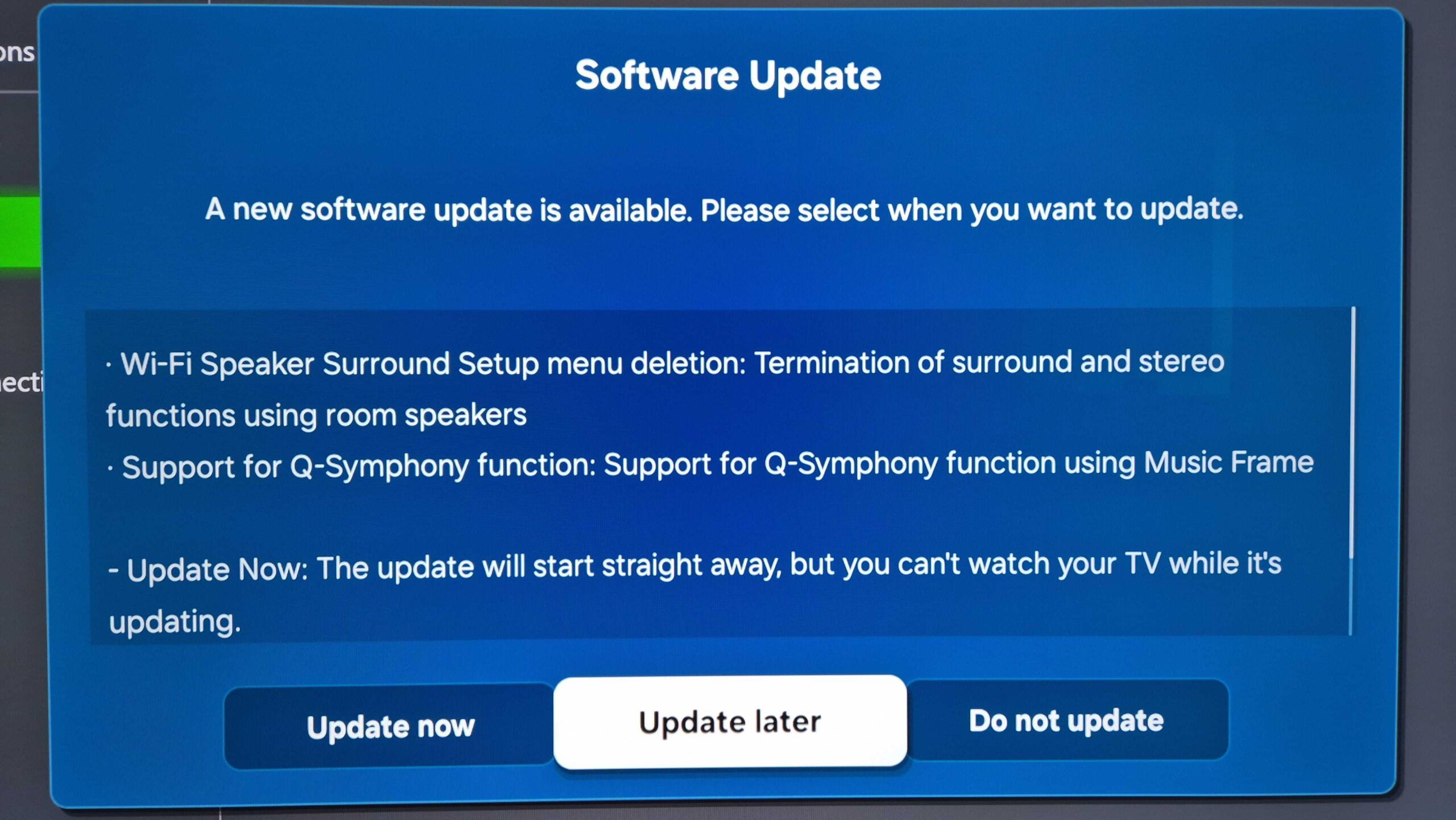
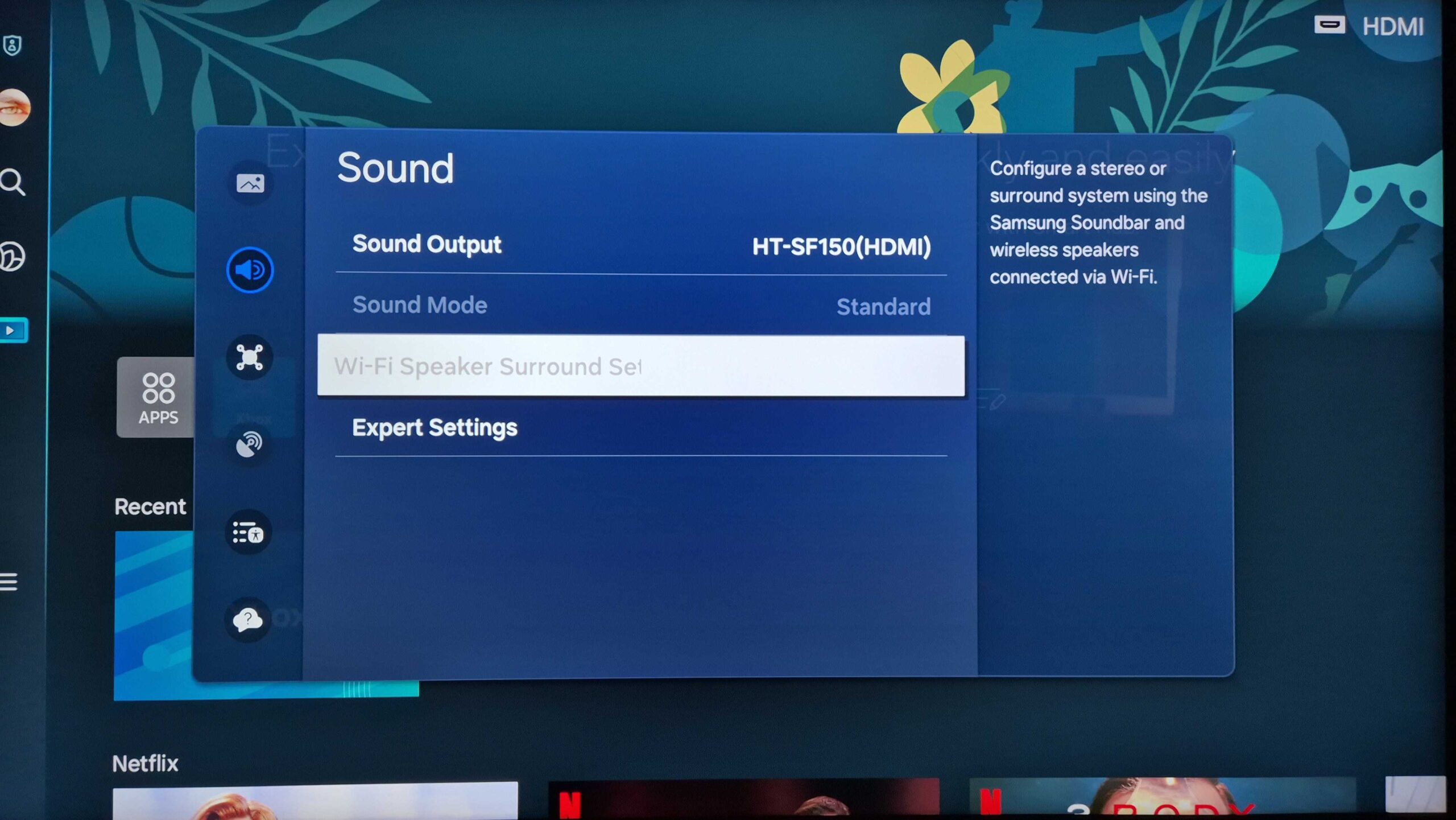
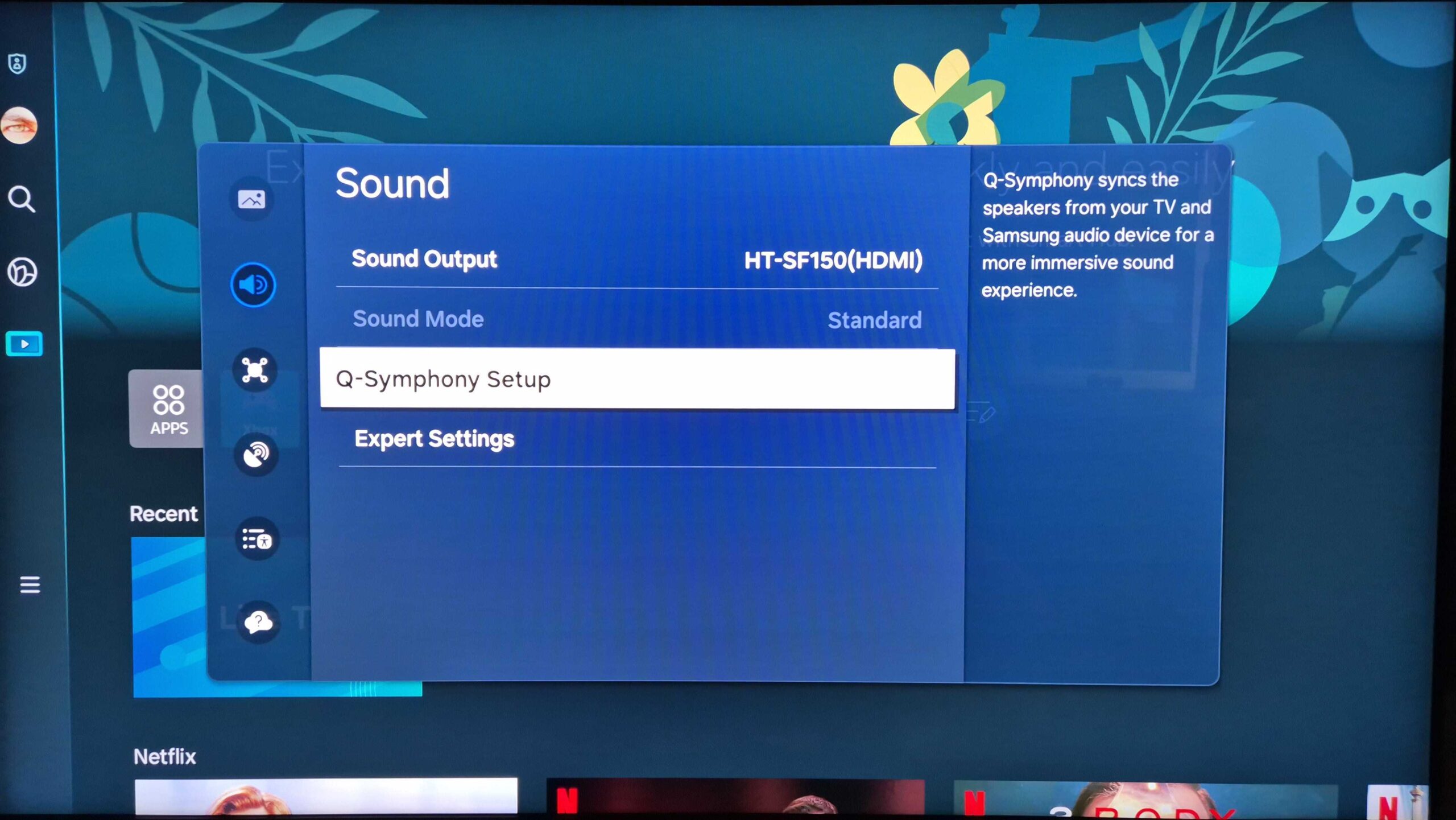
Another critical change is the termination of the Wi-Fi Speaker Surround Setup menu. This latest firmware update replaces said menu with a new one called Q-Symphony Setup, which contains all the options related to syncing TV speakers with Samsung audio devices and soundbars (including the Music Frame).
Another change unmentioned in the official changelog is that the volume pop-up for Q-Symphony setups no longer shows the Samsung soundbar's model number but now says “Q-Symphony.” Even though it is a minor change, it contributes to a cleaner UI and streamlined experience.
One of the other recent updates caused sound issues for some soundbar users, but with the removal of the Wi-Fi Speaker Surround Setup menu and other changes in version 1420, those problems might have been addressed for good. We haven't experienced any audio-visual issues with the 1420 update on our Samsung Neo QLED and OLED TVs.
If you want to check for new updates on our Samsung TV, use the remote to open the “All Settings” menu, access “Support” and “Software update,” and select “Update Now.”

Mihai is a blogger and column writer at SamMobile. His first Samsung phone was an A800 which took a lot of beating, and a part of him still misses the novelty of the clamshell design. In his free time, he enjoys watching shows, documentaries, and stand-up comedy; listening to music, taking walks, and occasionally playing old(er) video games.












