Last updated: February 9th, 2026 at 12:25 UTC+01:00
SamMobile has affiliate and sponsored partnerships, we may earn a commission.
It's truly a feature-packed app.
Reading time: 2 minutes
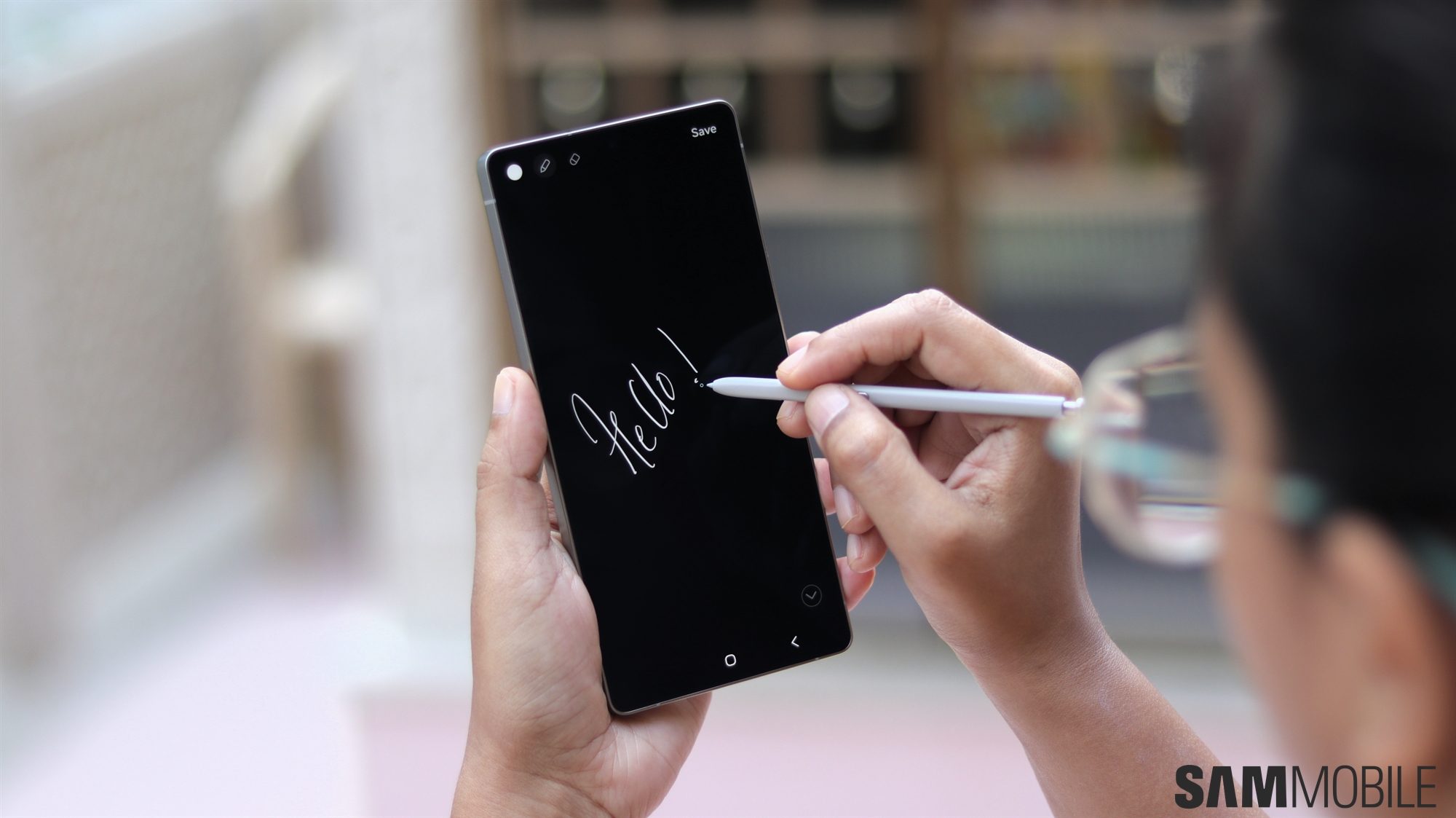
Samsung Notes is undoubtedly one of the best software offerings from Samsung. It has quite a lot of features, but these are the top 5 features that are worth checking out.
The fact that it syncs across your entire Samsung ecosystem is just the cherry on top. Our colleagues over at SamMobile TV have put together this video to highlight these leading Samsung Notes features.
Some of the features highlighted in this video are dependent on the S Pen, others are not, so you don't necessary need to have a device with the S Pen to make the most of Samsung Notes.
The Voice Memo feature in Samsung Notes is right up there with the best of them. If you begin scribbling with the S Pen as you're recording a voice note, the app will actually timecode it with the voice, making it super simple to see what you wrote down when the voice note was being recorded.
The Galaxy AI-powered Auto Format feature is also noteworthy. It effortlessly formats your brain dumps and provides them with structure, complete with headings, to present the information in a neat and clean manner.
Then there's the Note Styles feature, which provides you with various presents like planners, journals, etc, to get creative with your note taking. Evidently, you don't have to dive in too deep to figure out just how powerful the app is.
Do check out the full video below to learn more about how you can extract the most out of Samsung Notes. As always, don't forget to subscribe to the SamMobile YouTube channel for more fun videos.

Adnan Farooqui is a long-term writer at SamMobile. Based in Pakistan, his interests include technology, finance, Swiss watches and Formula 1. His tendency to write long posts betrays his inclination to being a man of few words.













