Last updated: November 16th, 2024 at 14:53 UTC+01:00
SamMobile has affiliate and sponsored partnerships, we may earn a commission.
Reading time: 2 minutes
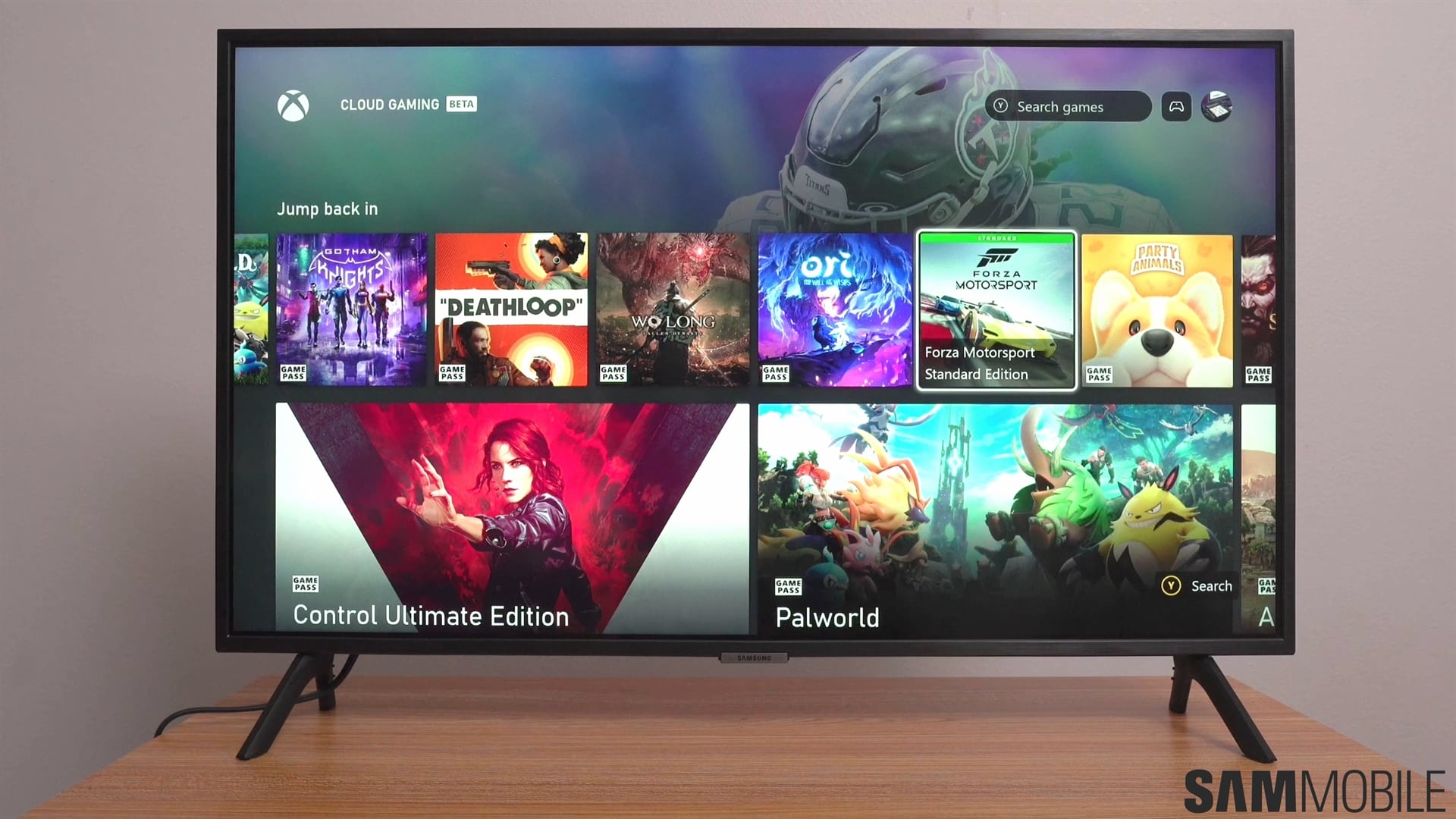
There are three main parental control options available for Samsung TVs:
These options can be found by pressing the Settings button on your TV remote, accessing “All settings,” navigating to “General & Privacy,” and selecting “Parental Settings.”
More details after the video
You must set up a four-digit PIN to secure your parental settings. Once you do, you will be asked to input the PIN whenever you want to change parental settings on your TV.
One UI added two new buttons at the bottom of the Discover home page called Parental Lock and Autoplay Sound.
If your Samsung smart TV runs the latest Tizen 8-based One UI update, you can quickly turn Parental Lock ON or OFF by scrolling all the way down the “Discover” home screen and pressing the “Parental Lock” button under “Media Options.”
Turning the Parental Lock OFF via this new Discover home screen shortcut will require you to input your PIN.

Mihai is a blogger and column writer at SamMobile. His first Samsung phone was an A800 which took a lot of beating, and a part of him still misses the novelty of the clamshell design. In his free time, he enjoys watching shows, documentaries, and stand-up comedy; listening to music, taking walks, and occasionally playing old(er) video games.














