Last updated: June 29th, 2020 at 16:07 UTC+02:00
SamMobile has affiliate and sponsored partnerships, we may earn a commission.
Reading time: 2 minutes
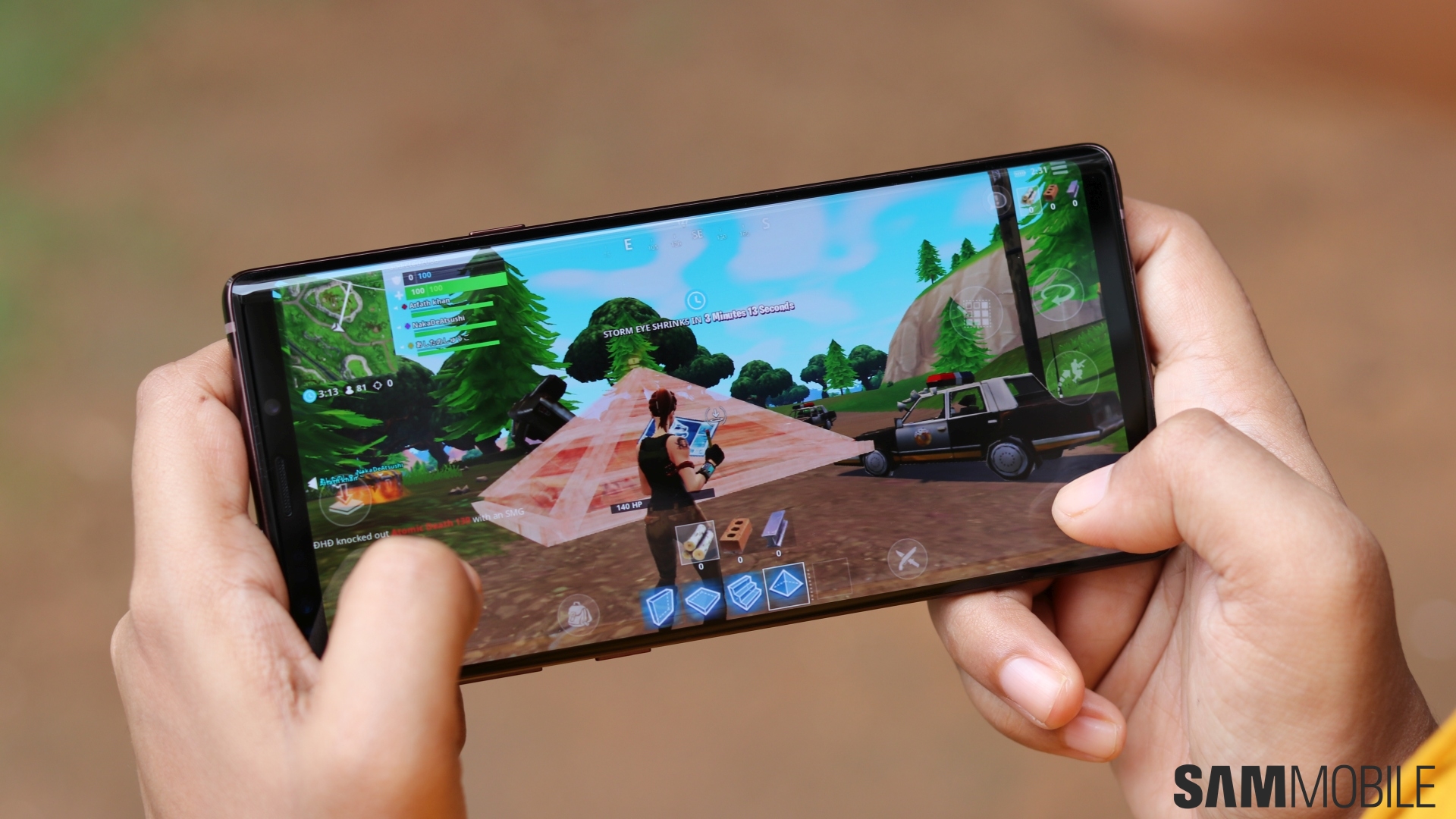
Galaxy Note 9 owners on T-Mobile's network can attempt triggering a manual update by launching their Settings app, selecting, Software update, and tapping the Update and install option on the following screen. As always, full system images will be available for download from SamMobile's firmware archive shortly following their official debuts.
Save for Bixby Routines, this firmware version is largely on par with newer Samsung flagships in terms of software features. More camera modes, better sharing integrations, improved Bluetooth performance, AR Emoji that aren't absolutely horrible, and automatic grouping of photos and videos inside the Gallery app are just some of the new functionalities bundled with the One UI 2.1 update.
Overall, the Galaxy Note 9 should be feeling fresher than ever following its jump to the latest One UI version. That's nothing to scoff at seeing how this smartphone series is turning two in just over a month, with Samsung's Galaxy Note 20 reveal reportedly being scheduled for early August.













