Last updated: May 27th, 2022 at 14:16 UTC+02:00
SamMobile has affiliate and sponsored partnerships, we may earn a commission.
Reading time: 2 minutes
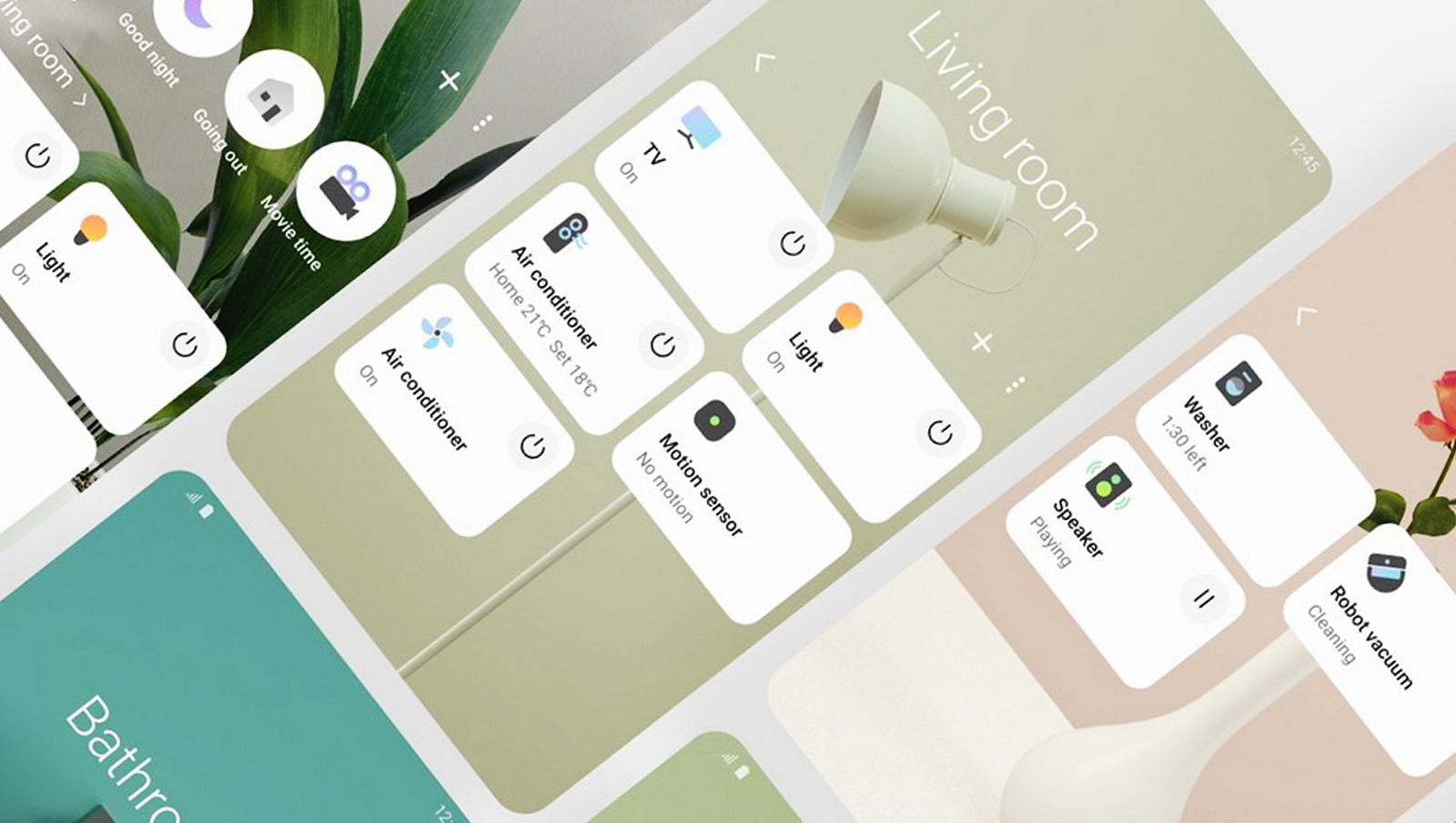
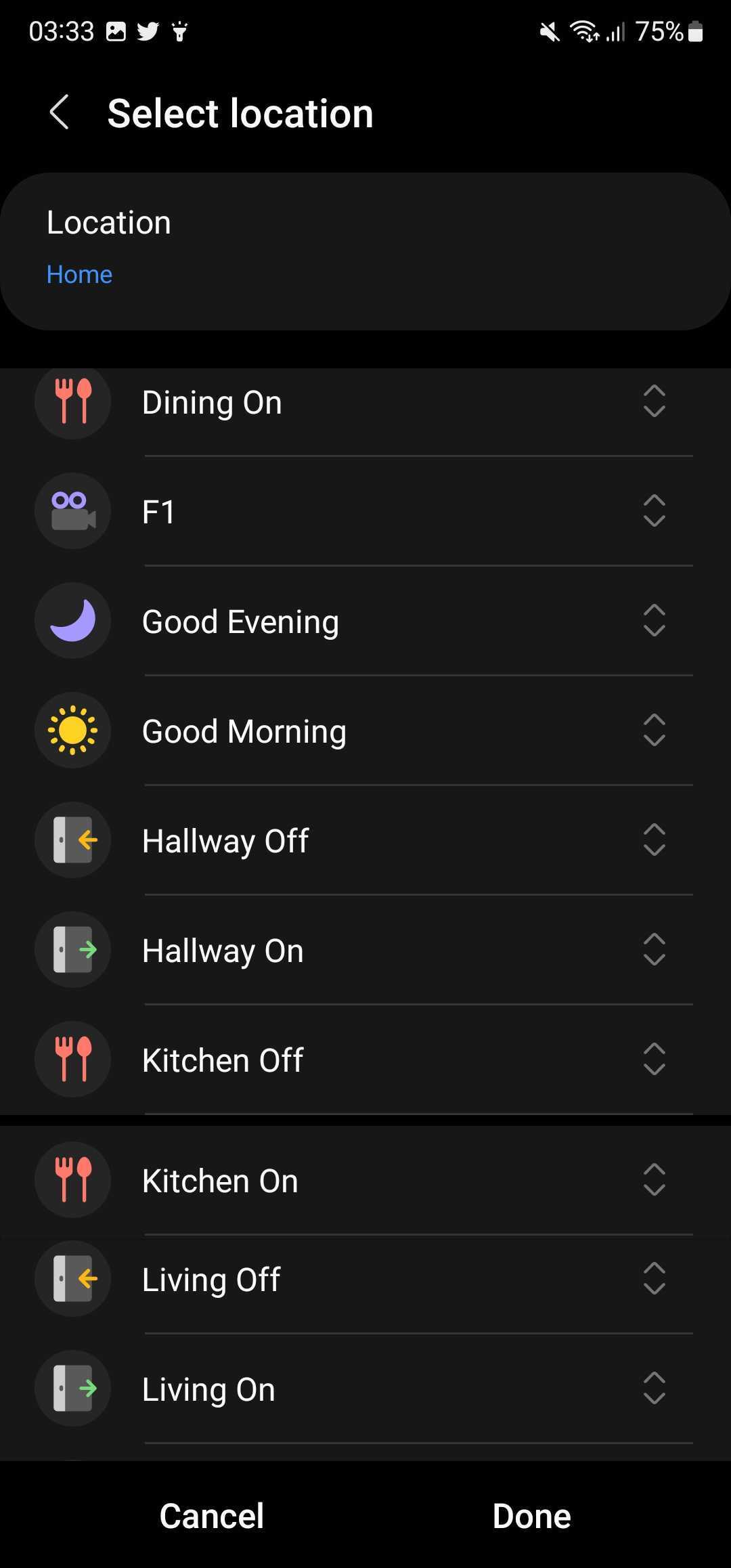
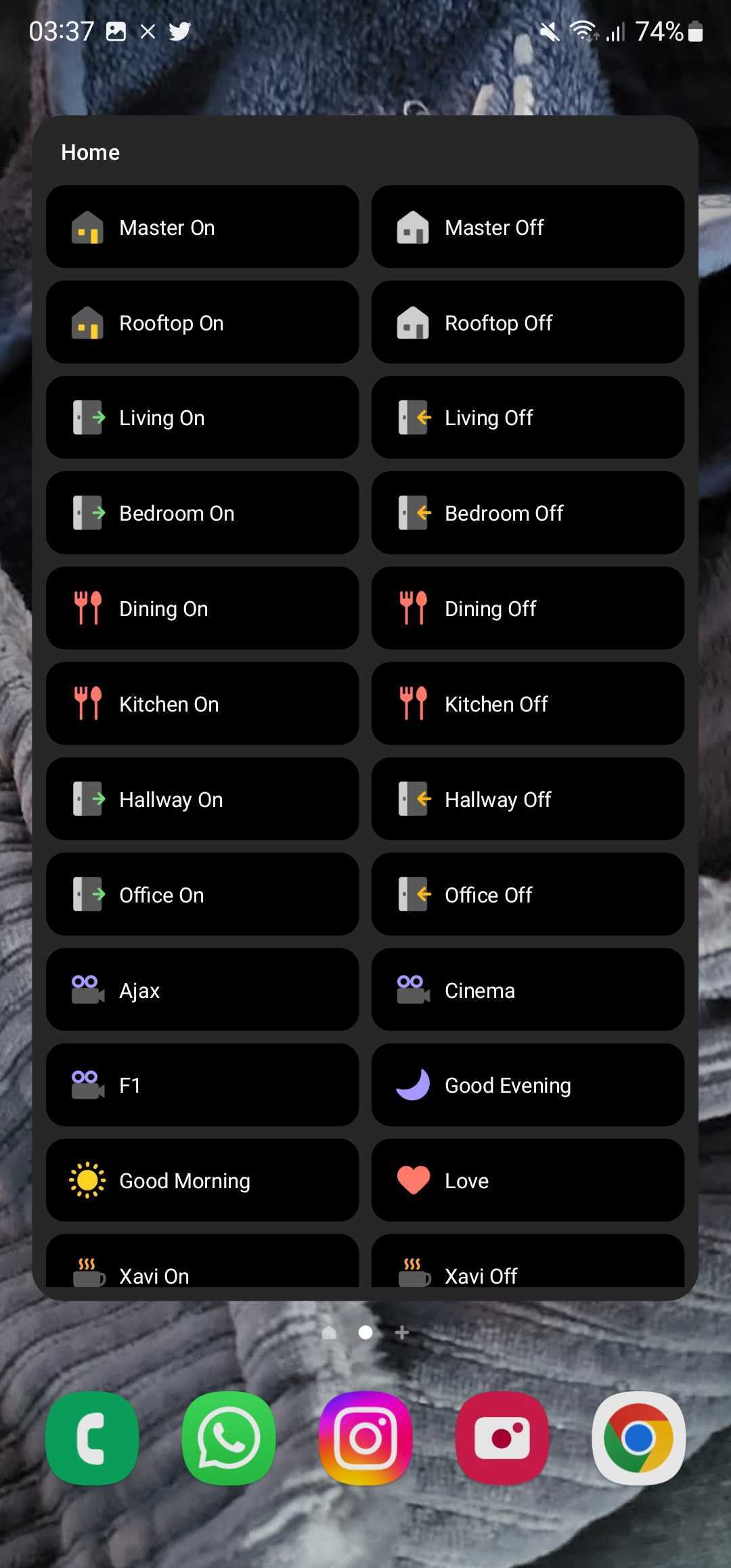
The South Korean firm has now added a way to sort and re-order the list of scenes in the SmartThings widget. You can either sort the scenes you've created alphabetically (A-Z or Z-A), manually, or sort them as per the creation date of the scene. This makes it easier to find home automation scenes, especially when you've created too many.
As usual, customizing the widget's look and feel is available, too. You can customize the widget's size and choose its transparency levels. The widget can either follow the device theme or have a Light or Dark theme, as per your preference. Make sure that you have the latest version of the SmartThings app installed to get this new feature.
Which smart home platform do you prefer? Alexa, Google Home, or SmartThings?
Join SamMobile’s Telegram group and subscribe to our YouTube channel to get instant news updates and in-depth reviews of Samsung devices. You can also subscribe to get updates from us on Google News and follow us on Twitter.

Asif is a computer engineer turned technology journalist. He has been using Samsung phones since 2004, and his current smartphone is the Galaxy S23 Ultra. He loves headphones, mechanical keyboards, and PC hardware. When not writing about technology, he likes watching crime and science fiction movies and TV shows.












