Last updated: November 21st, 2019 at 11:40 UTC+01:00
SamMobile has affiliate and sponsored partnerships, we may earn a commission.
Reading time: 2 minutes
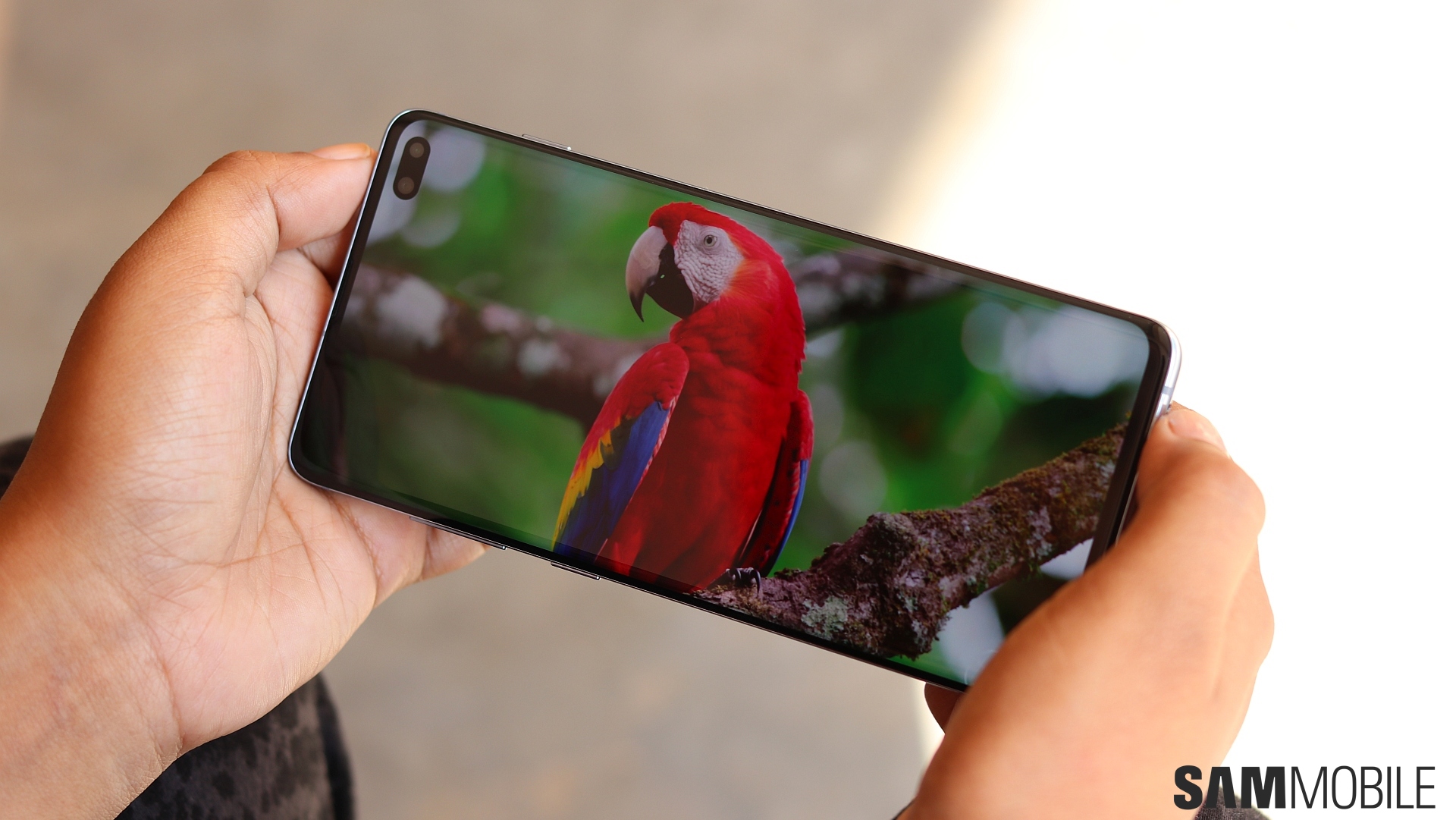
Enabling 120Hz mode on a Galaxy Note 9 running One UI 2.0 beta doesn't accomplish anything because the display panel doesn't support it. So we can't see the benefits of that just yet. However, an animation for the option does provide a glimpse of the difference a 120Hz display would make.
For those who are unaware, 120Hz refers to the refresh rate of the display. A higher refresh rate means that the screen would be able to refresh content more dynamically. The difference for you would be smoother animations compared to a 60Hz panel. Gaming would also be a treat, particularly in fast-paced titles.
https://www.youtube.com/watch?v=W6pA_VzF0_w&feature=youtu.be
The animation, initially spotted by @MaxWinebach, gives a glimpse of just how much smoother the scrolling would appear on a 120Hz panel compared to a 60Hz panel. It's evident even in the animation that's running on a Galaxy Note 9, so it would look a lot better on a compatible display panel.
Samsung does make high refresh rate display panels that it supplies to other companies. It just doesn't use them for its own devices. Hopefully, that's going to change with the Galaxy S11. If you have a Galaxy Note 9 running the One UI 2.0 beta, you can check it out for yourself. The High refresh rate option isn't listed in the Display section of the Settings app in the beta. It will only appear when you search for it manually, as you can see in the video below.
https://www.youtube.com/watch?v=0MwxjW0mJpk

Adnan Farooqui is a long-term writer at SamMobile. Based in Pakistan, his interests include technology, finance, Swiss watches and Formula 1. His tendency to write long posts betrays his inclination to being a man of few words.












