Last updated: August 1st, 2025 at 08:39 UTC+02:00
SamMobile has affiliate and sponsored partnerships, we may earn a commission.
Samsung TVs don't offer a search bar in the 'Apps' tab but there's a way to find specific apps on Tizen OS.
Reading time: 3 minutes
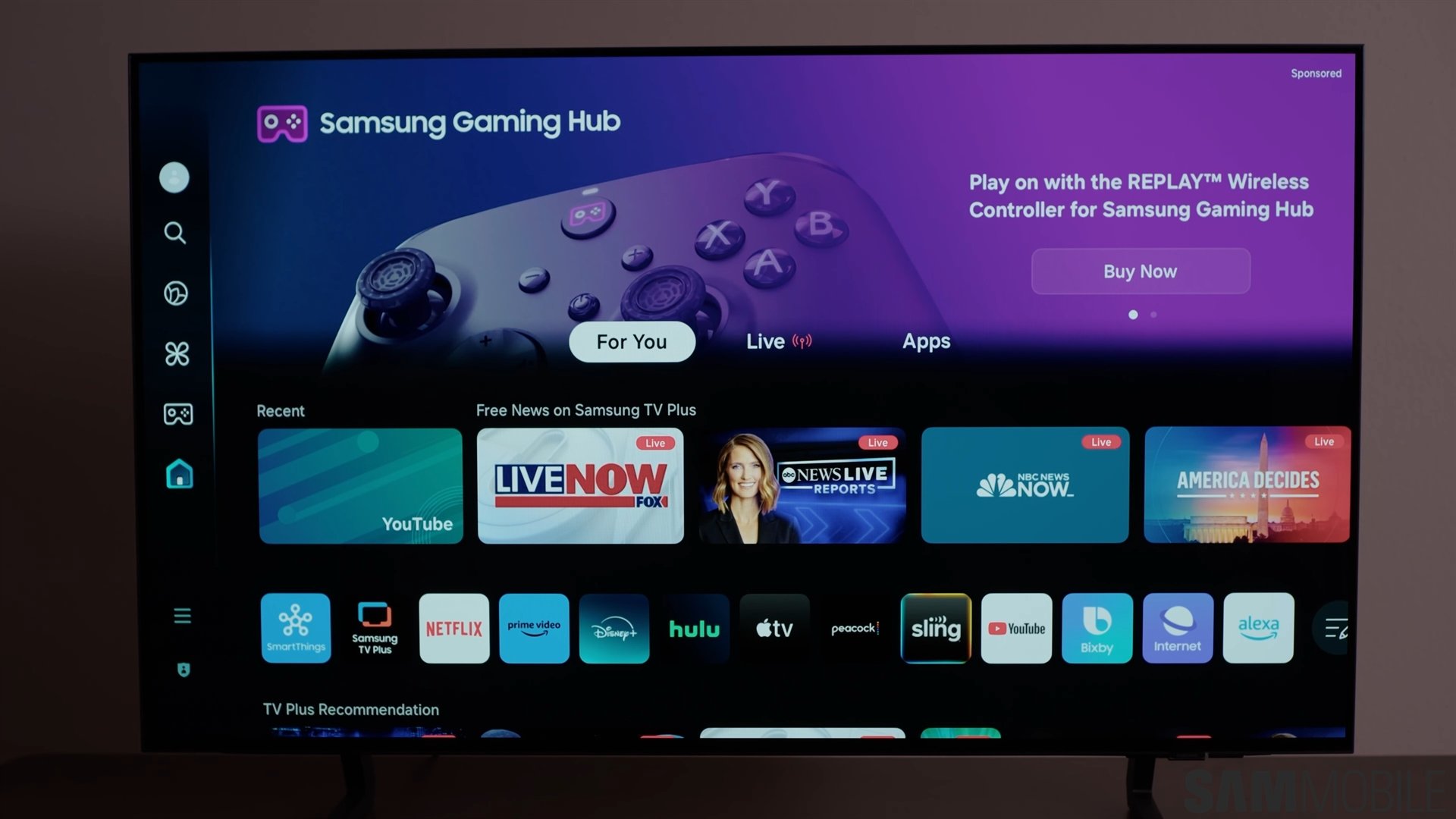
One of the best things about Samsung TVs is that a large number of apps are available for them (Tizen OS). That allows you to enjoy content from your favorite streaming services, play games, get information about current affairs, use various tools, and perform productivity tasks without depending on other devices. If you are new to Samsung TVs, you will most likely go to the Apps tab on the TV's home screen to download more apps.
While it shows all the popular apps at the top, it lacks the search feature to find the specific app you are looking for. In some cases, the apps section under the For You tab may not show you all the downloaded apps, forcing you to navigate to the Apps tab, but you end up realising that it lacks a search bar. Well, it doesn’t mean you have to scroll through all the apps to find a specific app.
There is a way to search for specific apps on Samsung TVs, and that is by using the universal search option. Here’s how to you can access and use it to search apps.


While this feature allows you to search for apps that you are looking for, the experience is not very intuitive. To find the app people want, people usually go to the apps section and look for a search bar. When they don’t find one, most people think they have to go through all the apps. Or, they usually use the internet to search for apps on Samsung TVs.
Majority of them don’t access the universal search in the sidebar because that’s not the first thought that comes to their mind, as no other platform requires you to use universal search bar to search for apps. Usually, their app stores have a dedicated search bar. Samsung should also add a search bar to the Apps section for an improved experience.

I’m a computer science engineer living in Hyderabad, India, who has a keen interest in automobiles and consumer electronics. My journalism career kicked off in 2017 with MySmartPrice where I wrote news, features, buying guides, and explanatory articles about technology among other things, and reviewed many products, including smartphones, tablets, laptops, PC components, smartwatches, audio devices, wearables, and smart home products. Since then, I have worked for 91Mobiles, Apple, and Onsitego, before finally landing on SamMobile.












