Cyber week deals! Galaxy Watch8 Classic, Fold 7, S25 Ultra. Follow us on YouTube, TikTok, or LinkedIn
Last updated: October 11th, 2024 at 12:50 UTC+02:00
SamMobile has affiliate and sponsored partnerships, we may earn a commission.
Reading time: 2 minutes
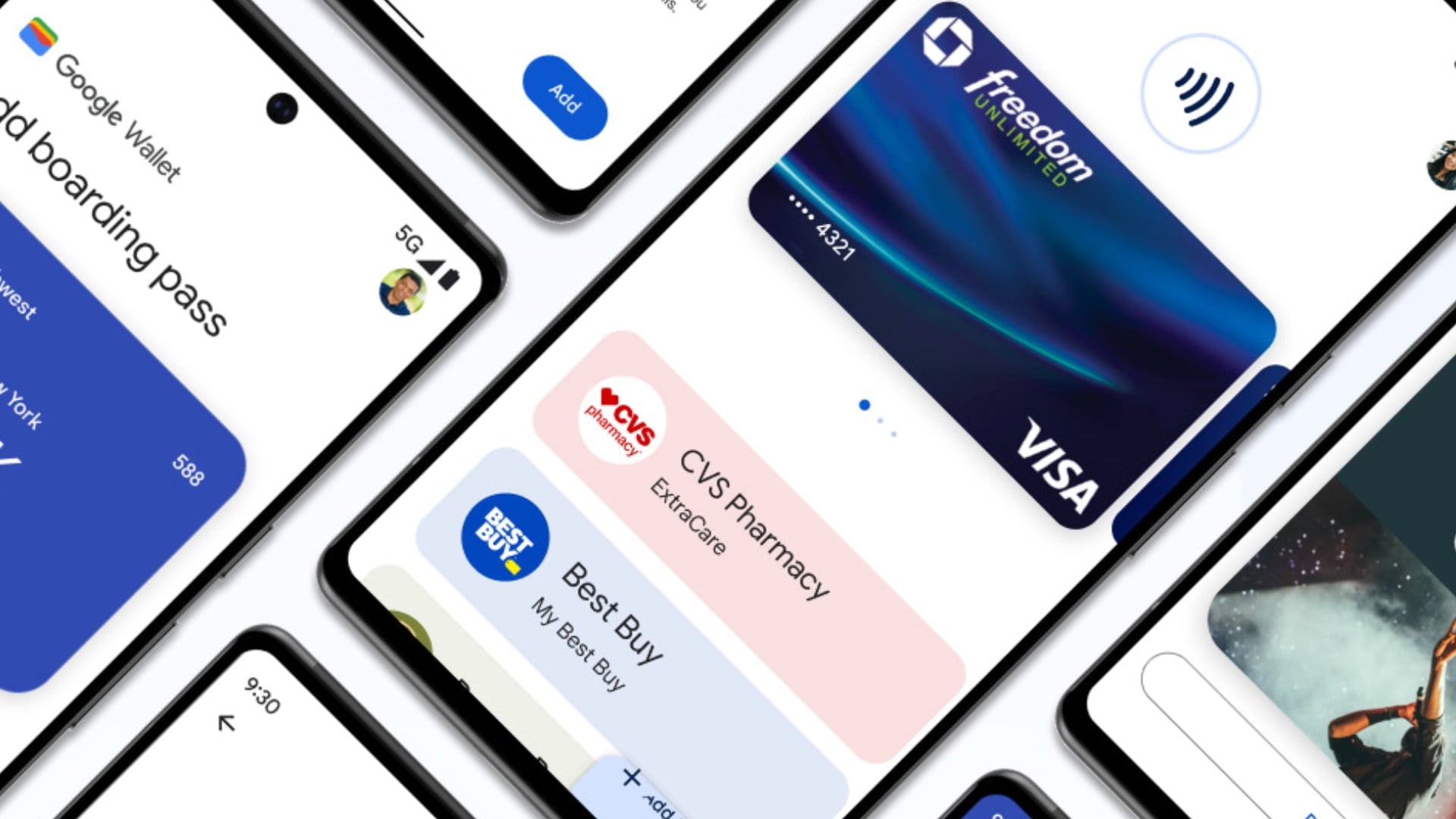
A few months ago, Google announced a Quick Settings Tile for Google Wallet on Android smartphones. While most other Android phones received the feature quickly after the announcement, it was missing from Samsung devices. However, it is now here and makes accessing Google Wallet easier.
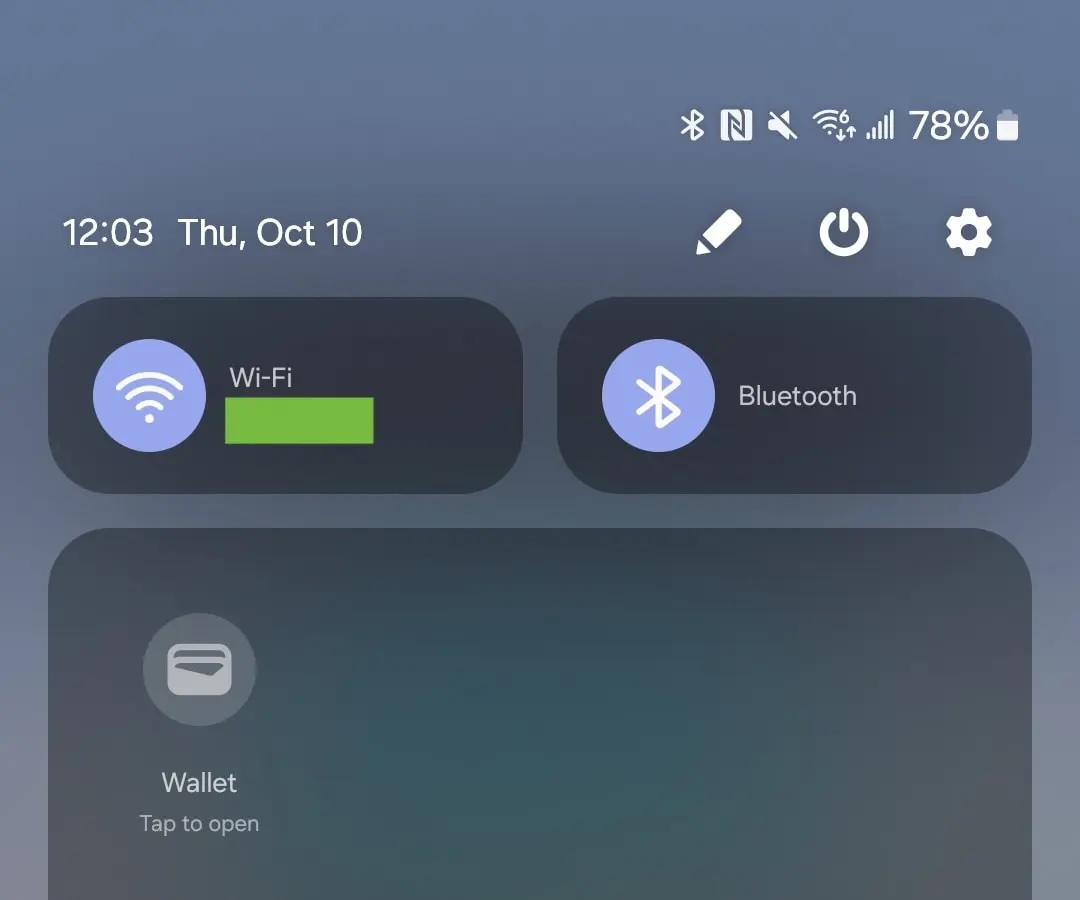
As you can see in the screenshot below, you can now add the Google Wallet Quick Settings Tile to the Quick Panel section on Samsung phones. Tapping the Tile opens Google Wallet, giving you a system-wide shortcut to access your tickets and boarding passes from any screen on your device.
This new feature has started appearing with the latest stable version (24.39) of Google Play services. You also need to have version 24.38 of the Google Wallet app installed on your phone.
You can bring your phone near a reader to make contactless payments, but if you want to use anything other than your main card, you have to open the Google Wallet app.
Google Wallet is an additional digital wallet app on Samsung smartphones, as those devices already come with the Samsung Wallet app, which offers similar functionality. You can make mobile payments via NFC, store boarding passes and loyalty cards, and even store your login credentials in Samsung Wallet.
Asif is a computer engineer turned technology journalist. He has been using Samsung phones since 2004, and his current smartphone is the Galaxy S21 Ultra. He loves headphones, mechanical keyboards, and PC hardware. When not writing about technology, he likes watching crime and science fiction movies and TV shows.