Cyber week deals! Galaxy Watch8 Classic, Fold 7, S25 Ultra. Follow us on YouTube, TikTok, or LinkedIn
Last updated: July 27th, 2022 at 18:09 UTC+02:00
SamMobile has affiliate and sponsored partnerships, we may earn a commission.
Reading time: 2 minutes
This is the second update released for Samsung Galaxy Themes Service over the past two months. The changelog is once again missing, so it wouldn't be wise to hype yourself up for game-changing additions.
Judging by the missing information, this might be a routine update, although it is worth noting that the app's version changed from 11.1.0.1. to 12.0.0.0. These changes usually happen when new features are added.
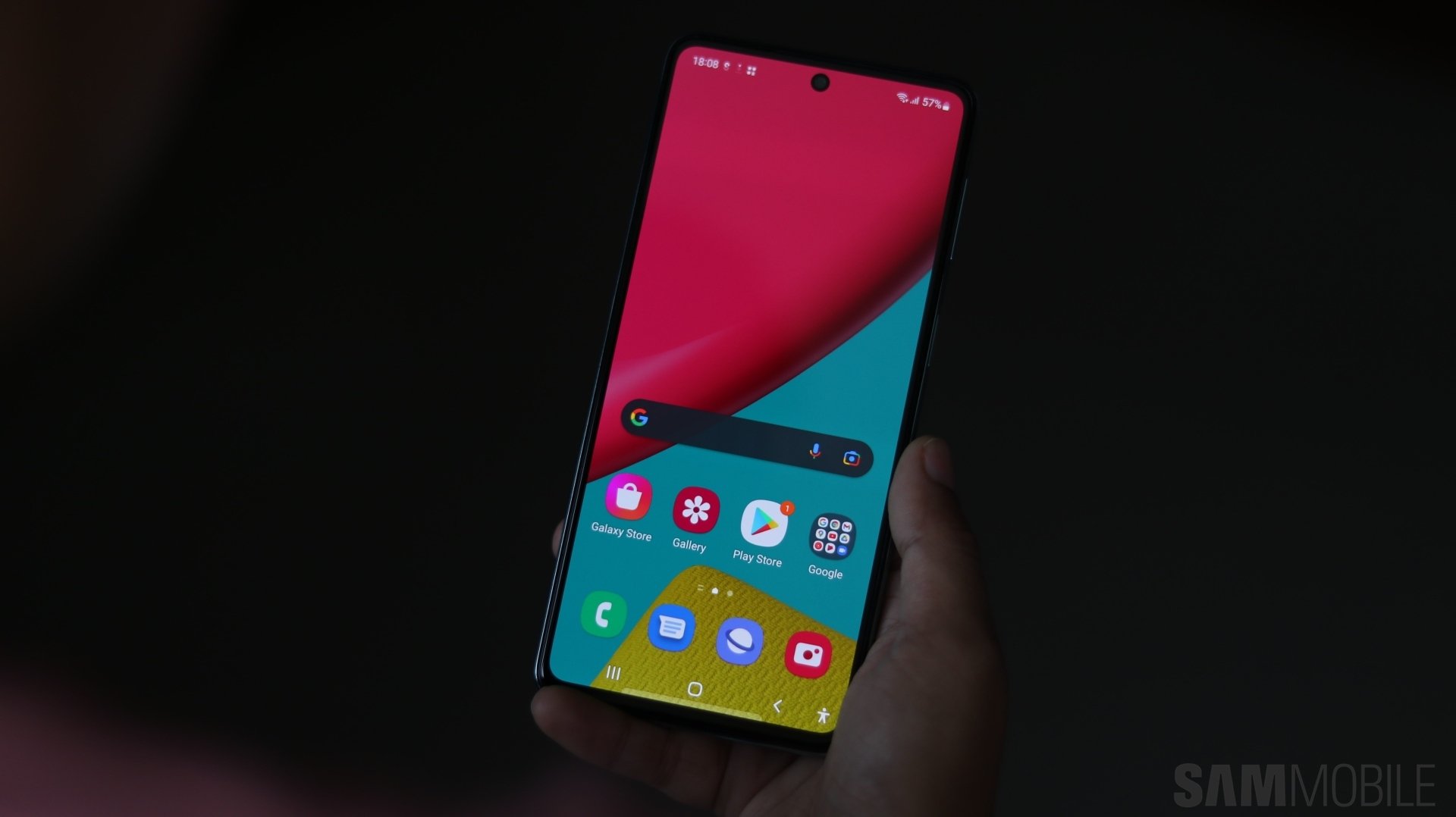
Galaxy Themes is the key to changing how One UI looks on your Samsung smartphone and tablet. It enables custom wallpapers, icon sets, fonts, color schemes, and more.
To update the app, open Settings on your device, navigate to “Themes,” and tap the cog-shaped “Settings” icon at the top. Next, scroll all the way down and access “About Galaxy Themes” and check for new updates. You can also download the latest updates via the Galaxy Store on your device.
Join SamMobile’s Telegram group and subscribe to our YouTube channel to get instant news updates and in-depth reviews of Samsung devices. You can also subscribe to get updates from us on Google News and follow us on Twitter.
Mihai is a blogger and column writer at SamMobile. His first Samsung phone was an A800 which took a lot of beating, and a part of him still misses the novelty of the clamshell design. In his free time, he enjoys watching shows, documentaries, and stand-up comedy; listening to music, taking walks, and occasionally playing old(er) video games.