HAPPY 2026! – SamMobile. Awesome deals Galaxy Z Fold7, Watch8, S25 Ultra and S95F OLED TV
Last updated: March 9th, 2023 at 12:36 UTC+01:00
SamMobile has affiliate and sponsored partnerships, we may earn a commission.
Reading time: 2 minutes
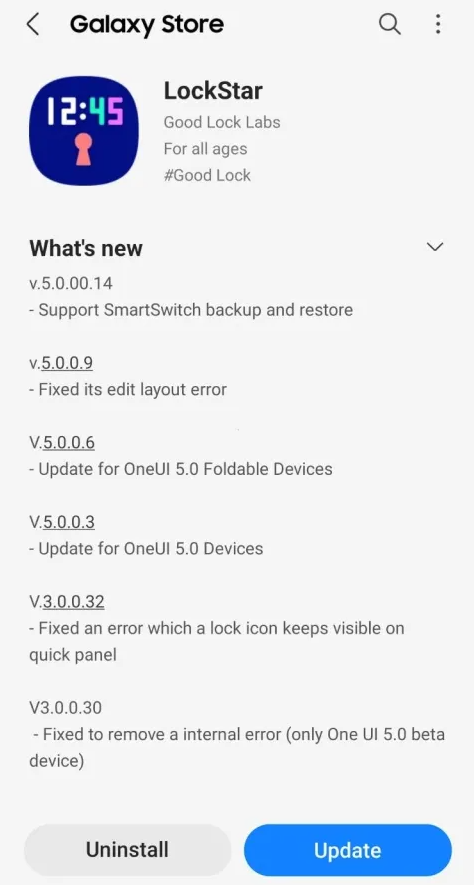
LockStar version 5.0.00.14 adds SmartSwitch integration, which means that Galaxy device users will be able to transfer their custom lock screen settings from LockStar to a new device via SmartSwitch. There are no other additions to LockStar with the 5.0.00.14 update, but SmartSwitch integration is a much-needed quality-of-life feature.
LockStar is a Good Lock module available for download from the Galaxy Store. But because it requires the experimental Good Lock platform, its availability is limited to a handful of select markets. Thankfully, Samsung is working on bringing Good Lock to more customers, and in December, the company announced that the platform is available in more than a dozen additional markets.
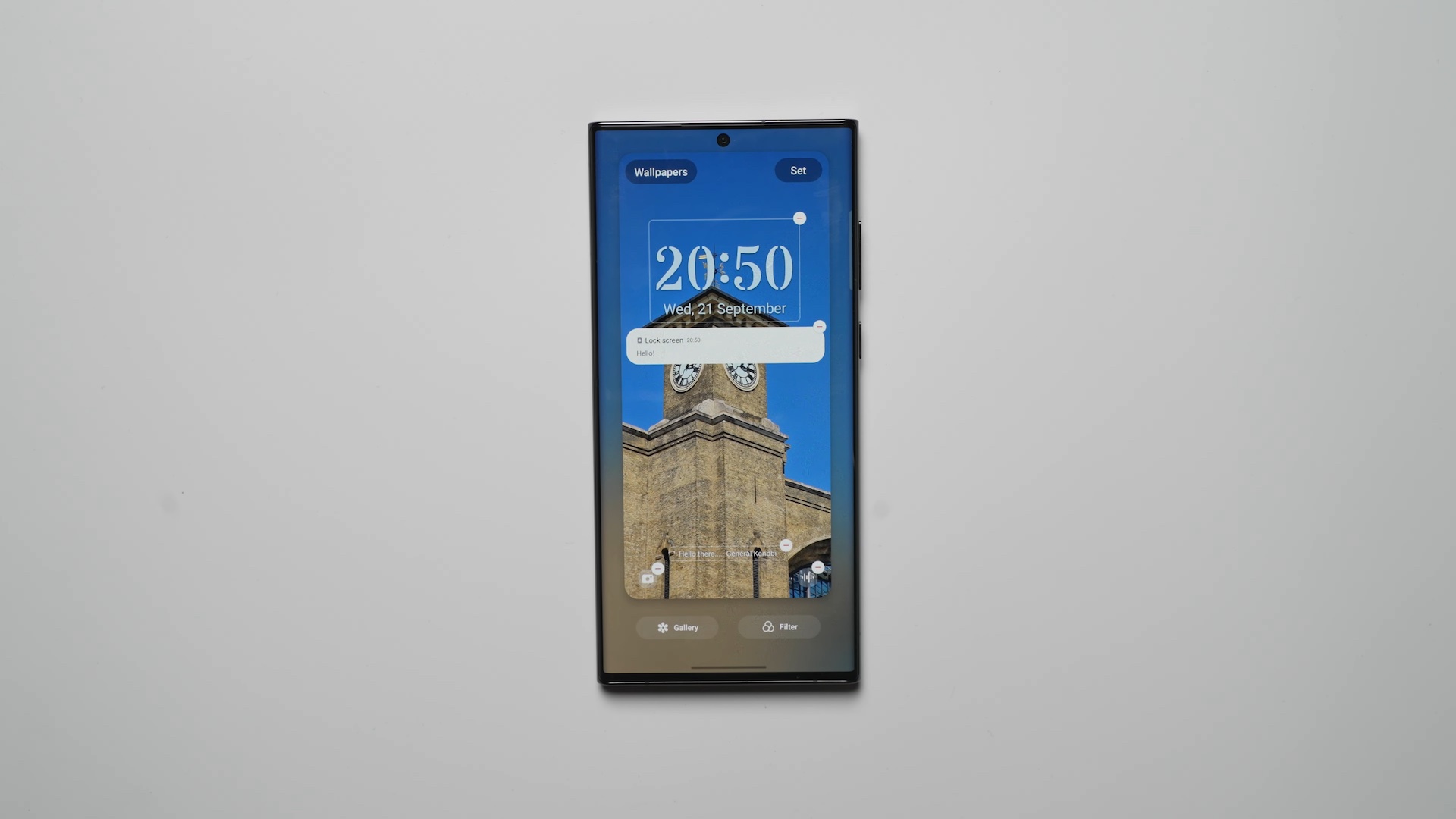
And if you're wondering if LockStar lock screen customization options beat the standard One UI implementation, you can check out our video below comparing the two systems side-by-side. Keep in mind that the video features One UI 5.0 beta 3 firmware, and lock screen customization options in One UI keep improving. But the video should give you a general idea of how LockStar and the standard One UI lock screen options differ and which solution might be better for you.
Mihai is a blogger and column writer at SamMobile. His first Samsung phone was an A800 which took a lot of beating, and a part of him still misses the novelty of the clamshell design. In his free time, he enjoys watching shows, documentaries, and stand-up comedy; listening to music, taking walks, and occasionally playing old(er) video games.