Last updated: July 25th, 2019 at 09:43 UTC+02:00
SamMobile has affiliate and sponsored partnerships, we may earn a commission.
Reading time: 2 minutes
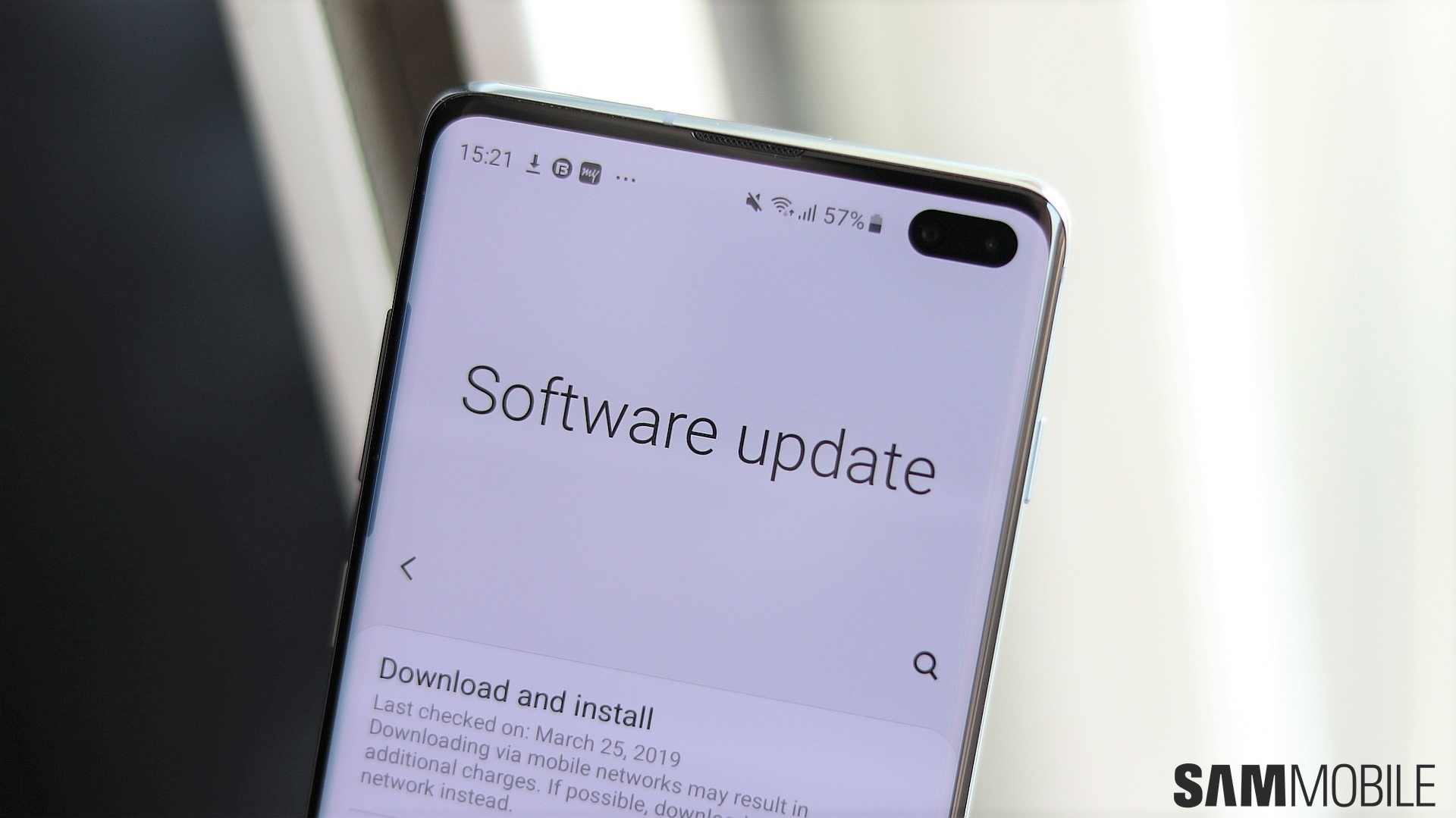
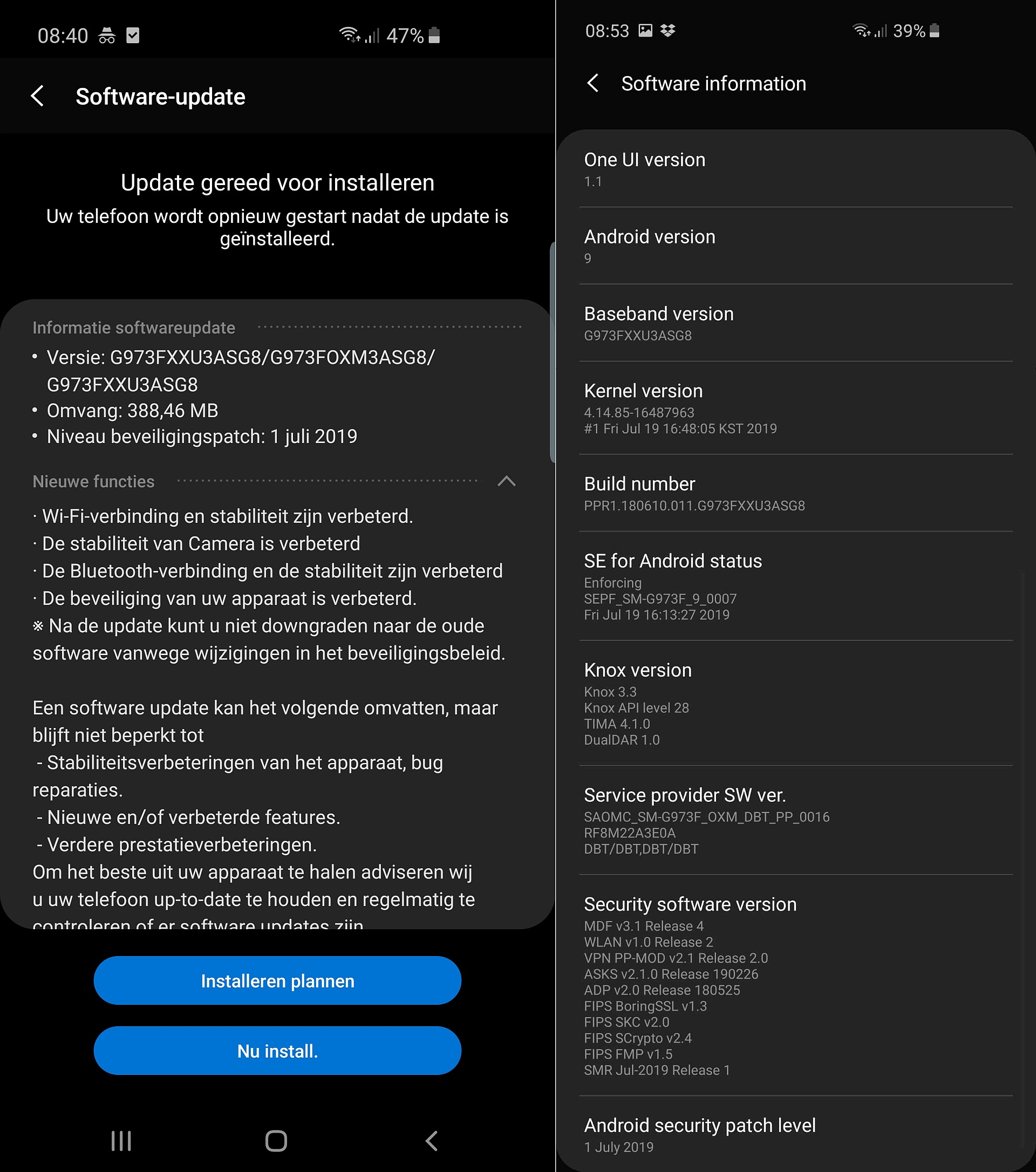
The update comes with software version G97*FXXU3ASG8 and is a 388 MB download over the air. The changelog accompanying it is exactly the same as previous updates, so we will need to dig around to see if there are any new features. Fair warning, though: It seems that once the new update is installed, you cannot go back to older software, so you might want to wait and see if the update is completely bug-free before installing it on your device, especially if your device was affected by issues that plagued previous updates.
You can download the July update over the air by opening the Settings app on your S10e, S10, or S10+, selecting Software update, then hitting the Download and install option. You might want to try this a couple of times if the update doesn't immediately show up; you can also upgrade your device using the firmware for the latest update by grabbing it from our firmware database.
Have you received the update on your Galaxy S10? Notice any new features or improvements? Let us know in the comments below.
[modelinfo model=”SM-G970F”]
[modelinfo model=”SM-G973F”]
[modelinfo model=”SM-G975F”]

Abhijeet's writing career started with guides for custom firmware for Samsung devices (including the original Galaxy S), and he moved to SamMobile in mid-2013 and worked up the ranks to Editor-in-chief. In addition to phones and mobile devices, his interests include gaming on both PC and console, PC hardware, and spending countless hours on YouTube watching videos on tech, movies, games, politics, and internet dramas.














