Last updated: November 29th, 2019 at 12:44 UTC+01:00
SamMobile has affiliate and sponsored partnerships, we may earn a commission.
Reading time: 2 minutes

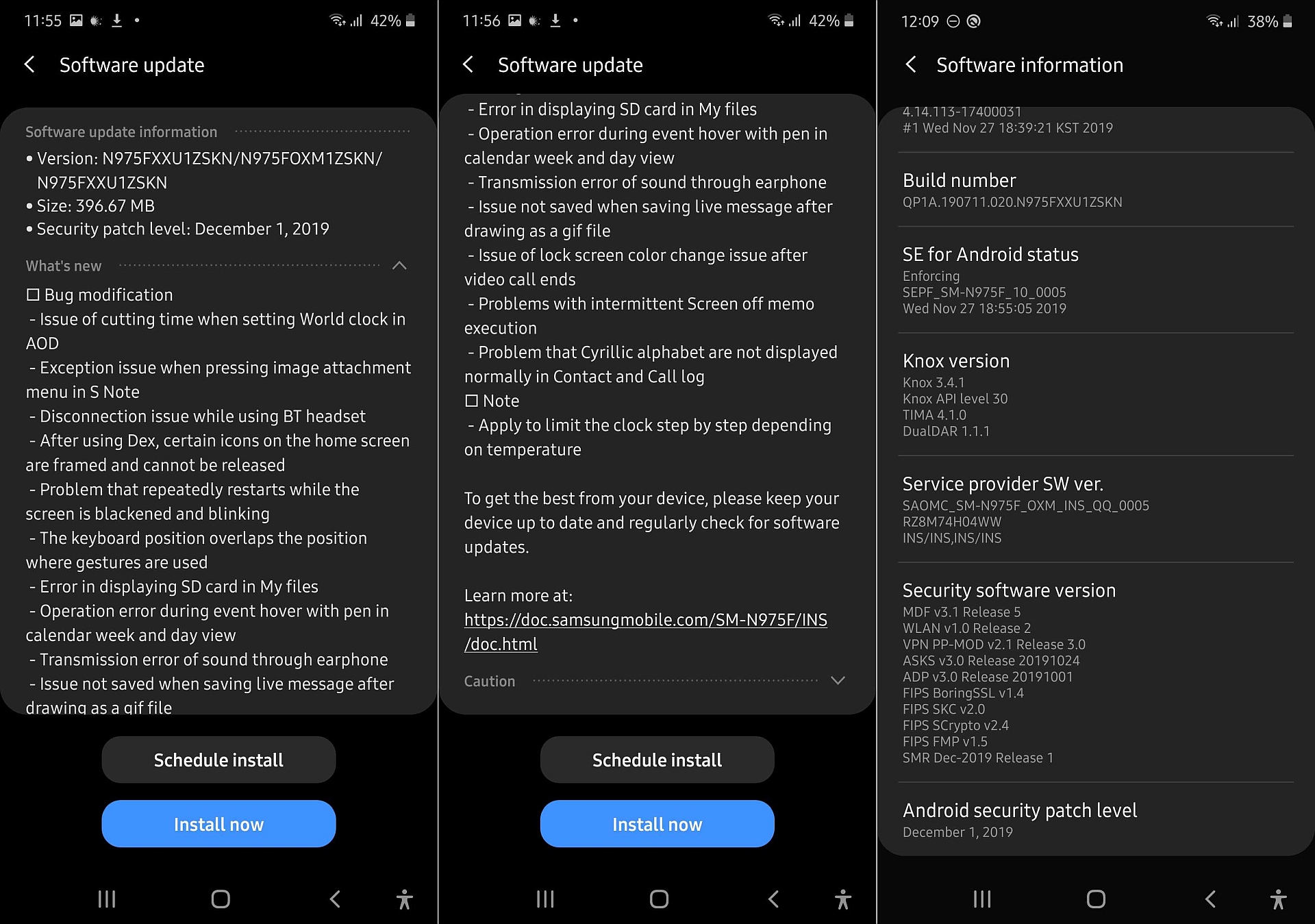
The list of bug fixes in the latest beta for the Note 10 and Note 10+ suggests there's some time to go before Samsung has a stable update ready. Issues like continuous phone restarts with a “blackened and blinking” screen, disconnections when using Bluetooth headsets, failure to display SD card files in the My Files app, and more are fixed in the third beta. There's also a note in the changelog about limiting “the clock step by step depending on temperature”, which sounds like it's supposed to control the phone from overheating.
To download the latest beta update on your Galaxy Note 10 or Note 10+, open the Settings app, tap Software update, then select Download and install. Do tell us if you are receiving the update in a different country by leaving a comment; we will also update this article once we get reports of the update rolling out in other markets.

Abhijeet's writing career started with guides for custom firmware for Samsung devices (including the original Galaxy S), and he moved to SamMobile in mid-2013 and worked up the ranks to Editor-in-chief. In addition to phones and mobile devices, his interests include gaming on both PC and console, PC hardware, and spending countless hours on YouTube watching videos on tech, movies, games, politics, and internet dramas.













