Last updated: May 21st, 2024 at 21:33 UTC+02:00
SamMobile has affiliate and sponsored partnerships, we may earn a commission.
Reading time: 2 minutes
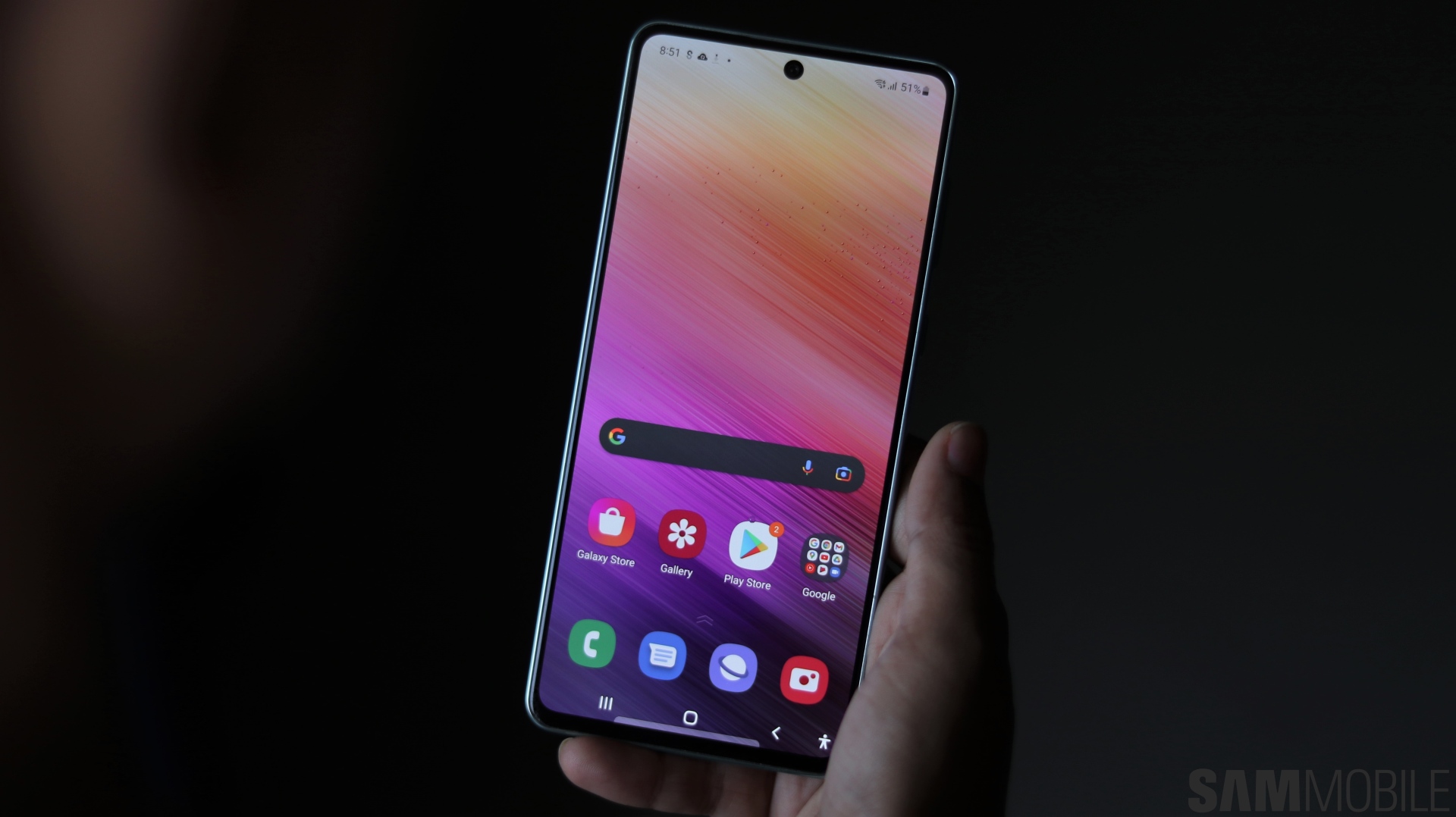
Indian Galaxy A73 users can identify the update by the build number A73GBXXU7EXDC. Unlike the update for devices like the Galaxy A53 and Galaxy A54, One UI 6.1 for the A73 is a 2.6GB download for some reason, despite Samsung providing the same changelog for all of these phones.
So, despite the higher download size, don't expect anything fancy, like Galaxy AI features or some of One UI 6.1's more interesting non-AI features. Even without those, however, there's plenty to like in One UI 6.1, including smoother animations that will make your phone feel snappier in day-to-day use.
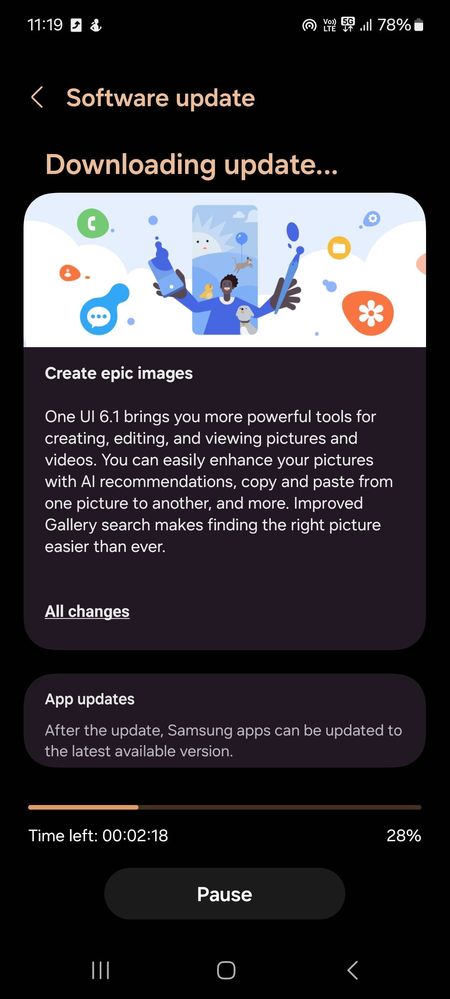
To download One UI 6.1, open the Settings app on your phone, select Software update, and tap Download and install. These updates are rolled out in phases, so don't be disheartened and mash that button multiple times if the first attempt doesn't work. You can also upgrade your phone by flashing the latest firmware–downloadable from our archives–on it using a Windows PC and a USB cable.
The A73 is the last phone in Samsung's modern Galaxy A7x lineup, with the company having skipped the Galaxy A74 and Galaxy A75, but One UI 6.1 won't be its last notable software update. The phone is eligible for four major Android OS upgrades, so it will get Android 14 and One UI 7 later this year and Android 15 and One UI 8 next year.

Abhijeet's writing career started with guides for custom firmware for Samsung devices (including the original Galaxy S), and he moved to SamMobile in mid-2013 and worked up the ranks to Editor-in-chief. In addition to phones and mobile devices, his interests include gaming on both PC and console, PC hardware, and spending countless hours on YouTube watching videos on tech, movies, games, politics, and internet dramas.













