Cyber week deals! Galaxy Watch8 Classic, Fold 7, S25 Ultra. Follow us on YouTube, TikTok, or LinkedIn
Last updated: May 16th, 2024 at 18:37 UTC+02:00
SamMobile has affiliate and sponsored partnerships, we may earn a commission.
Reading time: 2 minutes
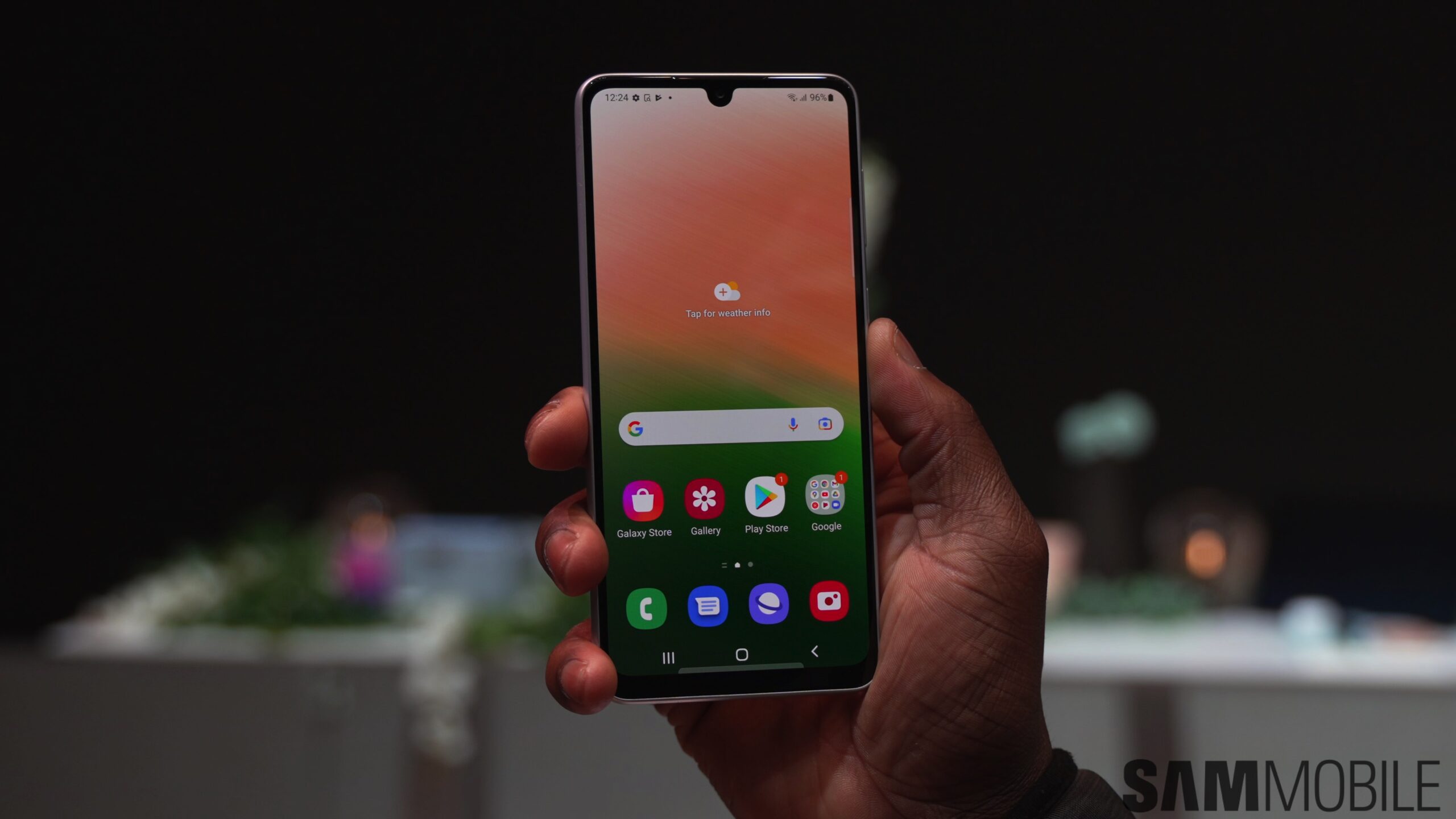
The Galaxy A33's One UI 6.1 update comes just a few hours after the Galaxy A73 One UI 6.1 update. The rollout has only just started and the update is available for users in Singapore, but we have our fingers crossed that the global expansion will happen as quickly as it did for the Galaxy A54.
One UI 6.1 for the Galaxy A33 can be identified by the build number A336EDXU8EXDD. As far as the changelog is concerned, you can expect to get most of the features and improvements that owners of devices like the Galaxy A54 and A34 are enjoying since they updated their phones, which means you get most of what One UI 6.1 has to offer except for its AI features.
Like any other update, this one can be downloaded over the air from the phone's Settings » Software update » Download and install menu. One UI 6.1 is a large update (2GB+) even without AI features, so you may want to make sure you have the appropriate bandwidth on your mobile data plan if downloading over a Wi-Fi connection isn't an option.
The SamMobile firmware library has the Galaxy A33 One UI 6.1 firmware available for download, and you can use that to upgrade your phone to the latest software using a Windows PC and a USB-C cable. No matter which route you take, try creating a backup of all your important data beforehand, as updating to One UI 6.1 hasn't been a smooth ride for everyone.
Abhijeet's writing career started with guides for custom firmware for Samsung devices (including the original Galaxy S), and he moved to SamMobile in mid-2013 and worked up the ranks to Editor-in-chief. In addition to phones and mobile devices, his interests include gaming on both PC and console, PC hardware, and spending countless hours on YouTube watching videos on tech, movies, games, politics, and internet dramas.