Last updated: October 24th, 2022 at 10:10 UTC+02:00
SamMobile has affiliate and sponsored partnerships, we may earn a commission.
Reading time: 2 minutes
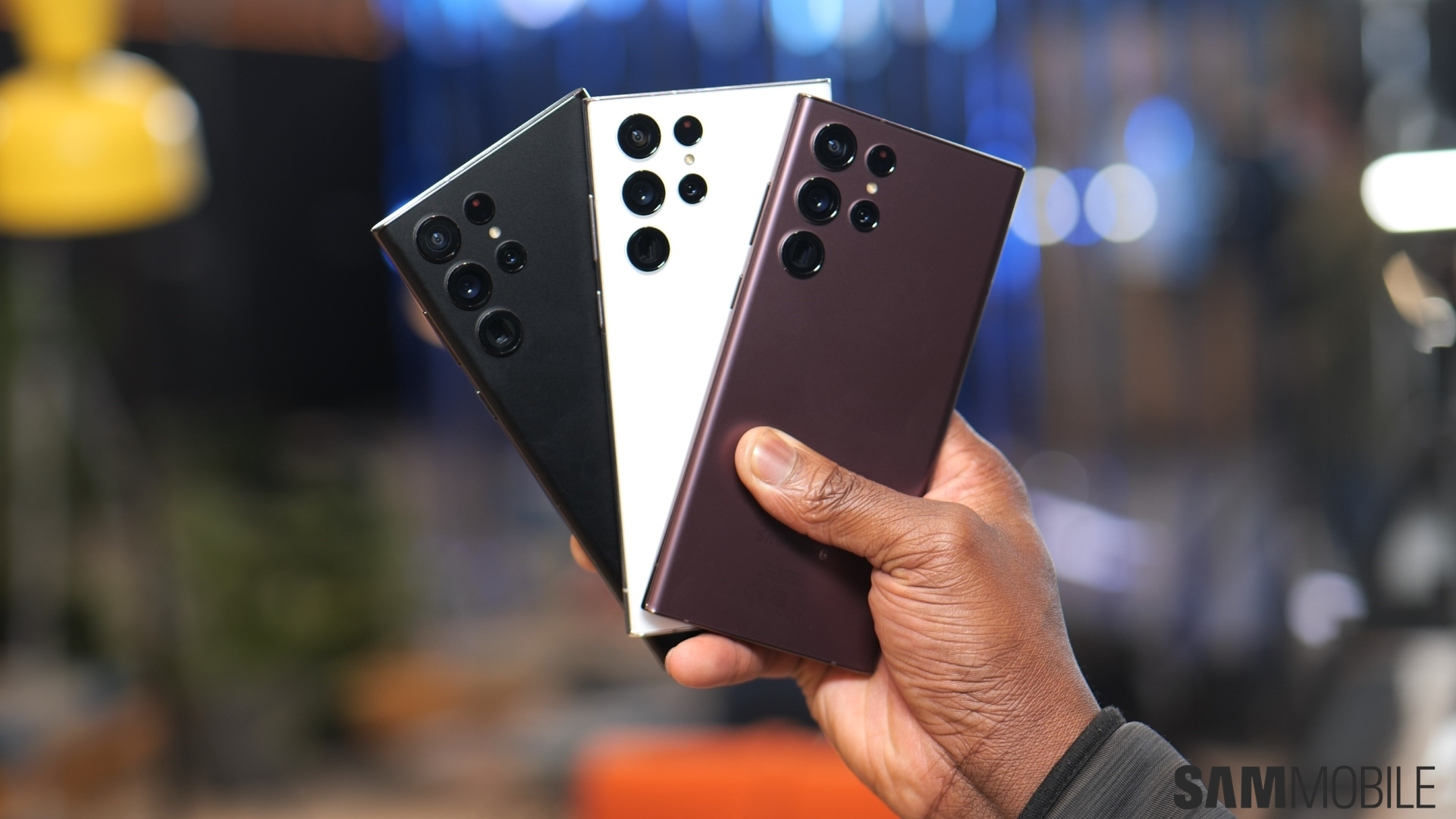
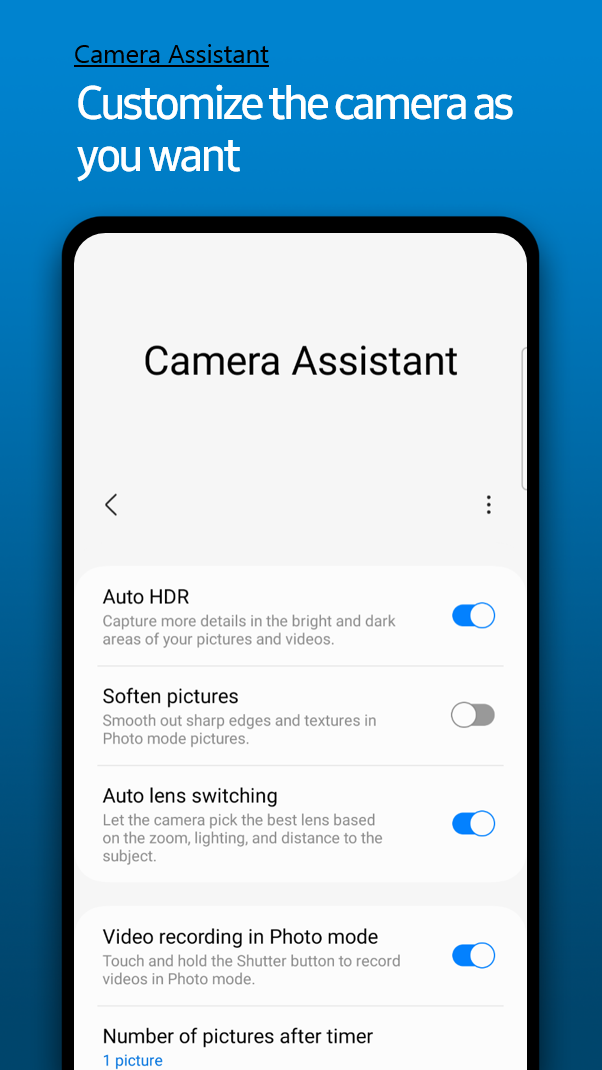
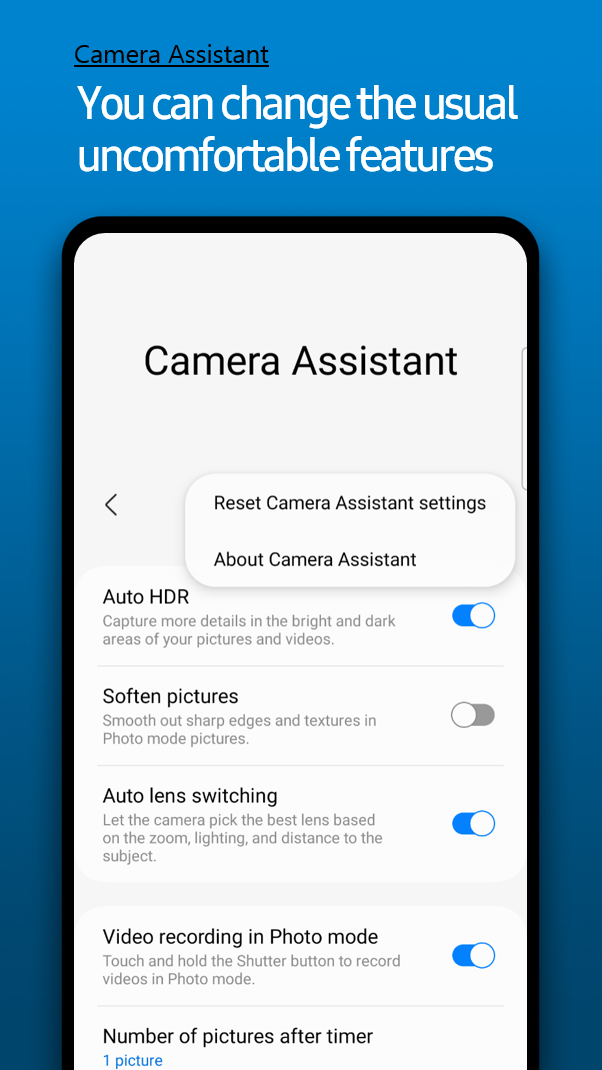
The Camera Assistant app brings more advanced camera settings to those who want to personalize their camera experience on top of what the stock camera app already offers. It features the option to enable/disable automatic HDR, soft photo texture (to soften details in the image for creativity), and automatic lens switching when shooting subjects that are away from the user.
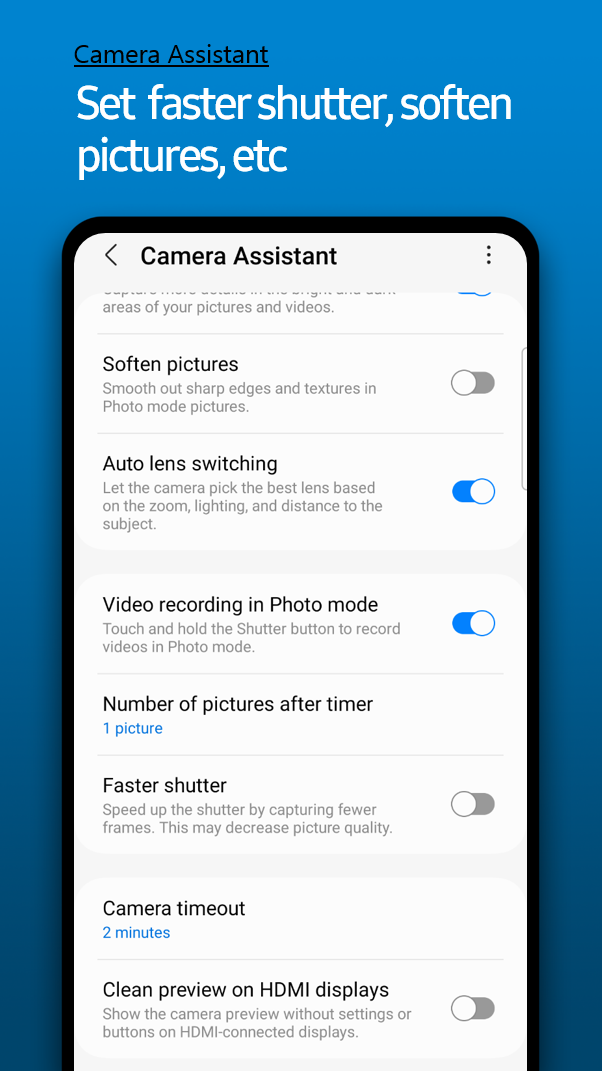
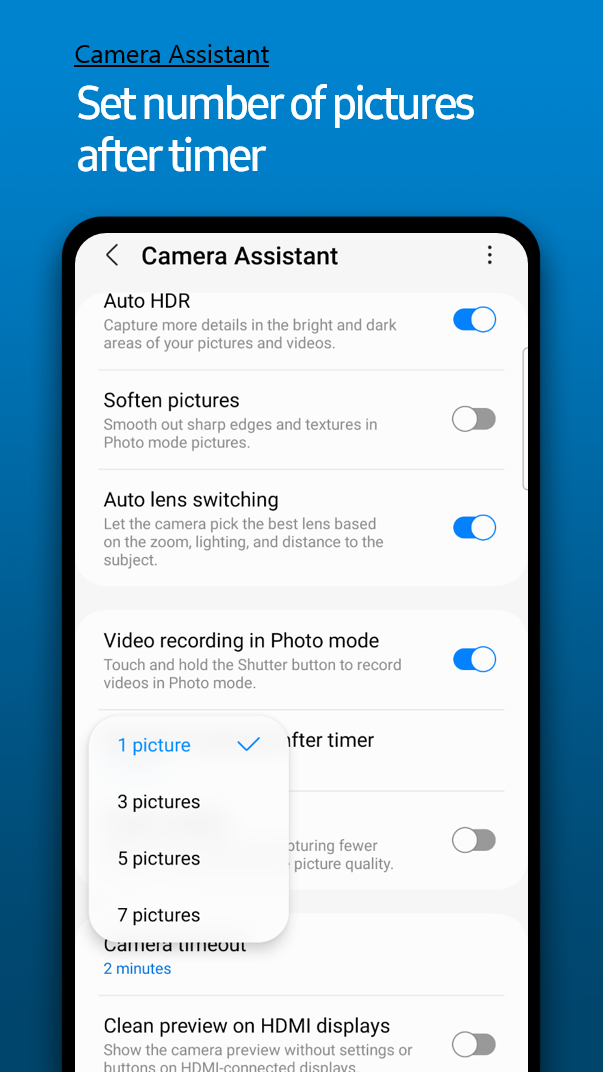
It also allows users to shoot videos even when they are using the Photo mode. Users can hold the shutter button to start shooting videos. It also allows users to set how many images should be captured when the timer is used. The new app also allows the camera to turn off automatically after two minutes when it's not being used.
Most importantly, it offers a Quick Shot option that reduces motion blur in still images. Samsung notes that the image quality may go down slightly when using this feature, but it would be of great help while shooting images of babies, pets, or any fast-moving subjects. People have been complaining about camera blur on Samsung phones, and this feature will help solve their problems.
It also offers a clean video output on external monitors when connected via an HDMI cable, hiding camera menus and buttons. All these features will be visible in the stock camera app's Settings menu under the Camera Assistant section.

Asif is a computer engineer turned technology journalist. He has been using Samsung phones since 2004, and his current smartphone is the Galaxy S23 Ultra. He loves headphones, mechanical keyboards, and PC hardware. When not writing about technology, he likes watching crime and science fiction movies and TV shows.












