Last updated: September 28th, 2021 at 07:40 UTC+02:00
SamMobile has affiliate and sponsored partnerships, we may earn a commission.
Reading time: 2 minutes
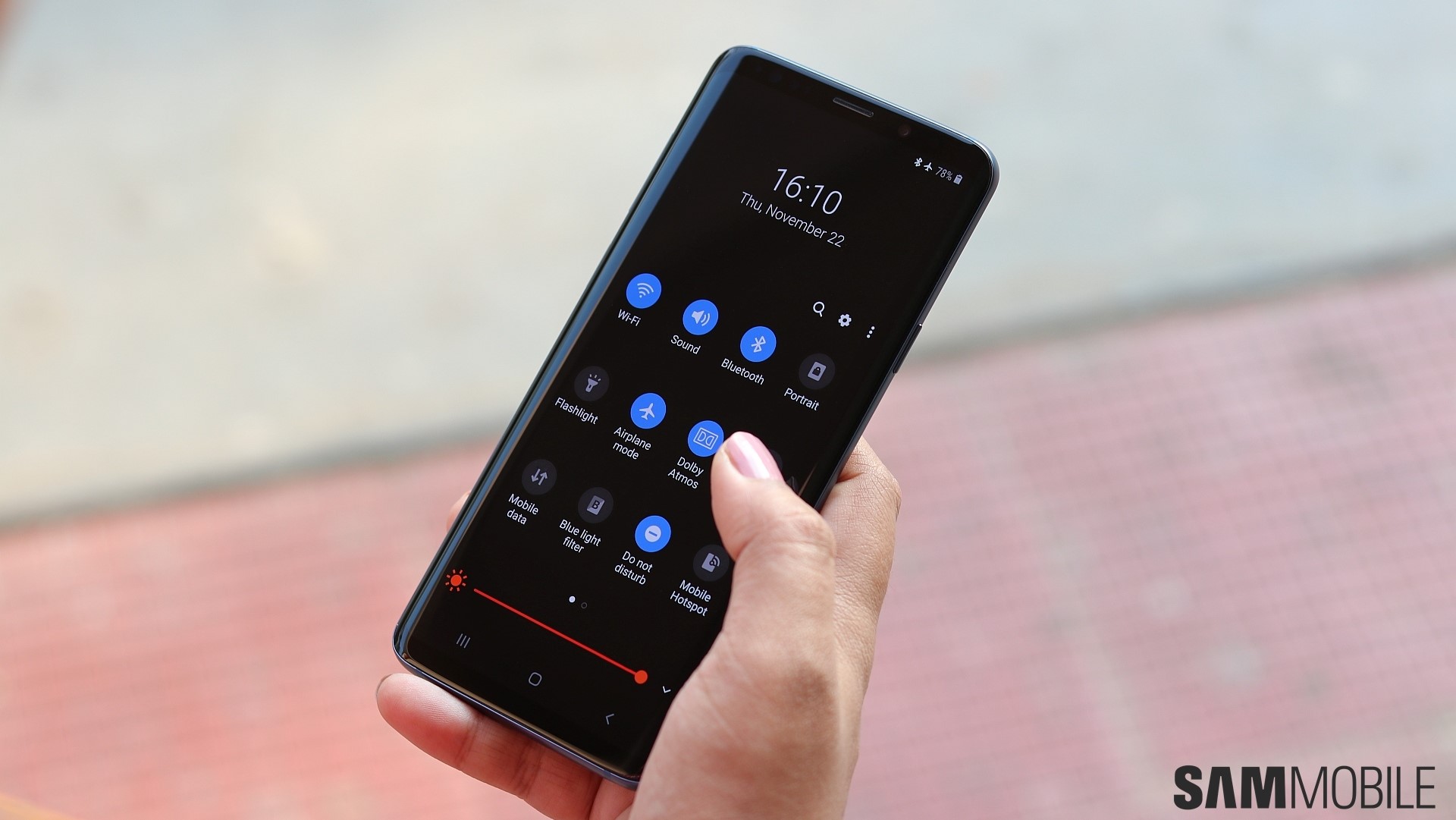
Dark mode became a regular Android feature starting with Android 10, and since then Google has introduced a dark theme for almost all of its apps. Samsung apps have a dark theme as well, but they lag behind Google's in one key area: they don't let you set a light or dark theme manually.
Samsung's apps simply follow the theme set on your phone or tablet, while most Google apps let you select a light theme, a dark theme, or the same theme as the device itself. Of course, almost every third-party app on the Play Store that has a dark UI also let you switch between themes manually, but it's strange that Samsung never caught up with what you might consider a basic feature.
Well, hopefully the company sees this and decides to start updating its apps with a dark mode toggle that works independently of the device theme. Not that it's crucial or anything, but it would be nice to have, especially given how Samsung's software has always been so big on letting you customize every little thing.
What do you think?
Join SamMobile’s Telegram group and subscribe to our YouTube channel to get instant news updates and in-depth reviews of Samsung devices. You can also subscribe to get updates from us on Google News.

Abhijeet's writing career started with guides for custom firmware for Samsung devices (including the original Galaxy S), and he moved to SamMobile in mid-2013 and worked up the ranks to Editor-in-chief. In addition to phones and mobile devices, his interests include gaming on both PC and console, PC hardware, and spending countless hours on YouTube watching videos on tech, movies, games, politics, and internet dramas.












