Last updated: May 28th, 2024 at 14:56 UTC+02:00
SamMobile has affiliate and sponsored partnerships, we may earn a commission.
Reading time: 2 minutes
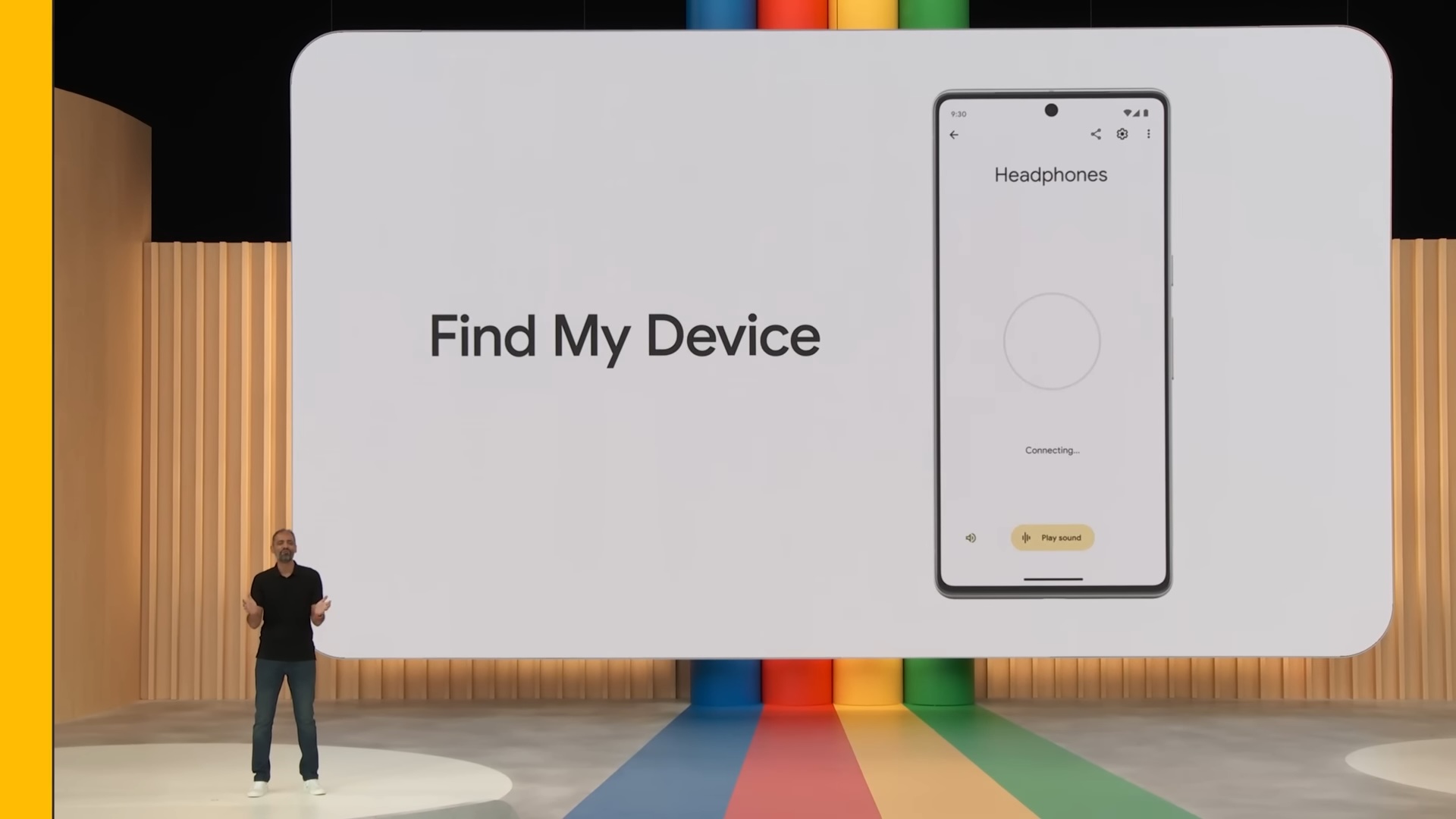
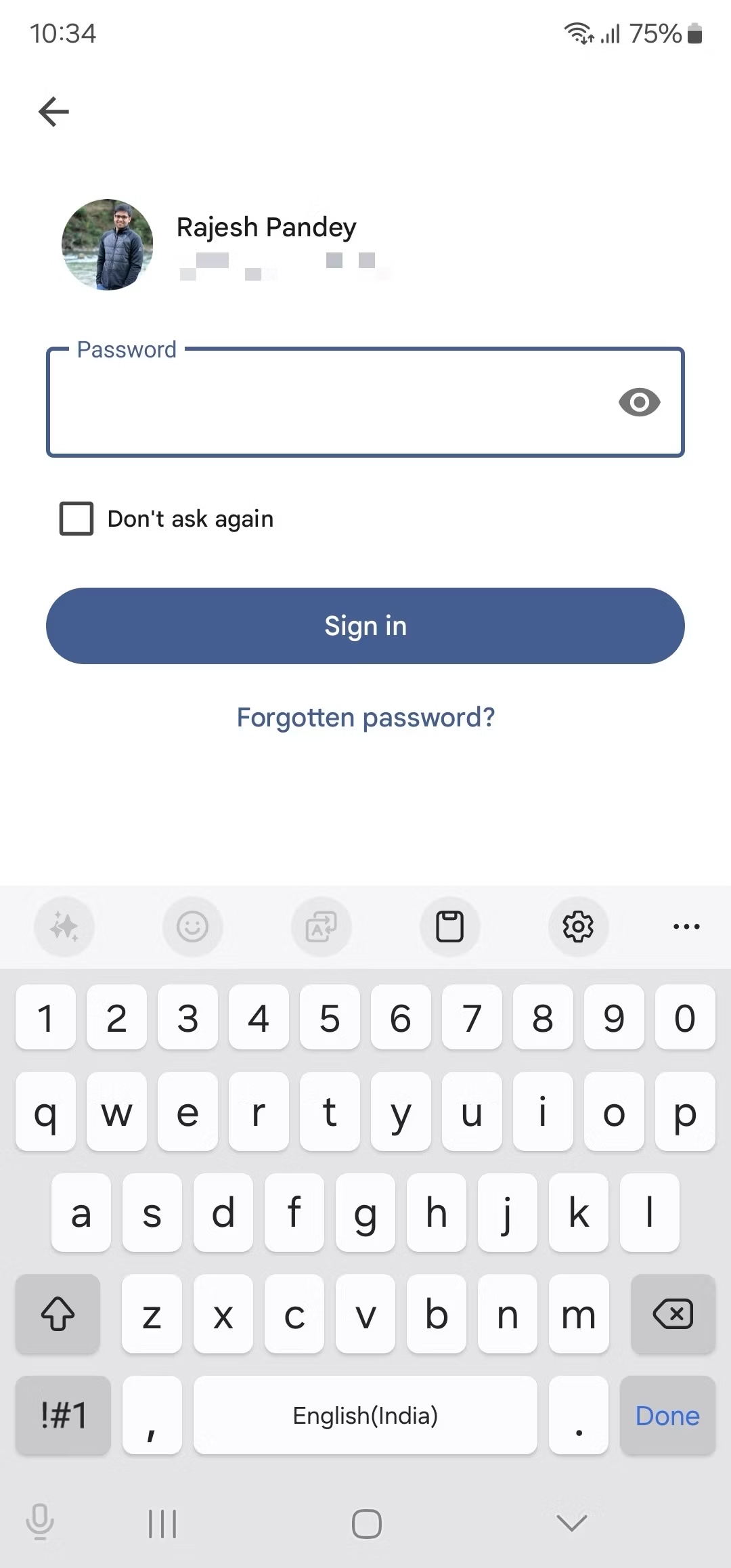
Google's Find My Device app lets you track your devices when they are lost or stolen. Every time you open the app, you must enter your Google account password, making it tedious. However, Google offers the option to enable the ‘Don't Ask Again' feature that lets you bypass the login requirement.
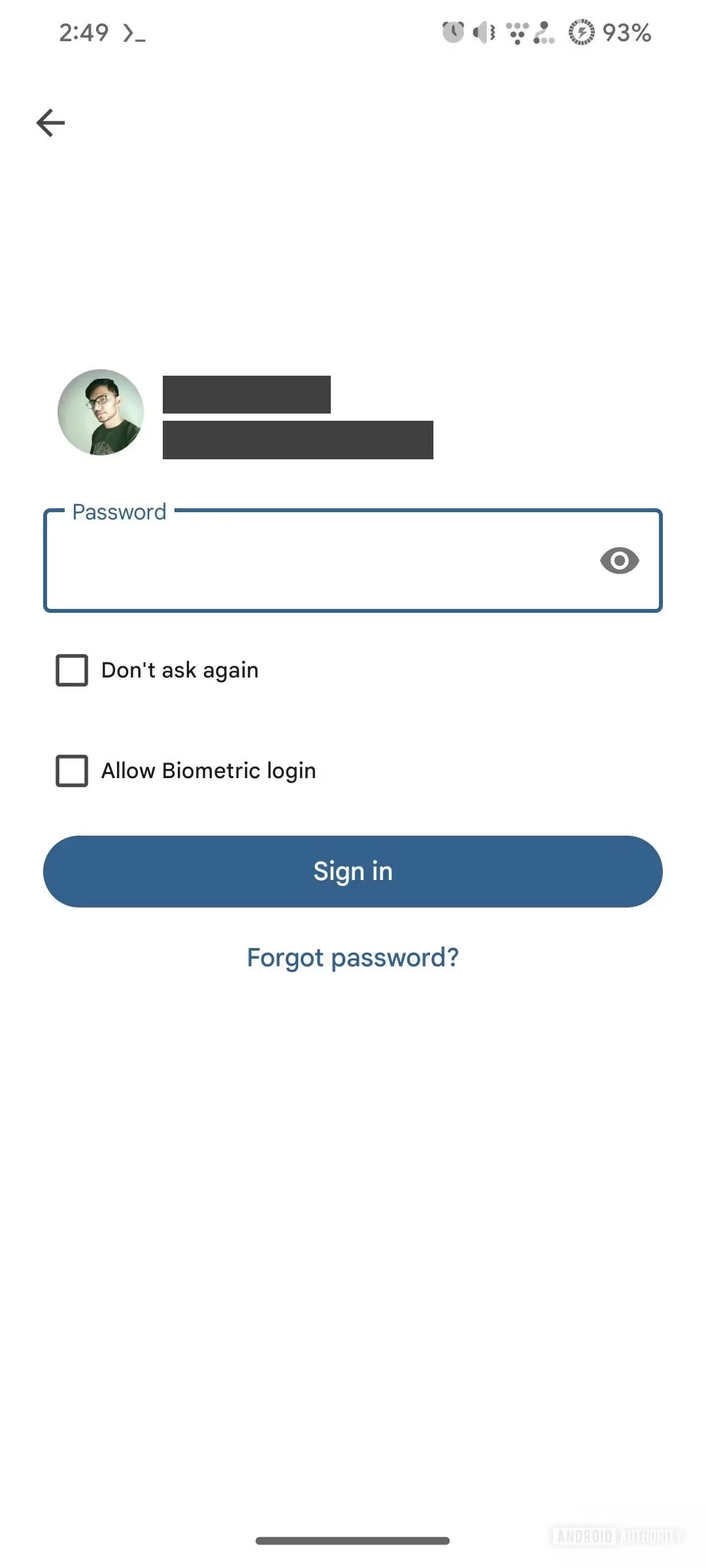
That poses security issues, though, as anyone can use your device to track all your devices. To remedy this situation, Google is adding the ‘Allow Biometric Login' feature (spotted by Android Authority) that makes logging in easier through your face or fingerprints. This new feature is under testing and could be released soon. You can see the new feature in the right screenshot below.
One more feature that Google is testing is the ‘Remote Lock' functionality. It lets you remotely lock all your phones and tablets through the Find My Device app. It can be extremely useful when your device gets lost or stolen, and you don't want anyone else to access your device and the data inside. We are surprised Google took such a long time to release such a basic feature.
To use this feature, you need to remember your phone number and solve a security challenge. It will roll out as part of the Google Play Services update and be available on all Android smartphones and tablets running Android 10 (or a newer version).
Samsung has its own network called Samsung Find (earlier called SmartThings Find), which lets you track your Samsung devices, remotely lock them, and erase data remotely. You can watch it in action in our video below.
Recently, Google's Find My Device network started rolling out to Android users in several countries. It supports object location trackers and notifies you if a Bluetooth-enabled location tracking device, like Apple's AirTag, is being used to track your location. You can then use the Find My Device app to disable the location tracker.

Asif is a computer engineer turned technology journalist. He has been using Samsung phones since 2004, and his current smartphone is the Galaxy S23 Ultra. He loves headphones, mechanical keyboards, and PC hardware. When not writing about technology, he likes watching crime and science fiction movies and TV shows.














