Last updated: March 22nd, 2018 at 20:35 UTC+01:00
SamMobile has affiliate and sponsored partnerships, we may earn a commission.
Reading time: 2 minutes
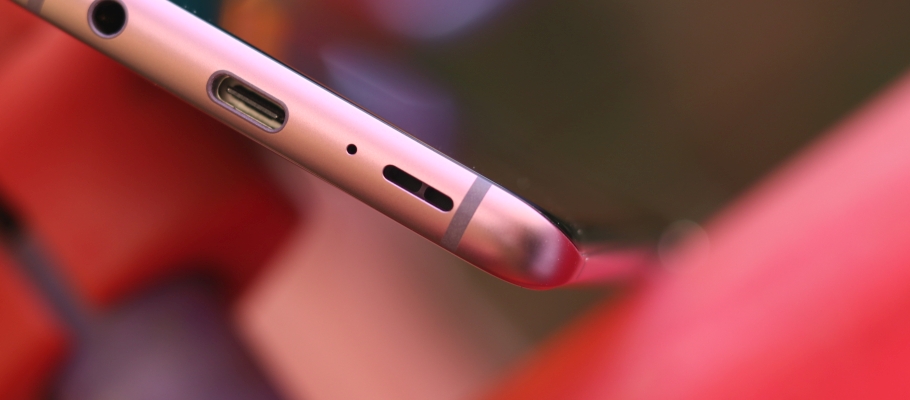
And what a difference it makes. On the loudspeakers, you can instantly notice how the audio is better spaced out over the two speakers, further enhancing the stereo effect. On the already excellent AKG earphones, Dolby Atmos' most significant effect is the increase in volume. That alone makes it worthwhile, and the best part is the volume boost doesn't mess with the audio quality. The stereo effect is enhanced on the earphones as well, and so is the bass, making something like the new Avengers: Infinity War trailer or the original Pacific Rim with its big robot and monster duels a treat to watch.
Samsung even lets you choose from three different Dolby Atmos settings depending on what kind of media you're viewing or listening to. These options include Movie, Music, and Voice, although we recommend leaving the setting on Auto to let the phone decide what's best. Or, hey, go ahead and test them all out to see which one you like best; just remember to enable Dolby Atmos, especially if you spend long hours watching videos on your phone.
To turn on Dolby Atmos, go into the phone's settings, tap Sounds and vibration, scroll down to find and tap Sound quality and effects, then enable Dolby Atmos by using the toggle next to the setting.
Don't Miss: Samsung Galaxy S9 review

Abhijeet's writing career started with guides for custom firmware for Samsung devices (including the original Galaxy S), and he moved to SamMobile in mid-2013 and worked up the ranks to Editor-in-chief. In addition to phones and mobile devices, his interests include gaming on both PC and console, PC hardware, and spending countless hours on YouTube watching videos on tech, movies, games, politics, and internet dramas.













