Last updated: April 23rd, 2021 at 17:36 UTC+02:00
SamMobile has affiliate and sponsored partnerships, we may earn a commission.
Reading time: 2 minutes
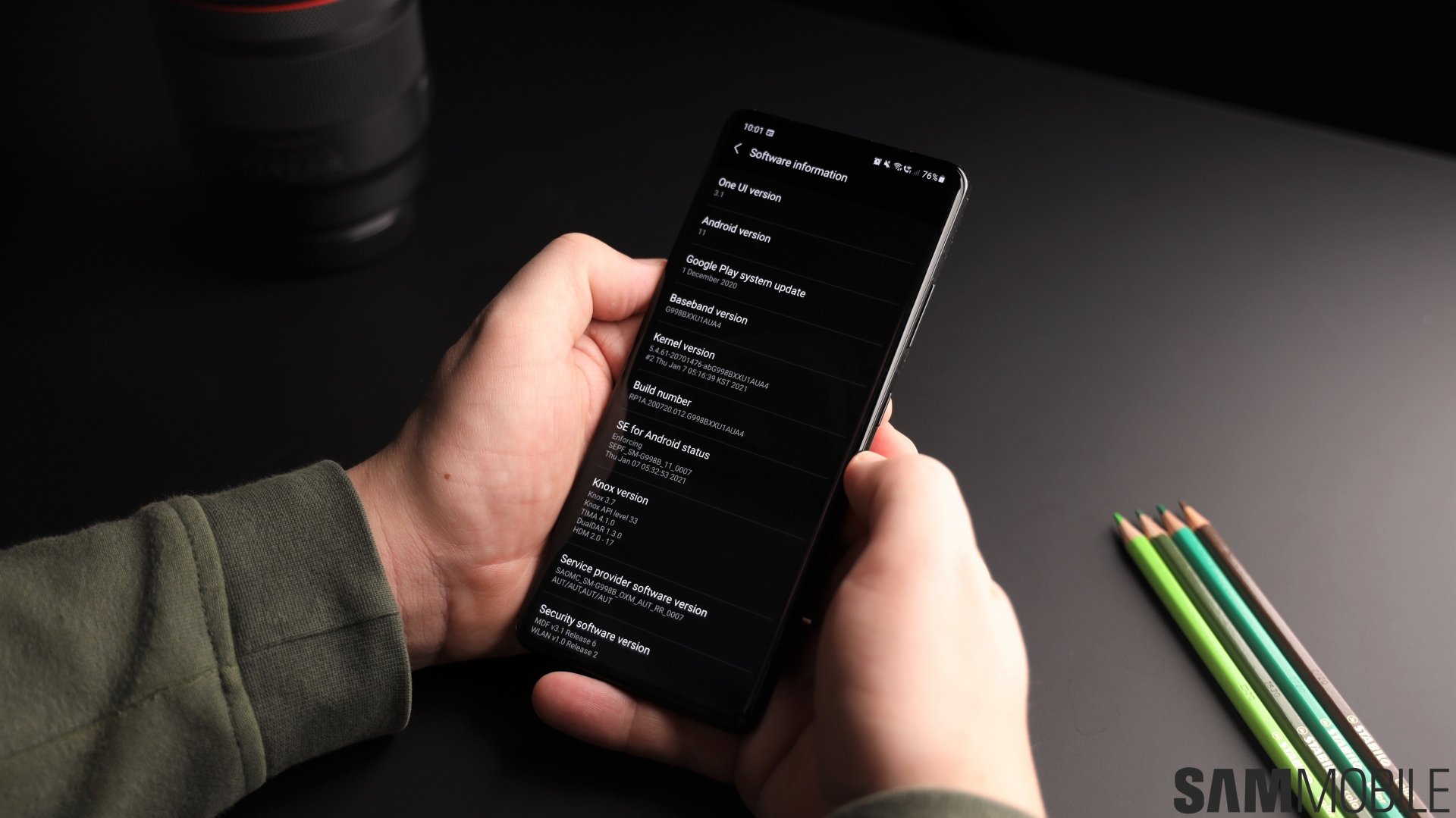
While the vast majority of devices receive monthly security updates, not all do. Samsung has many devices on the quarterly and bi-annual schedules. There are many different factors that go into the decision of placing which device on what schedule.
It can often be difficult to keep track of the latest security patch. That's true even for those who have devices that get monthly updates. That's why we have created a new tool to keep you on top of these patches.
You can find out what the security patch level is for your device using our custom tool. Simply enter the model number of your Samsung phone followed by your country code. The fields begin to populate automatically as soon as you begin typing.
You can easily find the model number of your Samsung phone and the country code by launching the Settings app, tapping on Phone and opening the Software information menu. It's all listed there. Clicking on search in our tool will return a result from a database. The last available patch for your device will be identified. If a newer version is out, our tool will inform you about that.
Check it out today and instantly see whether you're running behind on your security patches. It ties in nicely with our firmware database. It provides access to almost all firmware released for Samsung devices, including ones fresh out of the proverbial oven.

Adnan Farooqui is a long-term writer at SamMobile. Based in Pakistan, his interests include technology, finance, Swiss watches and Formula 1. His tendency to write long posts betrays his inclination to being a man of few words.













