Last updated: July 30th, 2025 at 09:55 UTC+02:00
SamMobile has affiliate and sponsored partnerships, we may earn a commission.
You have to jump through hoops to access fullscreen mode in DeX.
Reading time: 2 minutes
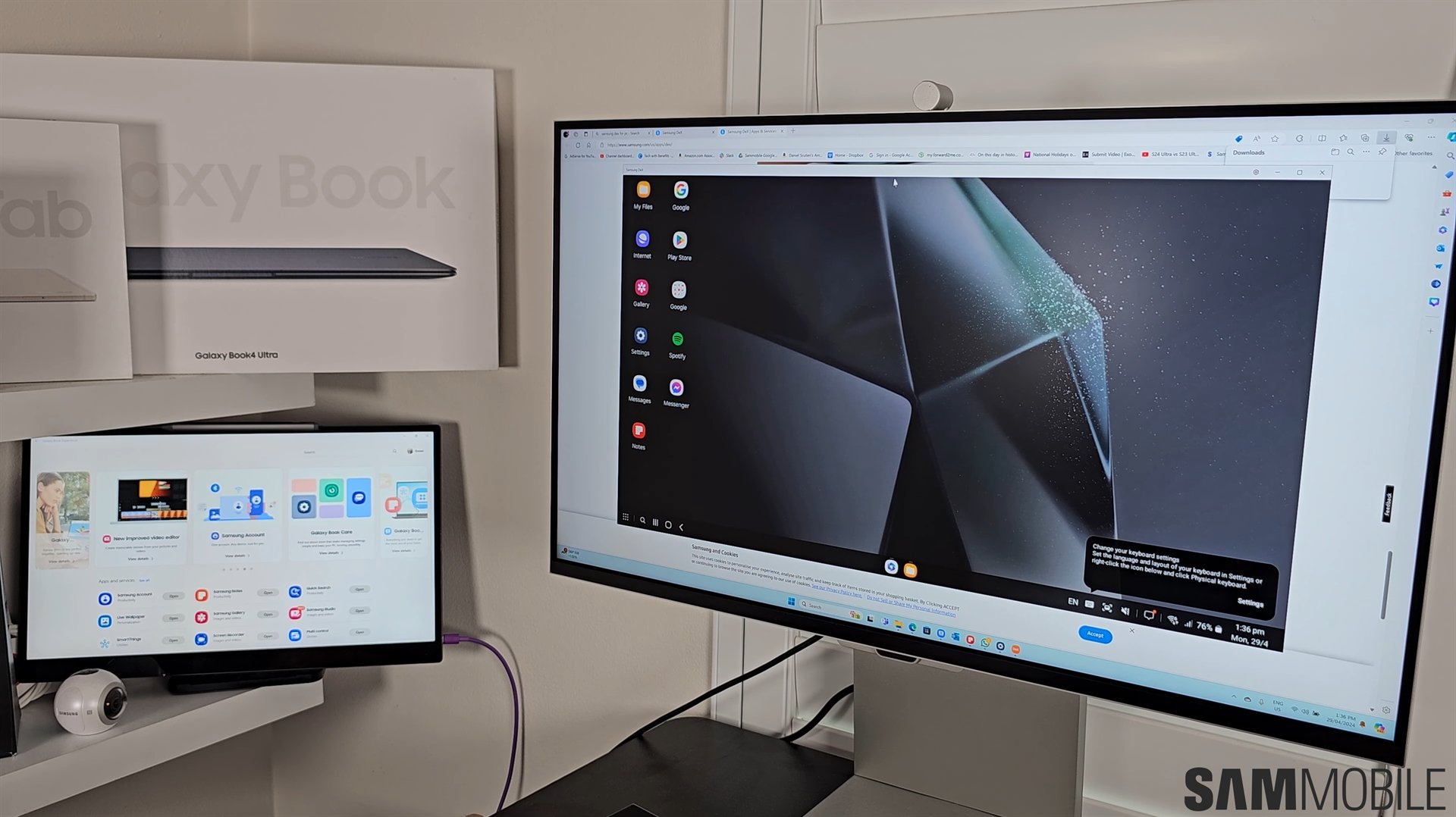
Samsung DeX received a huge makeover with One UI 8. It may be missing a few features compared to the classic DeX experience, but it is based on Android 16's native Desktop Mode, which gives it a better prospect of getting more features in the future, as Google continues to improve Desktop Mode.
One of the minor complaints people have with the new Samsung DeX is that it does not appear to feature a true fullscreen mode, something that would be great for playing games or watching videos. However, it does feature a true fullscreen mode, but it is hard to access that mode. As pointed out by a YouTube video and a Reddit comment (via Android Authority), the actual fullscreen mode is called Immersive mode.
When you maximize any app, including a video player or YouTube, the app's header bar and the app dock are still displayed. It ruins the experience of watching videos and playing games. However, you can enter the Immersive mode by following the steps listed below.
No one is sure why Samsung buried such important option in the new DeX. Hopefully, the company will make the Immersive mode more discoverable and display it right away on all compatible app's windows with the One UI 8.5 update that will debut early next year with the Galaxy S26 series.

Asif is a computer engineer turned technology journalist. He has been using Samsung phones since 2004, and his current smartphone is the Galaxy S23 Ultra. He loves headphones, mechanical keyboards, and PC hardware. When not writing about technology, he likes watching crime and science fiction movies and TV shows.













