Last updated: January 29th, 2025 at 06:23 UTC+01:00
SamMobile has affiliate and sponsored partnerships, we may earn a commission.
Reading time: 2 minutes
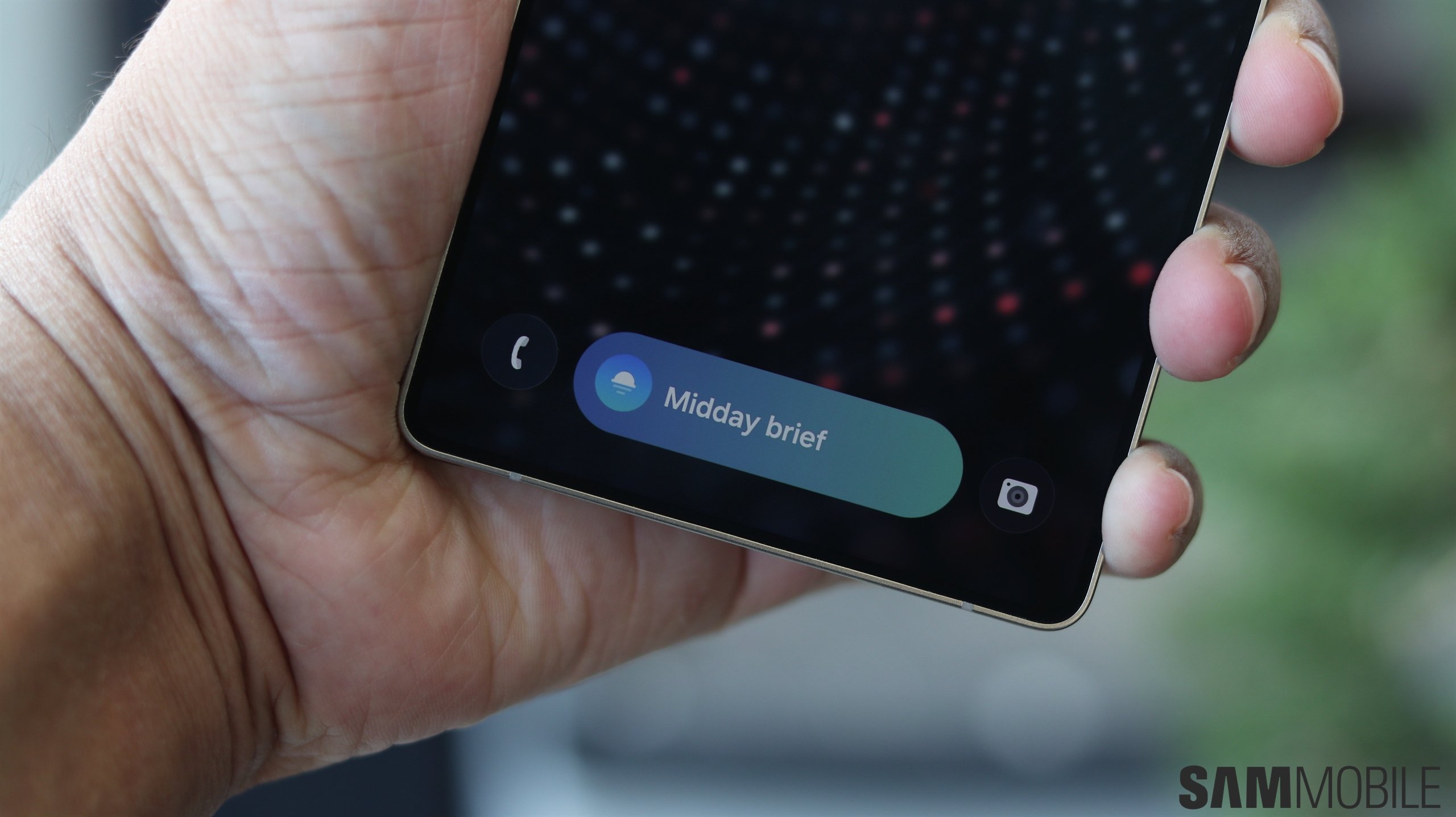
The Now Bar appears on both the lock screen and the AOD screen. So, whether you are tracking a sports score, a timer, the stopwatch, or exercises in Samsung Health, you can have a look at the relevant information even if your phone goes into sleep mode.
You can check it out in the images below. The one on the right shows the Now Bar on AOD with wallpaper enabled and the one on the left with wallpaper disabled.

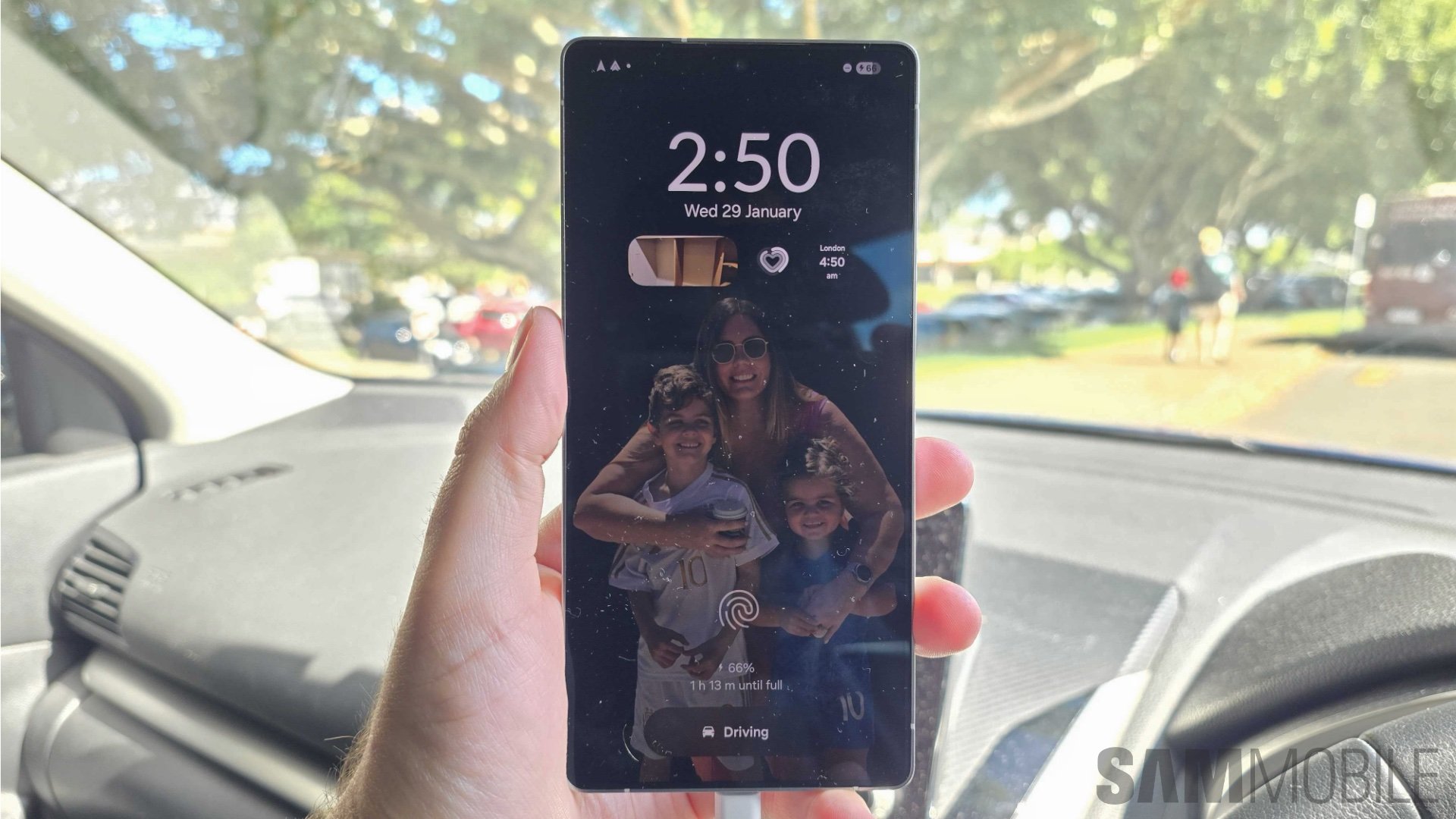
You can even activate the buttons (if any) on the Now Bar by double-tapping them in the AOD mode. We can confirm that Now Bar works in AOD on the Galaxy S24 series as well.
If you don't know what Now Bar is, it is a pill-shaped UI element that appears at the bottom of the screen on the lock screen. It displays information about ongoing/live activities on your phone. Apps that are compatible with the Now Bar are the following:
You can watch how the Now Bar works in our in-depth One UI 7.0 video below.
Android 16 supports Live Updates, a new type of notification class that can display the progress of ongoing activities. For example, it can show how far you've completed your trip on Google Maps or how far your food delivery has reached via Live Updates.
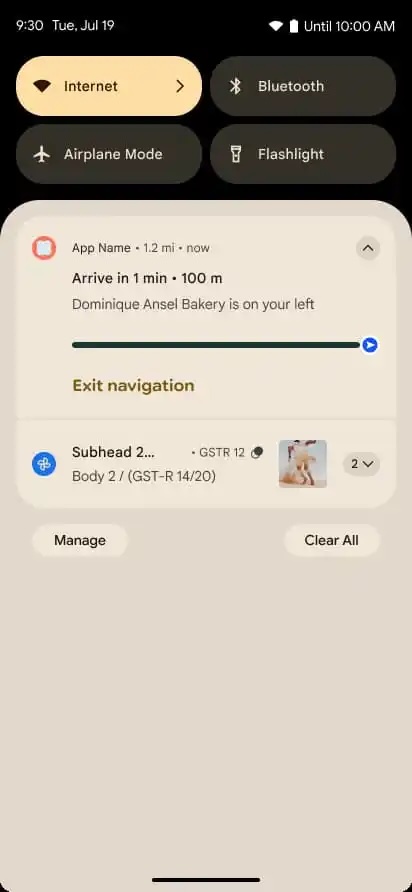
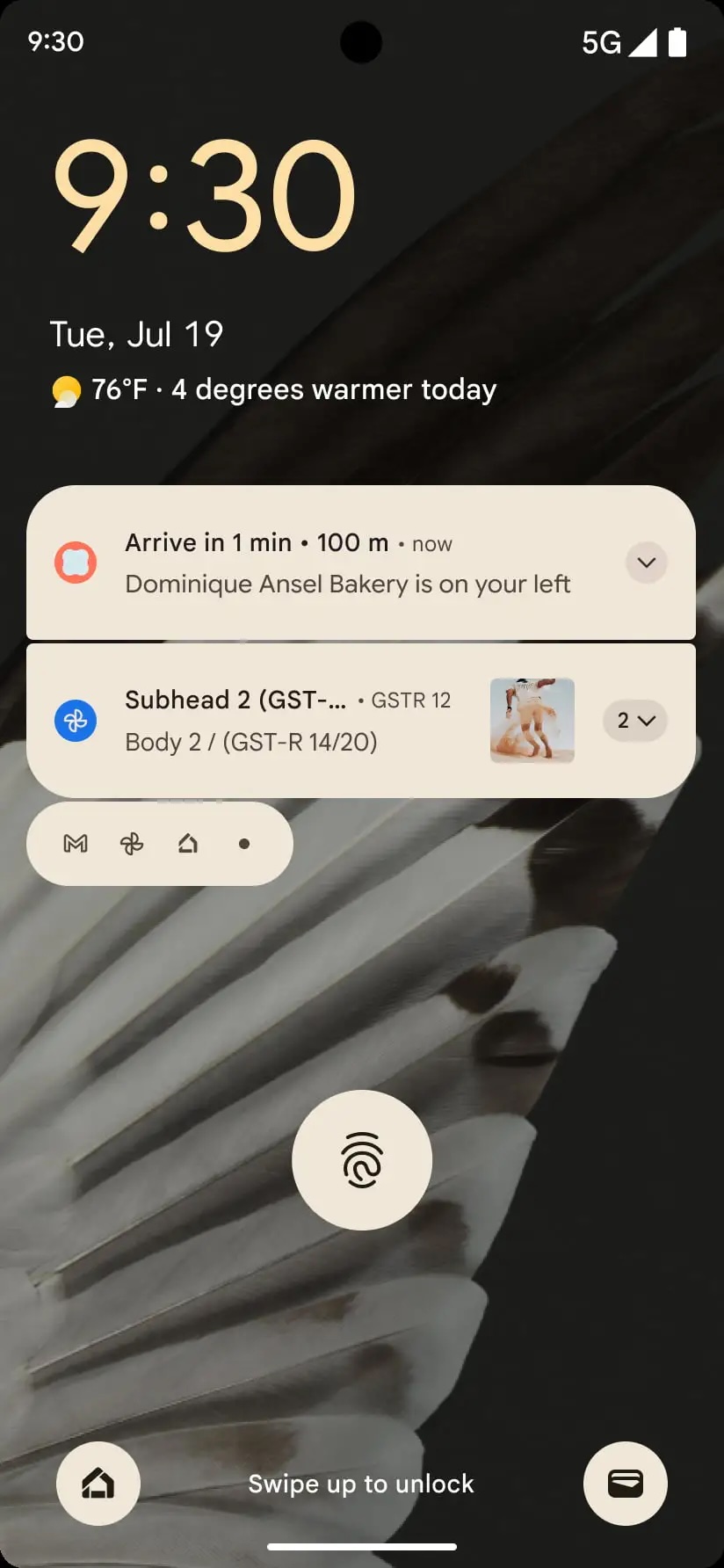
Samsung will likely integrate Live Updates into Now Bar with the Android 16-based One UI 8.0 update later this year.
Hit the link below to pre-order your Galaxy S25 today!

Asif is a computer engineer turned technology journalist. He has been using Samsung phones since 2004, and his current smartphone is the Galaxy S23 Ultra. He loves headphones, mechanical keyboards, and PC hardware. When not writing about technology, he likes watching crime and science fiction movies and TV shows.












