Last updated: December 20th, 2024 at 13:33 UTC+01:00
SamMobile has affiliate and sponsored partnerships, we may earn a commission.
Reading time: 2 minutes
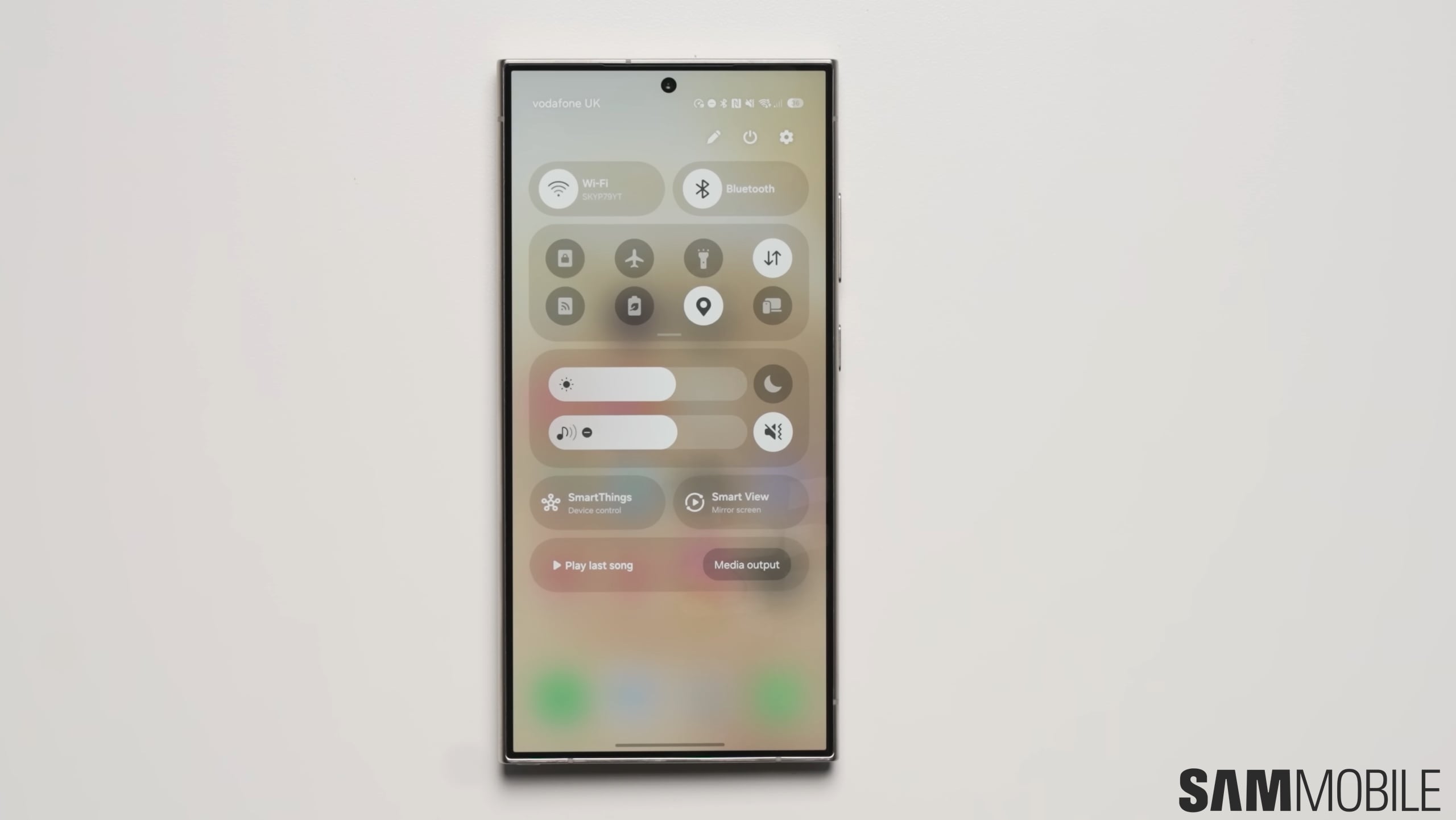
You had to manually punch in your PIN or draw the pattern to be shown the password, even though most of Samsung's devices now have biometric authentication methods. Why not just use them to confirm the user's identity? It looks like someone on the One UI 7.0 team finally had this idea.
It's possible to view saved Wi-Fi passwords on your Galaxy device through the Settings app. You can find the relevant option in the Advanced settings screen of the Wi-Fi menu. Just tap on the desired network's name to see its password.
Identity verification is required before the password is disclosed, though, and previously you either had to provide the PIN or draw the pattern. You couldn't use face recognition or the fingerprint sensor, even though these methods are used to provide unfettered access to your entire device.
So it was unnecessary for these authentication methods to not be used to see saved Wi-Fi passwords even as they were good enough to protect your device. Fortunately, One UI 7.0 fixes this. When you navigate to the relevant screen to see a password, your device will now provide the option to view the password after verifying your identity through fingerprint.
It's a minor addition, but one that's certainly appreciated. We're on the second beta of One UI 7.0 now and so far, things are on track for the public release of One UI 7.0 early next year.

Adnan Farooqui is a long-term writer at SamMobile. Based in Pakistan, his interests include technology, finance, Swiss watches and Formula 1. His tendency to write long posts betrays his inclination to being a man of few words.












