Last updated: May 6th, 2024 at 19:00 UTC+02:00
SamMobile has affiliate and sponsored partnerships, we may earn a commission.
Reading time: 4 minutes
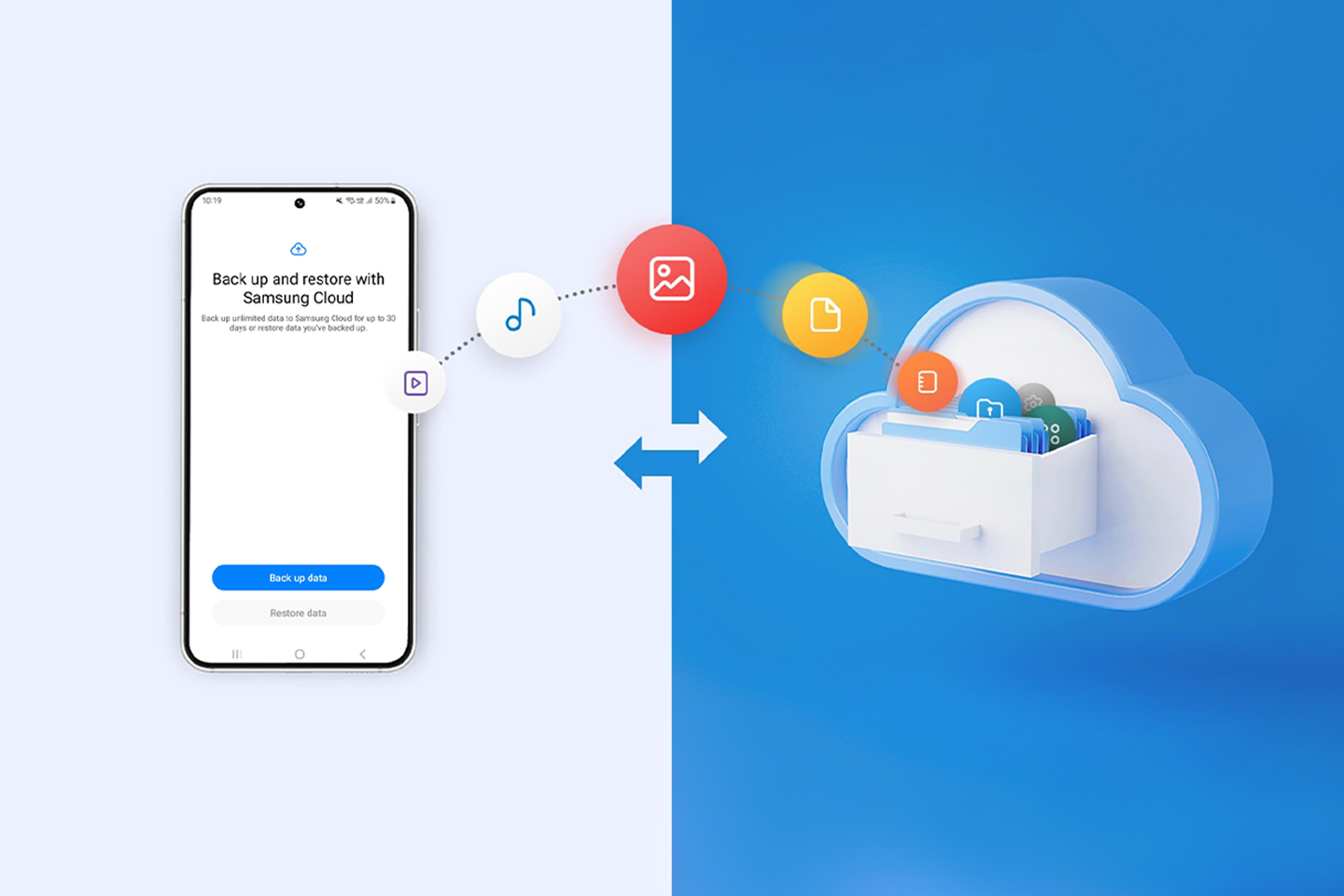
Temporary Cloud Backup differs from — and doesn't replace — the existing Samsung Cloud backup and restore features in One UI 5.1.1 and earlier versions. The current solution lets users back up call logs, messages, contacts, settings, home screen settings, apps, and calendar and clock settings indefinitely. However, it does not allow users to back up other types of personal data, such as images, videos, personal documents, and more.
Although it works on the same fundamental cloud storage principles, the new Temporary Cloud Backup feature in One UI 6.0 is a component of Maintenance Mode — a tool Samsung introduced a year ago to give Galaxy device users peace of mind by restricting access when they leave their phones at a repair shop.
Story continues after the video
Similarly, Samsung's new Temporary Cloud Backup aims to give Galaxy device users more peace of mind by allowing them to back up all of their data for 30 days at a time, just in case they need to replace their phones or get them repaired. It should help them avoid losing photos, videos, or other data types.
Users can then restore their personal data from Temporary Cloud Backup anytime they want within 30 days of the initial backup. Samsung will notify users 7 days prior to data deletion.
One UI 6.0 users will be able to store unlimited data for 30 days through the Temporary Cloud Backup feature. The only restriction is that individual file sizes cannot exceed 100GB.
If users back up a video greater than 100GB, it will be edited into smaller chunks and permanently saved as such. This action cannot be reverted.
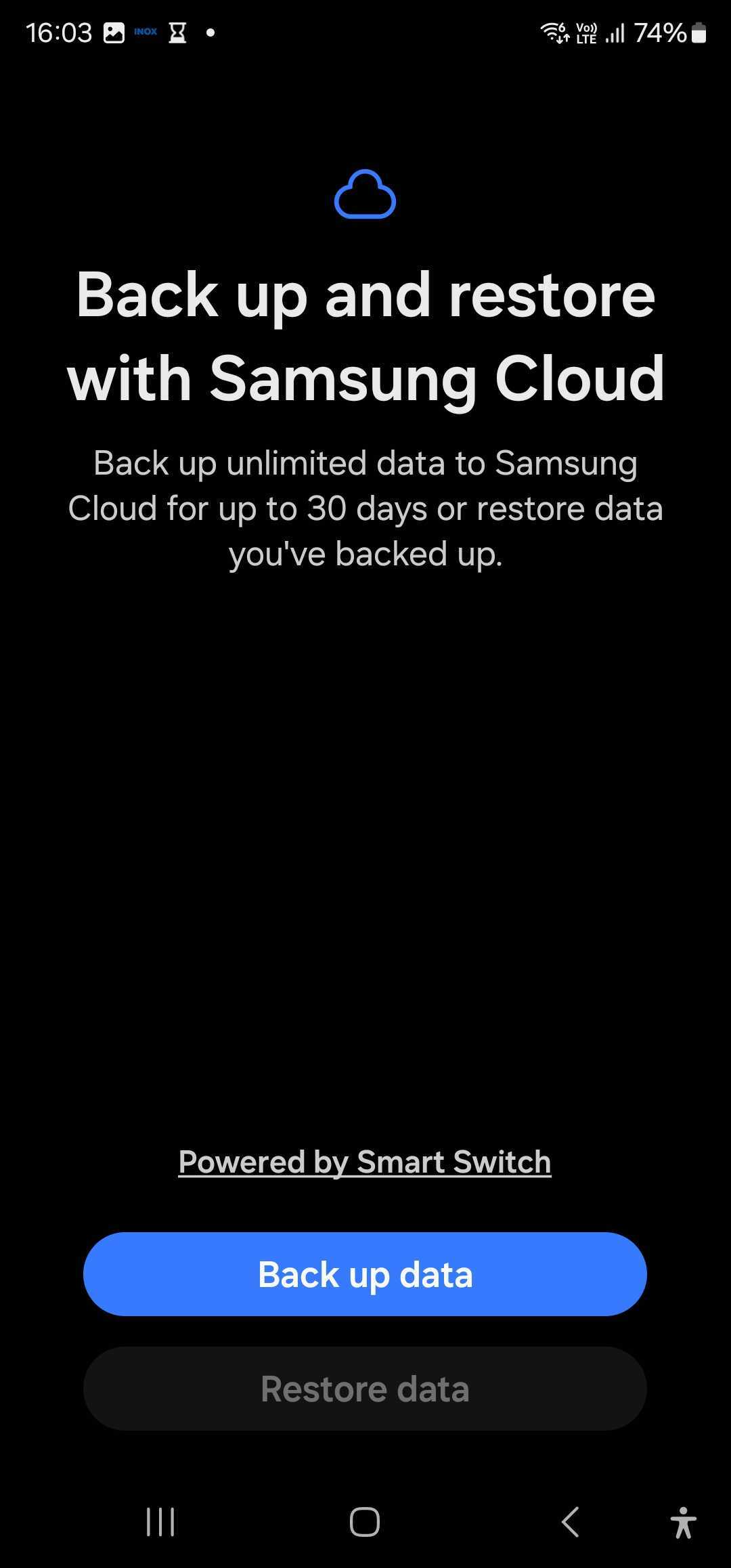
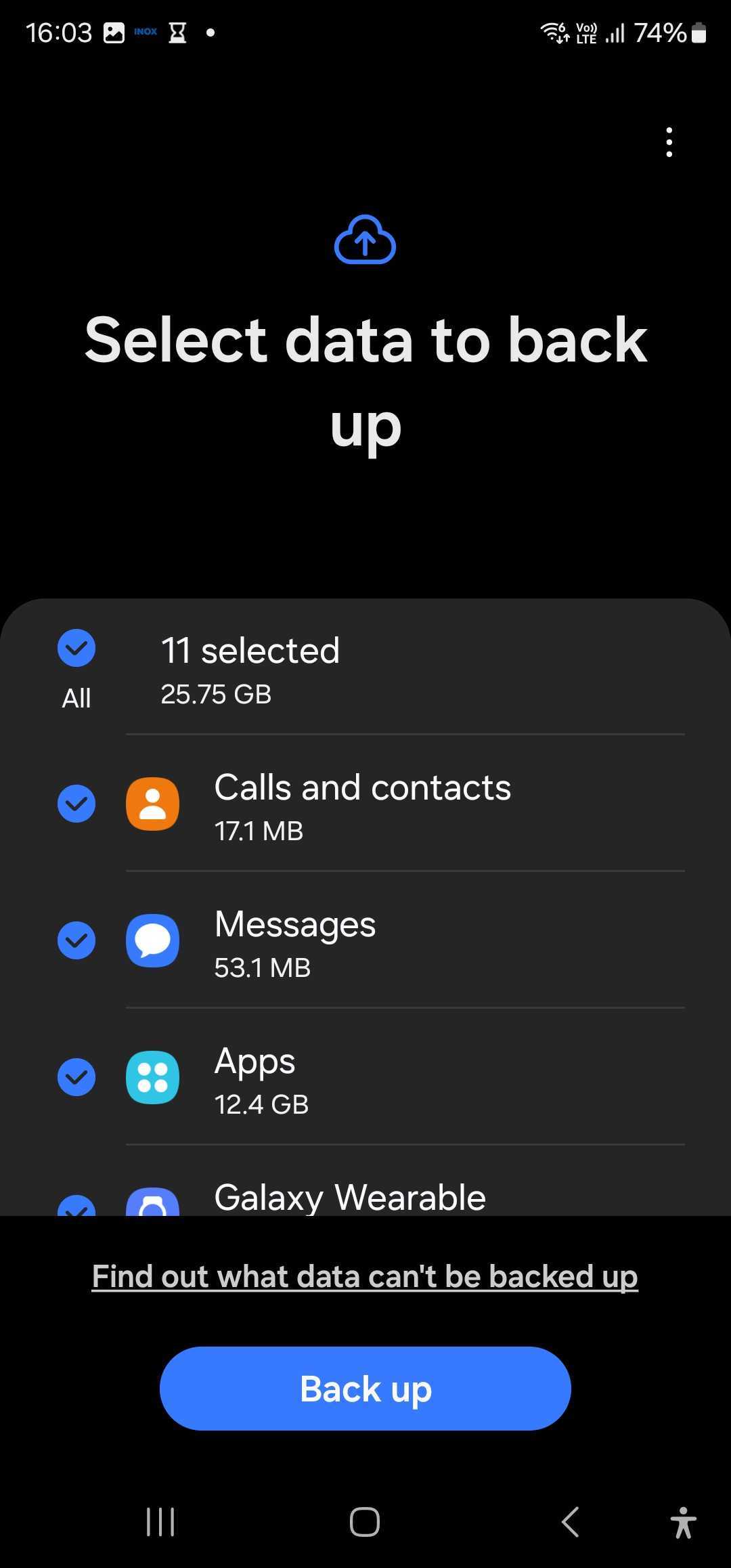
Users won't need a PC or external memory device, but they will be required to use their Samsung Account, for obvious reasons, and perform the backup and restores over Wi-Fi.
There are 11 data types that can be backed up and restored through Temporary Cloud Backup:
There are also several types of data that cannot be backed up and restored through Temporary Cloud Backup, such as:
Samsung says Temporary Cloud Backup will be available in select markets for One UI 6.0 smartphones and tablets, starting with the Galaxy S and Z lineups in South Korea, but it seems to also be available in other countries, such as India. We were able to use it on a Galaxy S23 and a Galaxy Z Fold 5 that are running the beta version of Android 14/One UI 6.0, and it's likely that devices from other lineups already support it as well.
Once your Galaxy smartphone or tablet gets One UI 6.0, you will be able to access Temporary Cloud Backup from the Device care » Maintenance mode menu in the device settings, where you can select the data you can back up. Depending on the backup size and your internet speed, the process can take up to an hour and possibly more, so you will want to make sure your device has sufficient charge before you start the backup.

Mihai is a blogger and column writer at SamMobile. His first Samsung phone was an A800 which took a lot of beating, and a part of him still misses the novelty of the clamshell design. In his free time, he enjoys watching shows, documentaries, and stand-up comedy; listening to music, taking walks, and occasionally playing old(er) video games.














