Last updated: August 17th, 2022 at 08:10 UTC+02:00
SamMobile has affiliate and sponsored partnerships, we may earn a commission.
Reading time: 2 minutes
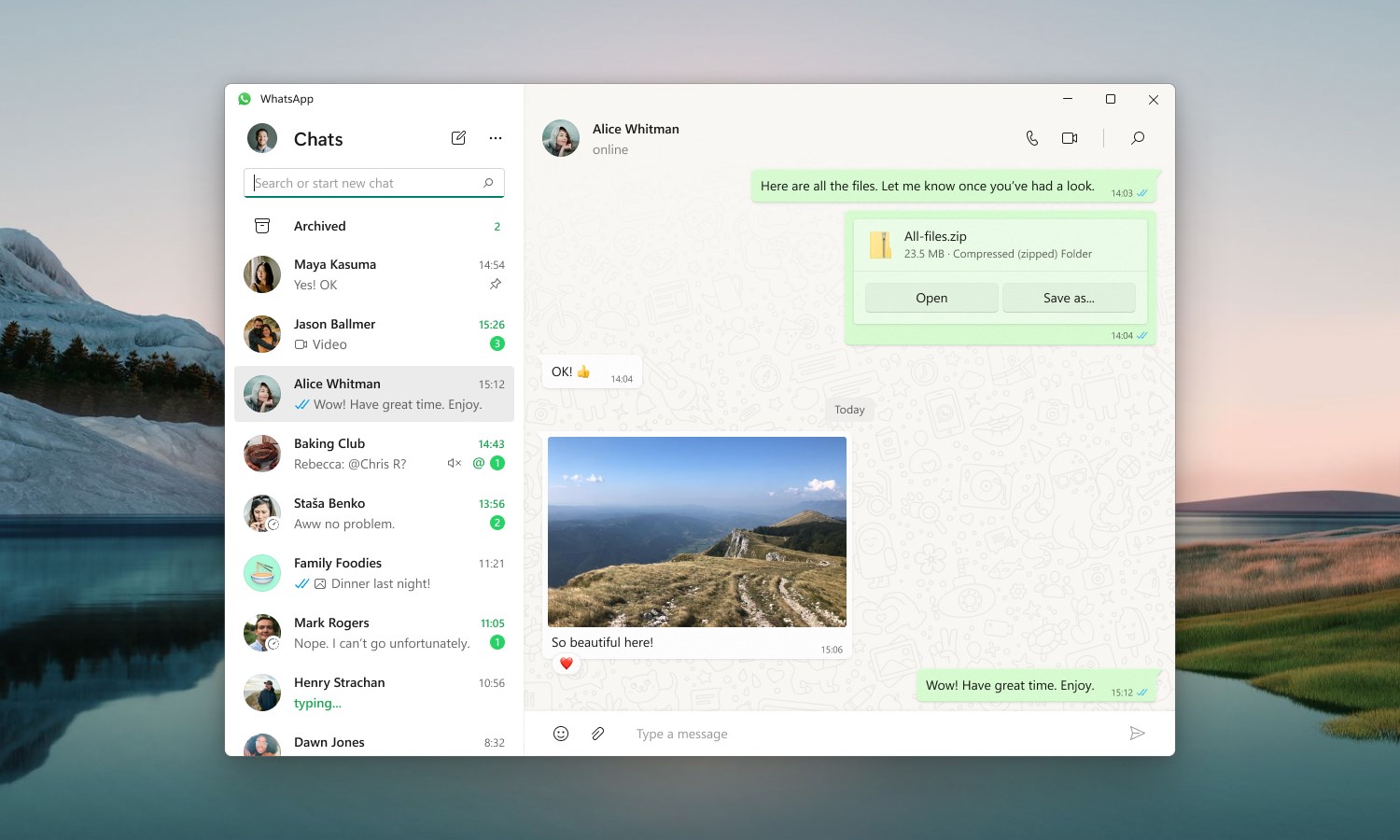
The refreshed WhatsApp app for Windows is out of beta and is available on the Microsoft Store, and you can install it on your Samsung Galaxy Book laptop.
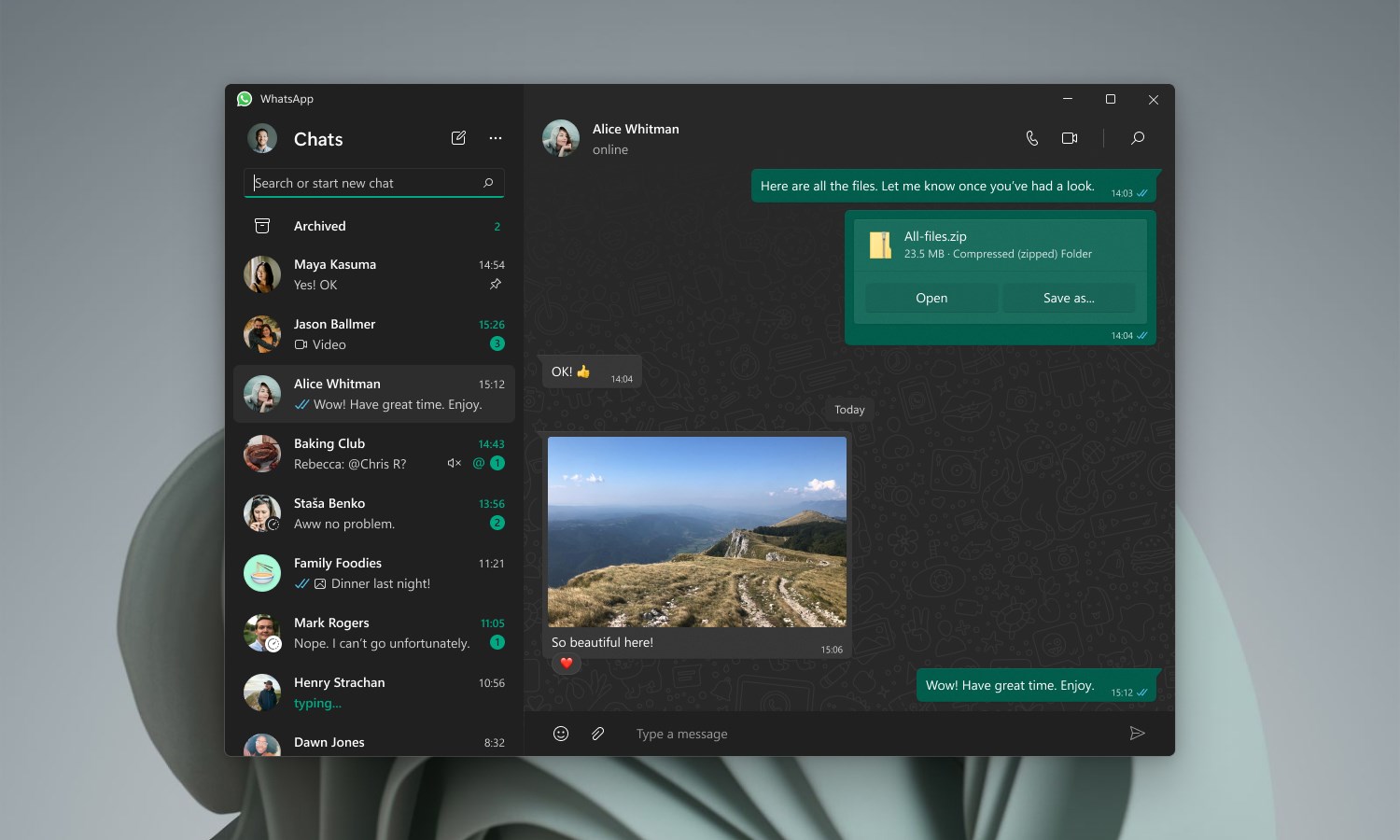
Since the new WhatsApp app is standalone for the Windows OS, the company says it is faster and improves the user experience. That's not all. WhatsApp has tweaked and refreshed the interface as well. The UI is now cleaner compared to the previous versions. It is not a night and day difference, though.
The most significant change is that you don't need to use your phone to sync messages between your phone and the PC app. It means you can use the WhatsApp app on a Windows laptop or PC to send and receive messages even if your phone is offline. WhatsApp says that it is also working on a standalone macOS app.
After downloading it from the Microsoft Store, launch the app, open WhatsApp on your phone, tap More Options and click on Linked Devices to link your smartphone. Then, scan the QR code displayed on the screen, and you are done.















