Last updated: November 11th, 2024 at 07:07 UTC+01:00
SamMobile has affiliate and sponsored partnerships, we may earn a commission.
Reading time: 2 minutes
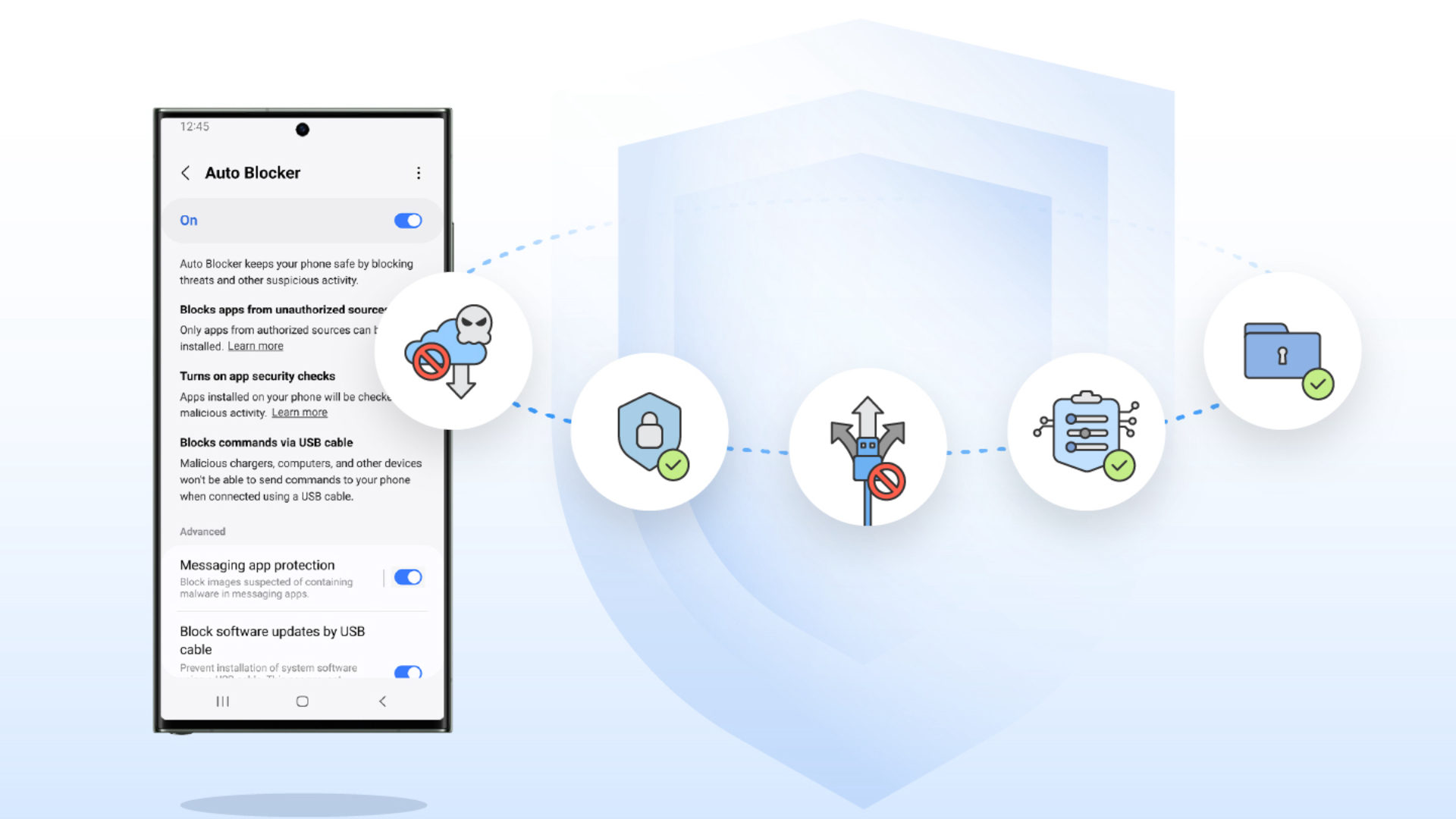
The November 2024 update that Samsung released to its phones and tablets brings improved Auto Blocker. It disables the phone from communicating with devices that are connected via the USB Type-C port when set to its ‘Maximum' setting.
That means, except for chargers, you won't be able to use USB accessories with your phone or tablet.
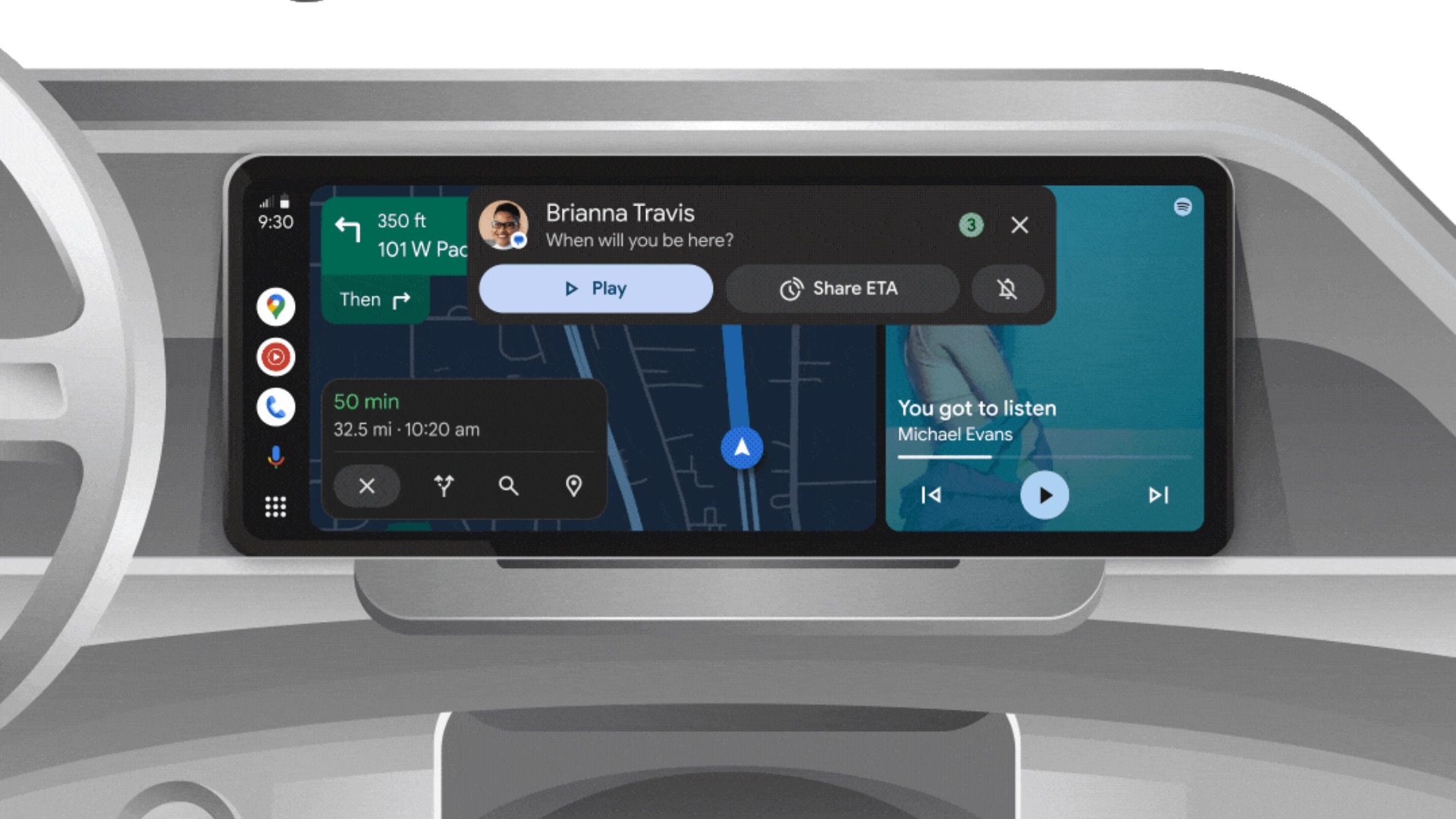
This restriction also means wired Android Auto won't work when you connect your phone to your compatible car's infotainment system. However, the good thing is that the Maximum setting is not turned on by default. So, Android Auto functionality won't break automatically.
However, if you have set the Maximum setting in the Auto Blocker feature on your Galaxy phone, there is a chance that you might forget it and face issues when connecting your phone to your car for Android Auto.
To make sure that Auto Blocker doesn't disable Android Auto on your Galaxy phone, navigate to Settings » Security and privacy » Auto Blocker » Maximum restrictions and disable the toggle at the top of the screen.
Tip: When you charge your Galaxy smartphone or tablet in a public place, it would be better to turn on the Auto Blocker's Maximum Restriction setting to save your device from juice-jacking attacks.

Asif is a computer engineer turned technology journalist. He has been using Samsung phones since 2004, and his current smartphone is the Galaxy S23 Ultra. He loves headphones, mechanical keyboards, and PC hardware. When not writing about technology, he likes watching crime and science fiction movies and TV shows.













