Last updated: June 14th, 2021 at 19:53 UTC+02:00
SamMobile has affiliate and sponsored partnerships, we may earn a commission.
Reading time: 2 minutes
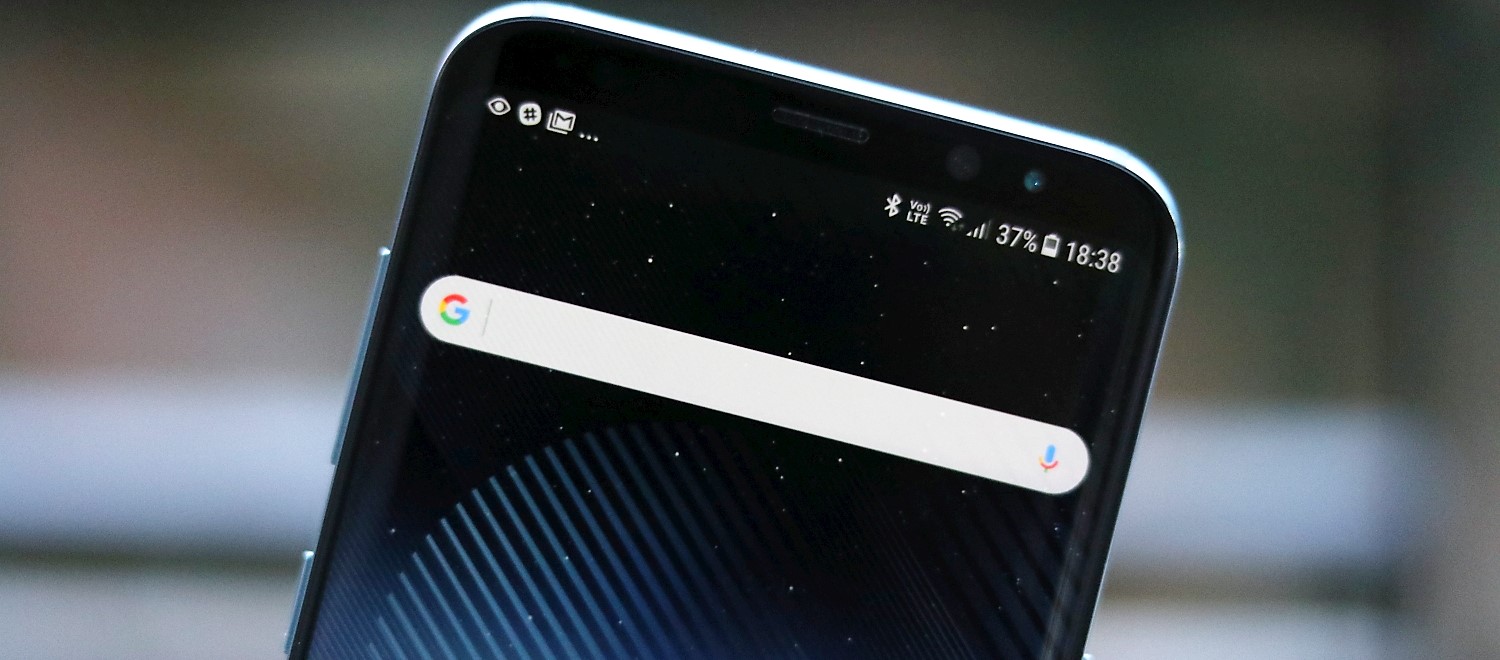
The issue can crop up even when the phone has a stable connection to the internet. In fact, it's unclear what causes the problem, and Google has yet to make a statement on the matter. Nevertheless, many users have complained about the Google app failing to load any search results at times, and the problem seems to affect virtually every Android smartphone with access to the Google app.
It's important to keep in mind that this issue crops up only when using the Google app to search. It doesn't occur when using the URL bar for searching or when using Google's search engine through other apps.
In other words, it's not a Google search issue per se, but it seems to be an issue with the Google app itself, which means that Samsung Internet users can use Google's search engine without encountering this problem.
Users have also reported that working around the issue is relatively easy. Refreshing the page or closing and re-opening the Google app can address the problem, though it still is an annoyance as the issue can crop back up at any moment.
Do you use the Google app on your Galaxy phone? Have you encountered this problem at all? Let us know in the comment section.
This bug with the @Google app that randomly doesn't load any results, even on a perfectly good connection, and just shows a blank page, is so annoying.
Does anyone else run into it all the time? pic.twitter.com/dbD6KtnOl8
— Artem Russakovskii (@ArtemR) June 12, 2021

Mihai is a blogger and column writer at SamMobile. His first Samsung phone was an A800 which took a lot of beating, and a part of him still misses the novelty of the clamshell design. In his free time, he enjoys watching shows, documentaries, and stand-up comedy; listening to music, taking walks, and occasionally playing old(er) video games.












