Cyber week deals! Galaxy Watch8 Classic, Fold 7, S25 Ultra. Follow us on YouTube, TikTok, or LinkedIn
Last updated: August 15th, 2025 at 12:54 UTC+02:00
SamMobile has affiliate and sponsored partnerships, we may earn a commission.
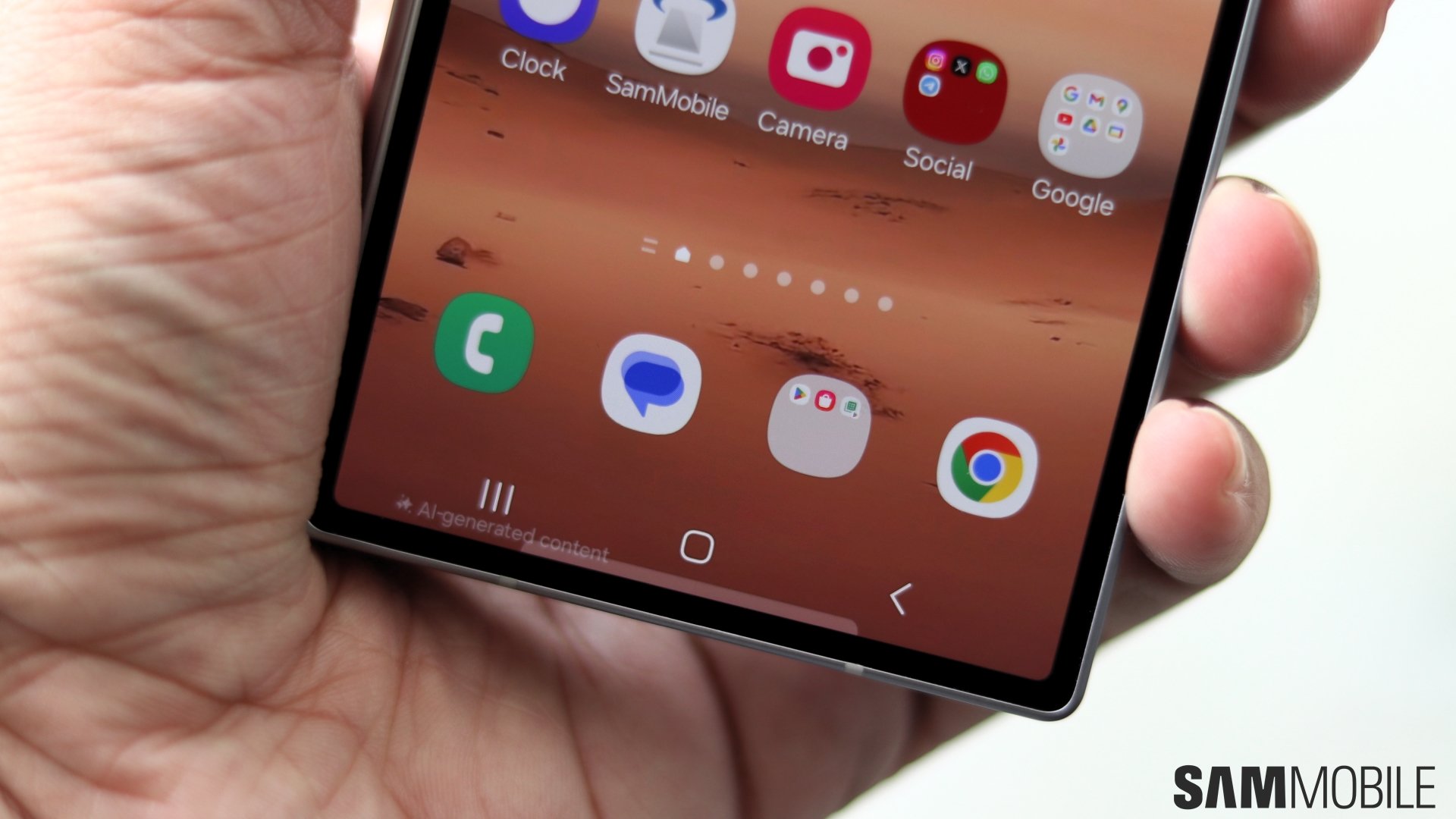
Google Messages is taking over the screens of Galaxy phones.
Reading time: 2 minutes
Samsung, despite having its own in-house messaging app for Galaxy phones and tablets, switched to Google Messages as the default messaging app on its devices. Google Messages seems to have a few issues, though, and has recently been taking over screens on Galaxy phones.
The latest beta version of Google Messages (v20250811) has a bug that causes its app's icon to appear twice, thrice, or even four times in the app launcher on Android phones. For now, this bug has predominantly appeared on Galaxy phones. According to Android Authority, this change occurred unintentionally when Google added the android.intent.category.LAUNCHER intent filter to another activity.
Tapping any of these app icons launches the app properly. Thankfully, this bug is only visible in the latest beta version of Google Messages. Those who are using the stable version of the app haven't faced this issue.
Thankfully, Google seems to be working on fixing this bug. So, if you are facing this bug, either leave the Beta Program from the Play Store and switch to the stable version of the app or wait for Google to fix the bug with the next beta version of the app.
Another way to fix the bug is by following the steps listed below. It worked for some Reddit users.
Asif is a computer engineer turned technology journalist. He has been using Samsung phones since 2004, and his current smartphone is the Galaxy S21 Ultra. He loves headphones, mechanical keyboards, and PC hardware. When not writing about technology, he likes watching crime and science fiction movies and TV shows.