11 days until XMAS. Our Samsung Galaxy gift guide features smartphones and wearables.
Last updated: October 27th, 2025 at 10:09 UTC+01:00
SamMobile has affiliate and sponsored partnerships, we may earn a commission.
No hoop jumping required.
Reading time: 2 minutes
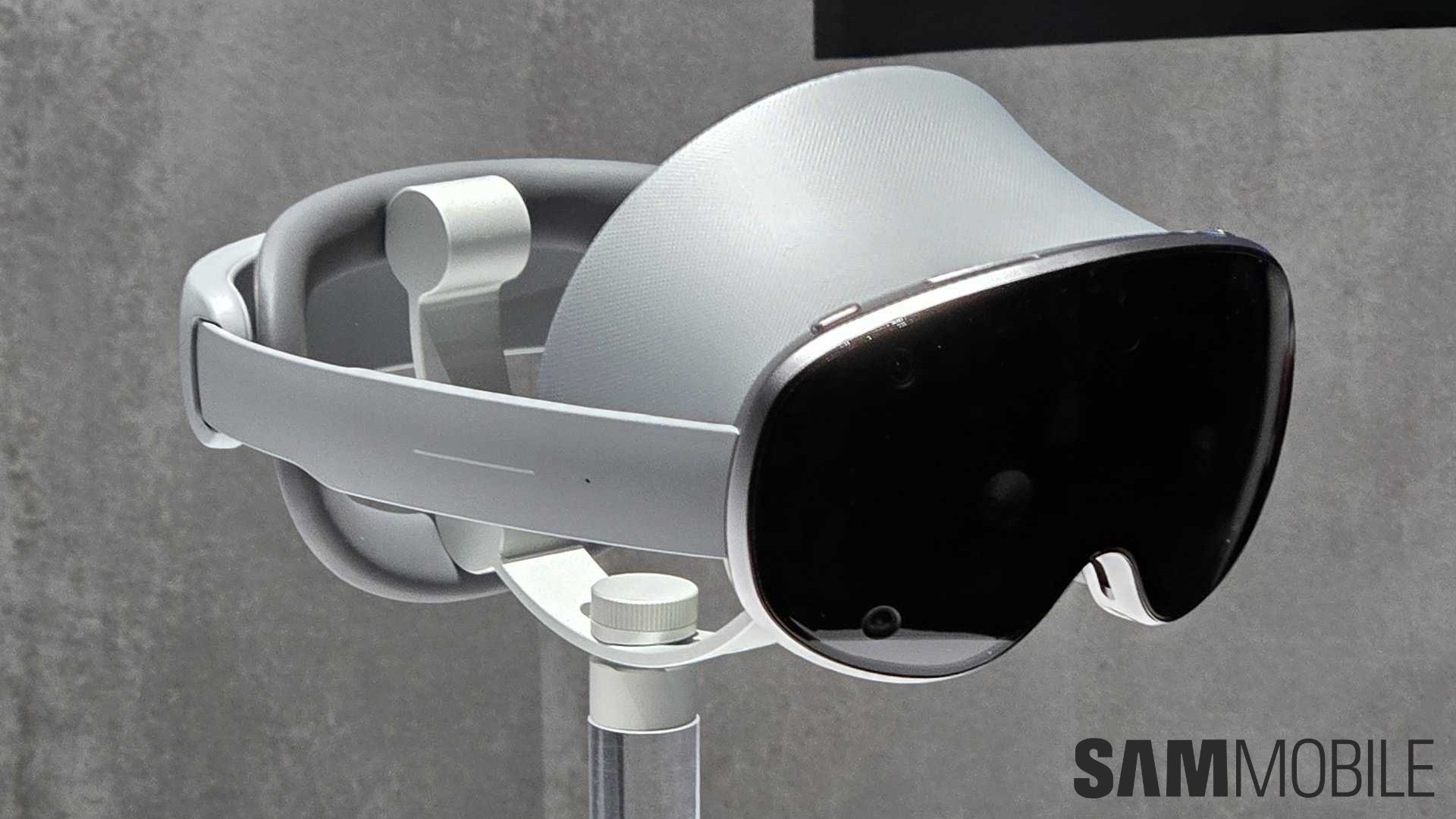
The Galaxy XR is shaping up to be quite a treat for people who like to tinker with their devices. While similar products from other companies have restrictions in place, it seems Samsung is taking a different approach.
It's possible to sideload apps on the Galaxy XR by default, and the great thing about that is you don't even have to enable Developer Mode to do it.
This is a refreshing approach compared to others. Apple doesn't allow anyone except app developers to sideload apps on its Vision Pro headset. Meta requires registering as a developer and providing the company with your phone number for verification. It's not on-device, so you need to hook up the headset to a PC for sideloading apps.
There are no such restrictions on the Galaxy XR, as UploadVR has discovered. Just download an APK in the native Chrome browser, like you would on a phone, and once you give the browser permission to install unknown apps, the APK is sideloaded on the device itself. No need to hook up the headset to a PC or jump through any other hoop.
It also emerged last week that Samsung allows the bootloader of the Galaxy XR to be unlocked which can potentially pave the way for custom ROMs on the headset.
Given that some of the early adopters who buy this products will be those who like to tinker with their devices, it's great that Samsung is keeping these options open, as it will only help expand the popularity of the platform.
Adnan Farooqui is a long-term writer at SamMobile. Based in Pakistan, his interests include technology, finance, Swiss watches and Formula 1. His tendency to write long posts betrays his inclination to being a man of few words.