Last updated: October 21st, 2025 at 12:59 UTC+02:00
SamMobile has affiliate and sponsored partnerships, we may earn a commission.
Don't want to buy a newer phone? Try these battery and performance tricks.
Reading time: 3 minutes
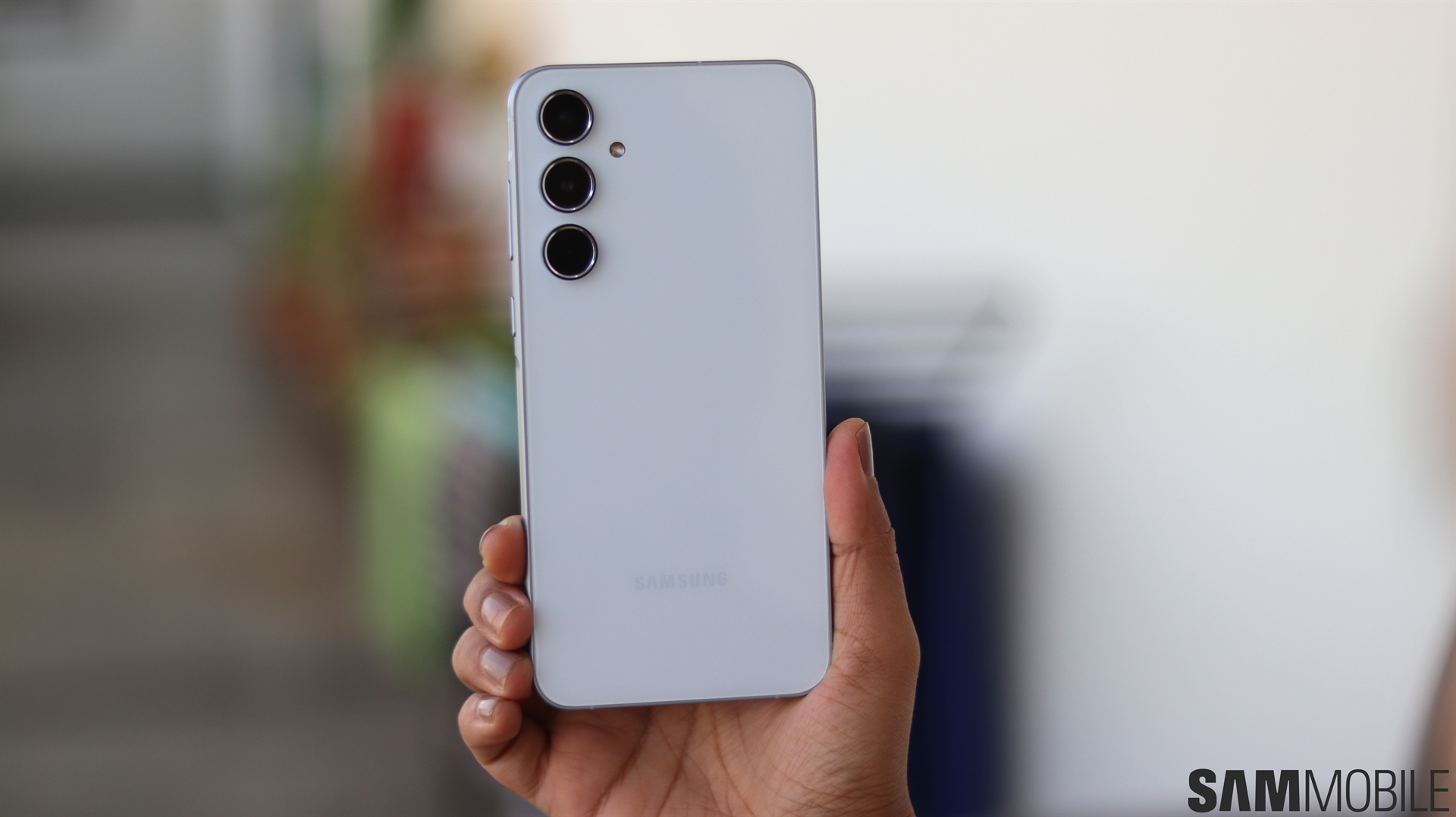
If you bought your Galaxy A55 last year, you might feel a little jealous about the great things you've been hearing about the A56 sequel, particularly regarding its stellar UI performance and two-day battery life. Even so, let's imagine you're not ready to give up on your Galaxy A55 so quickly or pay extra for an upgrade. Is there something else you can do to narrow the gap?
Well, yes, there are a few tricks you can try to improve your Galaxy A55's battery life and UI performance. Frankly, you likely won't be able to fully replicate the Galaxy A56 experience on the older hardware, no matter what tricks you try. Nevertheless, there's almost always room for some improvement.
If you're aiming for that two-day battery boasted by the Galaxy A56, chances are you won't be able to achieve it. But you might be able to make your Galaxy A55 last longer on a full charge with these simple tricks.
There's not a lot you can do to improve your Galaxy A55's UI performance, mainly because it is a mid-range A-series phone and doesn't have a performance profile you can manually set — unlike a flagship phone.
However, once again, you can try a few tricks that can make the UI snappier, even if it means you have to sacrifice some neat visual effects.
All these settings combined can potentially improve your Galaxy A55's battery life and performance levels. But if the results are not satisfactory and you need more, you may want to reconsider your choices.
You could upgrade to the A56, or you could wait until Samsung releases the A57 and see what it offers. The Galaxy A57 hasn't been confirmed yet, but chances are that it will go on sale in mid-2026.

Mihai is a blogger and column writer at SamMobile. His first Samsung phone was an A800 which took a lot of beating, and a part of him still misses the novelty of the clamshell design. In his free time, he enjoys watching shows, documentaries, and stand-up comedy; listening to music, taking walks, and occasionally playing old(er) video games.














