Last updated: February 5th, 2025 at 05:17 UTC+01:00
SamMobile has affiliate and sponsored partnerships, we may earn a commission.
Reading time: 2 minutes
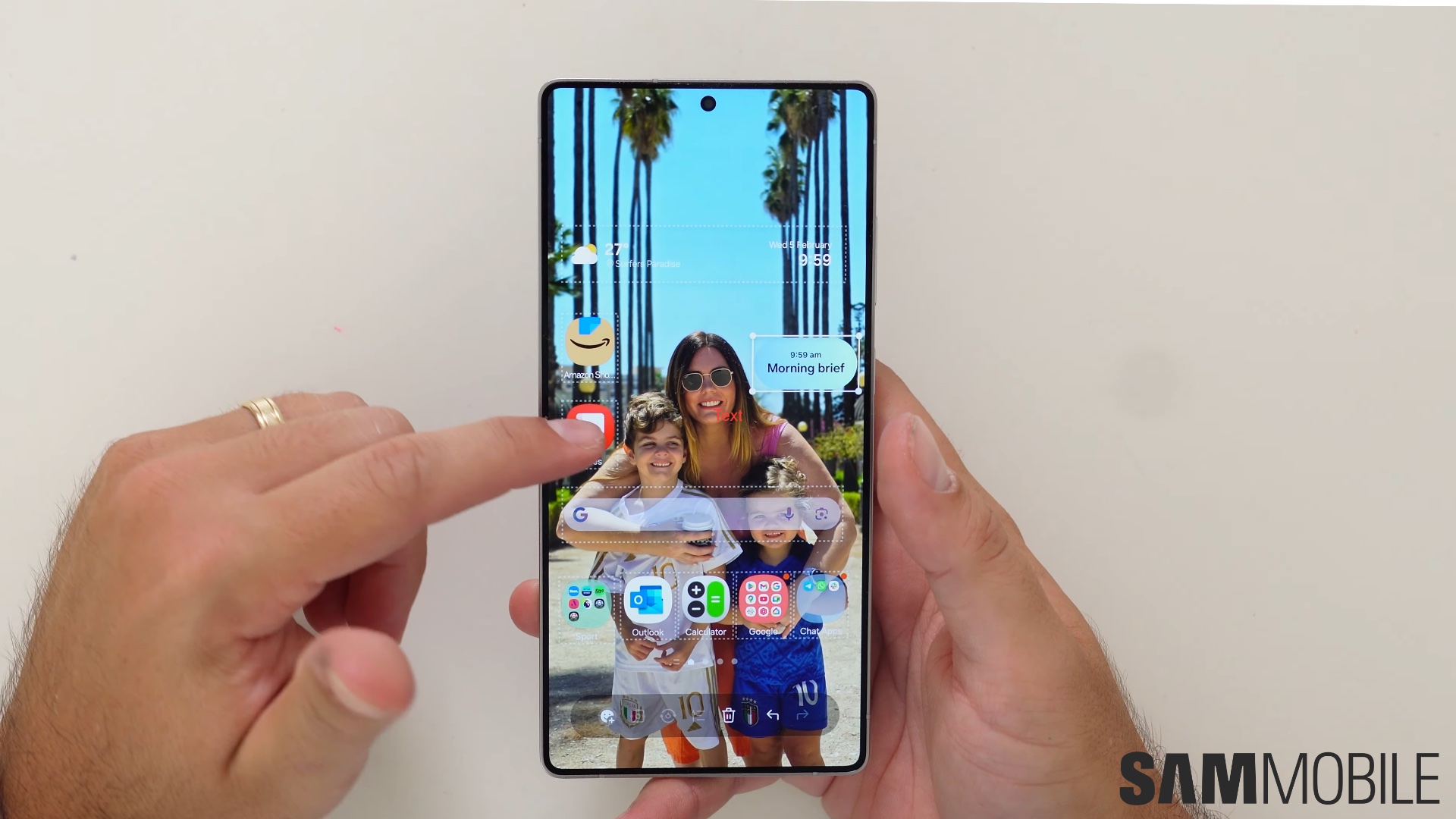
The new version of the Home Up app for Samsung phones running One UI 7.0 now has a new UI design, which is in line with One UI 7.0 styling. The DIY Home option lets you arrange app icons, widgets, stickers, and text on your home screen regardless of grid constraints. With enough patience, you can do wonders with those options.
Watch all those new features in our in-depth video below.
It offers some presets for home screen animations: Advanced Tuning, Classic, Dynamic, Elegance, Simple Tuning, and Sweet. The Advanced Tuning option has several settings that you can play with to make home screen gesture animations look as per to your liking.
Those options include the following:
The app also offers tips at the bottom to help you with fine-tuning animation. There are some other settings related to gestures. It also brings Edge Panel options, such as expanding its width to fit more things.

Asif is a computer engineer turned technology journalist. He has been using Samsung phones since 2004, and his current smartphone is the Galaxy S23 Ultra. He loves headphones, mechanical keyboards, and PC hardware. When not writing about technology, he likes watching crime and science fiction movies and TV shows.













