Last updated: June 10th, 2024 at 07:05 UTC+02:00
SamMobile has affiliate and sponsored partnerships, we may earn a commission.
Reading time: 2 minutes
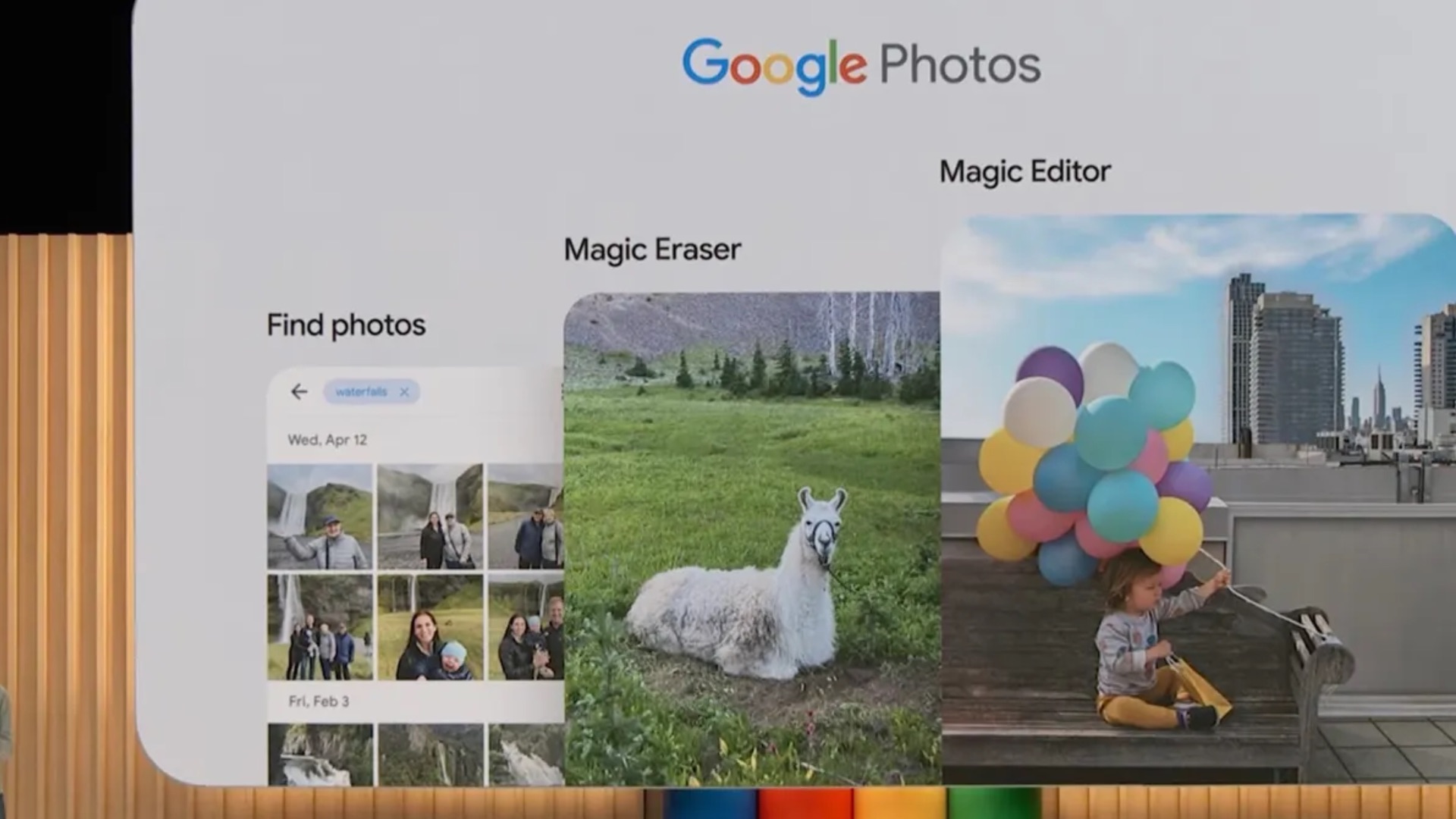
The Magic Editor feature in the Google Photos app is now available (via 9To5Google) for Galaxy smartphones and tablets. This feature lets you erase, move, or resize parts of an image. For example, you can remove an unwanted object, reposition a person in the image, or resize something to make it funny or more prominent.

You can also stylize parts of an image. For example, you can change the color of the sky to golden hour. This feature was first announced for Pixel smartphones during the Google I/O 2023 event last year. Later, Google announced that the feature would be available for all Google Photos users. However, users would only be available for ten saves per month. Users would have to subscribe to Google Photos' $9.99 per month plan for unlimited use.
Some Galaxy smartphone users can use a similar feature via the built-in Gallery app in One UI 6.1. You can watch that feature in action in our video below.
The Google Photos app now offers some other new features, including the ones listed below. All these features are free to use and have no monthly limits.
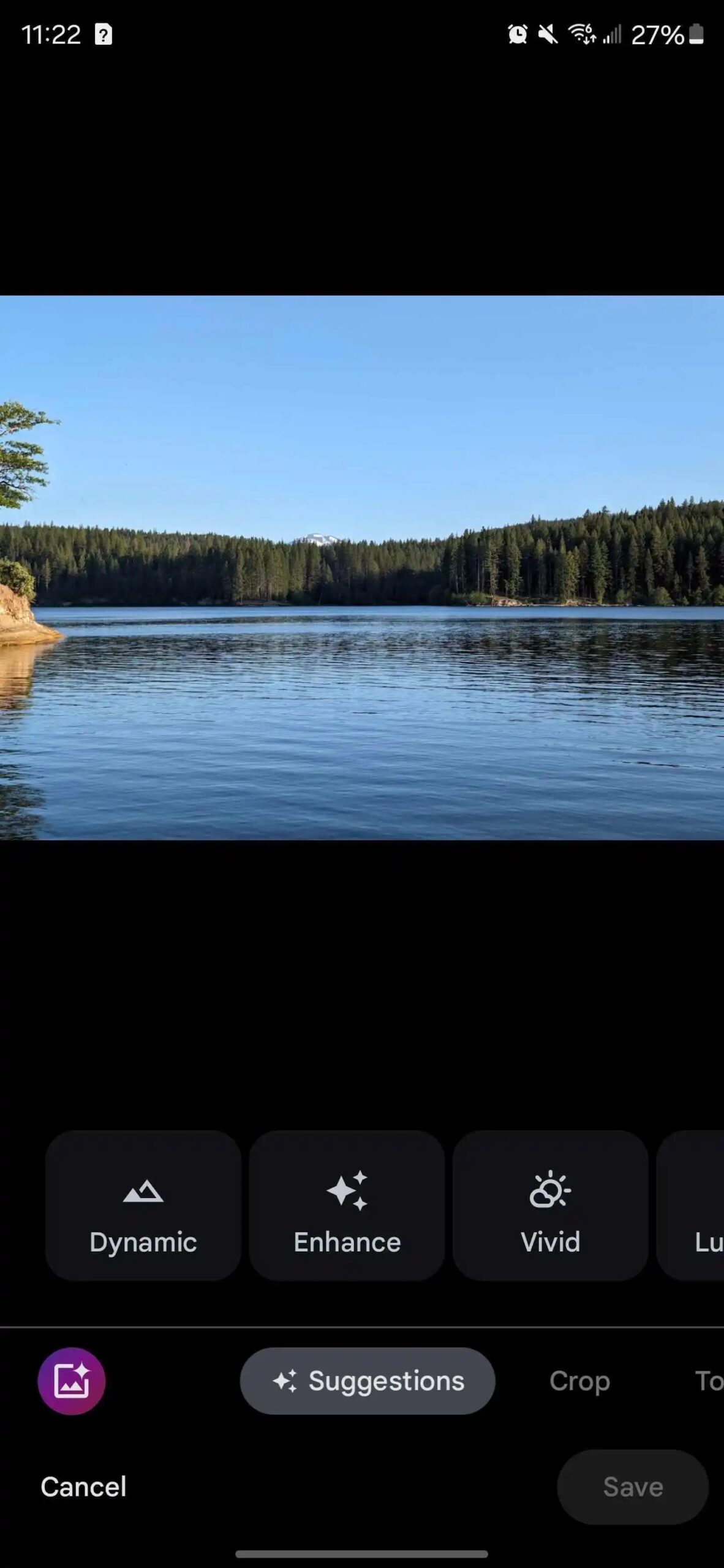
Google says this feature is in its early stages and is a new way to edit photos. Once you update to the latest version of the Google Photos app (version 6.85), if the feature is activated, you can see a new button in the bottom left corner of the screen.
Image Credits: Google, 9To5Google

Asif is a computer engineer turned technology journalist. He has been using Samsung phones since 2004, and his current smartphone is the Galaxy S23 Ultra. He loves headphones, mechanical keyboards, and PC hardware. When not writing about technology, he likes watching crime and science fiction movies and TV shows.












