Last updated: January 10th, 2025 at 06:25 UTC+01:00
SamMobile has affiliate and sponsored partnerships, we may earn a commission.
Reading time: 2 minutes
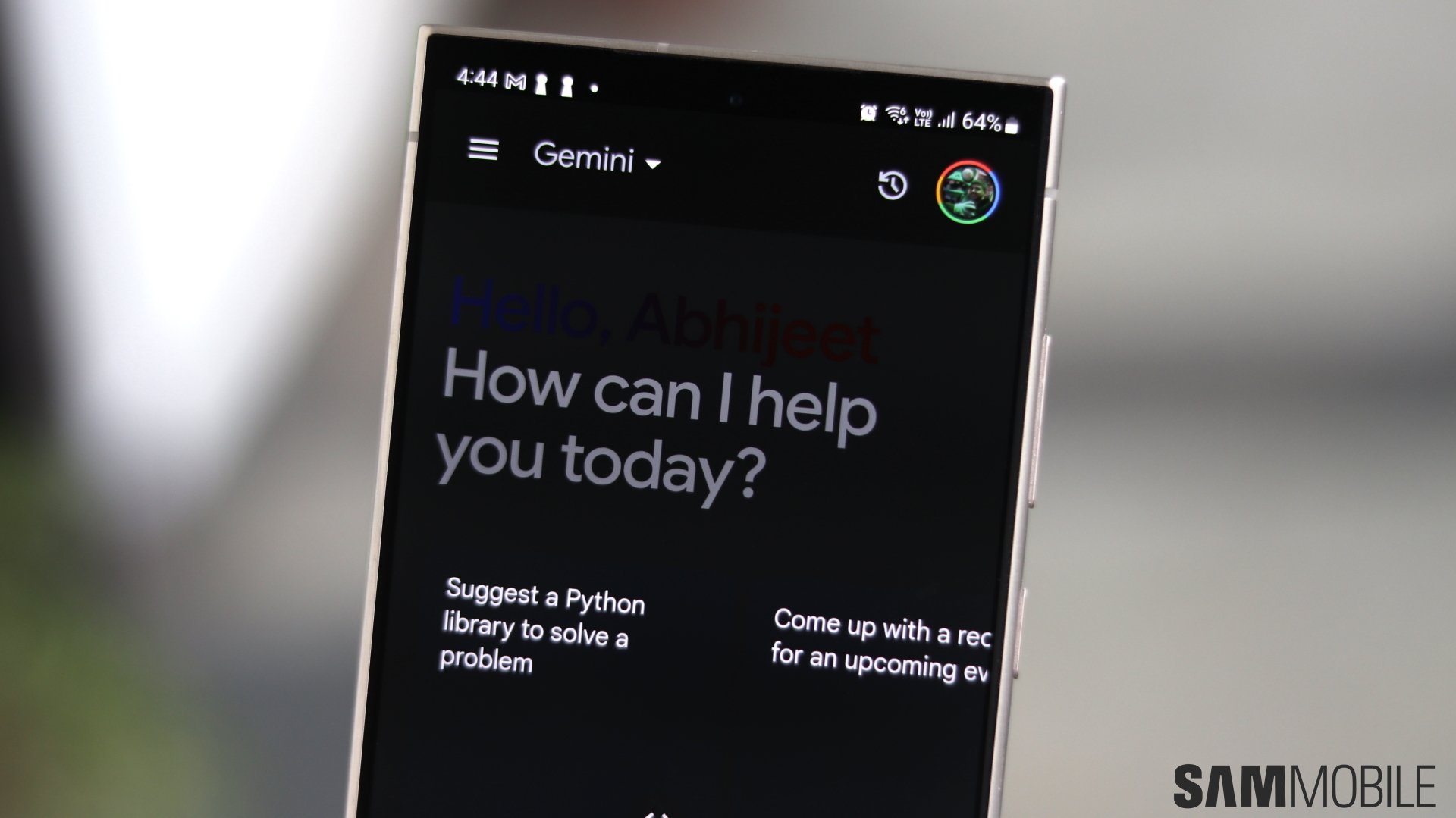
The Gemini app seems to have received (via 9To5Google) a design makeover for the pop-up window that appears on the bottom of the screen when you summon the AI assistant. It now has a single-line design for text input. The overlay now looks more like a Google Search widget.
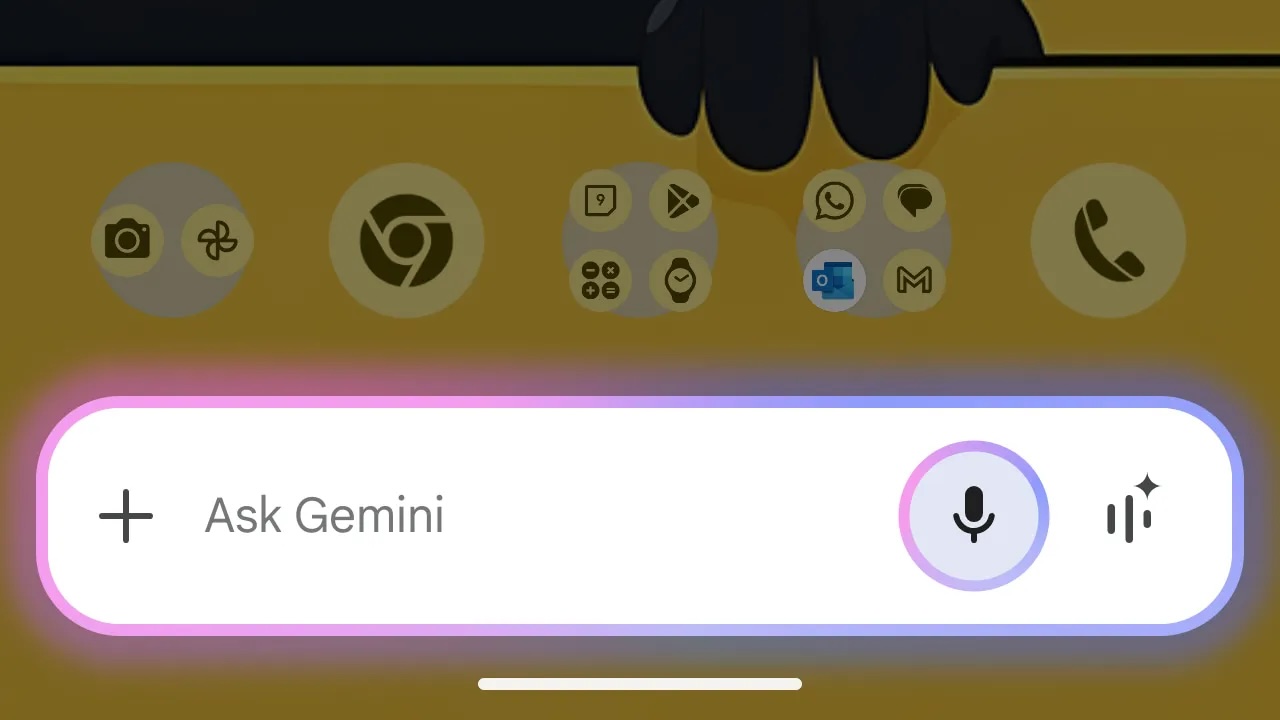
Earlier, when you opened Gemini, an overlay menu appeared from the bottom of the screen, with keyboard, voice, and camera input options. It also had a text box where you could type, an option to open the full app, and a shortcut to open Gemini Live. Now, all those options are now placed in a compact manner.
The Plus sign lets you upload images or files. The text box can be used to input text, and the microphone button can be used to input voice. There is also a shortcut to Gemini Live. Some people started getting this new design yesterday.

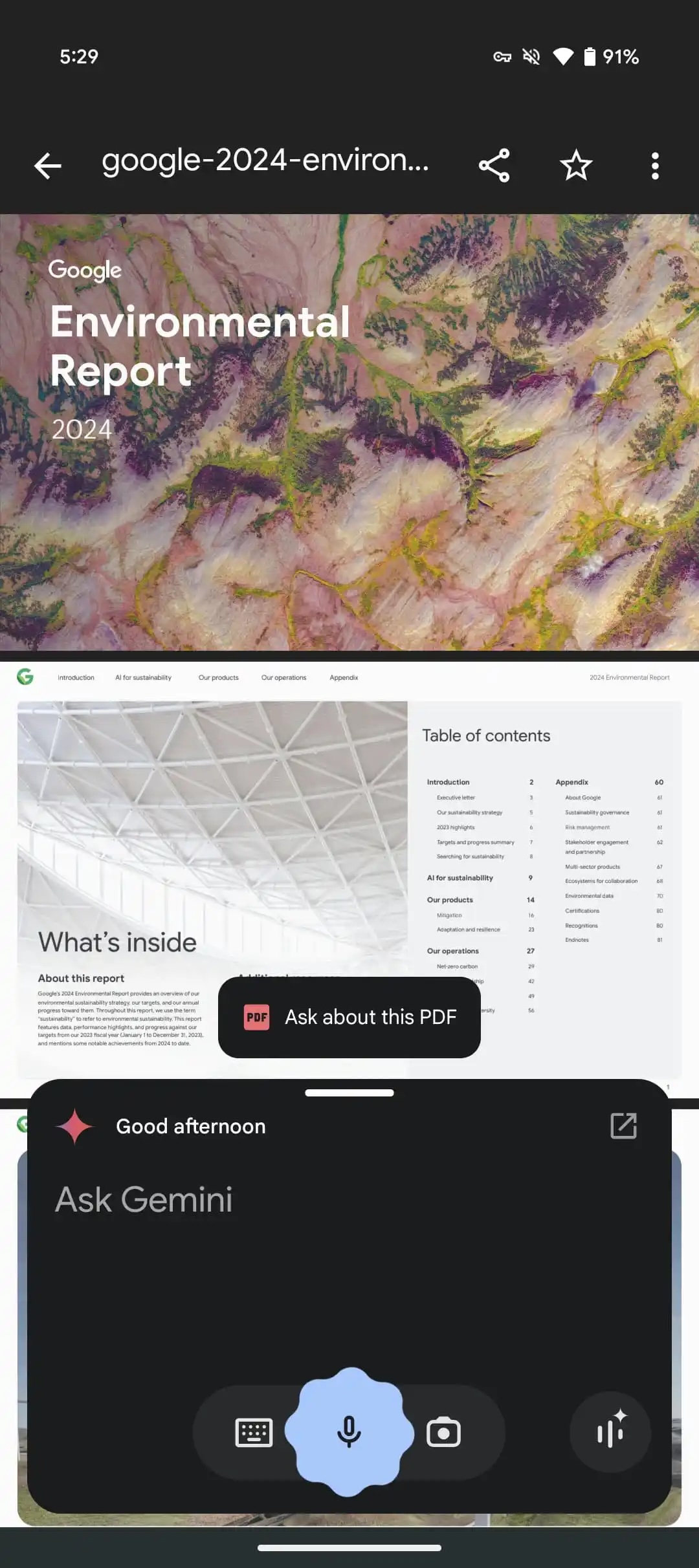
In addition to the design improvement, the app is also getting the ability to analyze PDF files via the Files by Google app. The feature was announced early last year and is currently only available for Gemini Advanced customers.
It is similar to opening Gemini and uploading a PDF but it makes it easier to do that when you open files via the file manager app.

Asif is a computer engineer turned technology journalist. He has been using Samsung phones since 2004, and his current smartphone is the Galaxy S23 Ultra. He loves headphones, mechanical keyboards, and PC hardware. When not writing about technology, he likes watching crime and science fiction movies and TV shows.












