Last updated: November 19th, 2021 at 15:58 UTC+01:00
SamMobile has affiliate and sponsored partnerships, we may earn a commission.
Reading time: 2 minutes
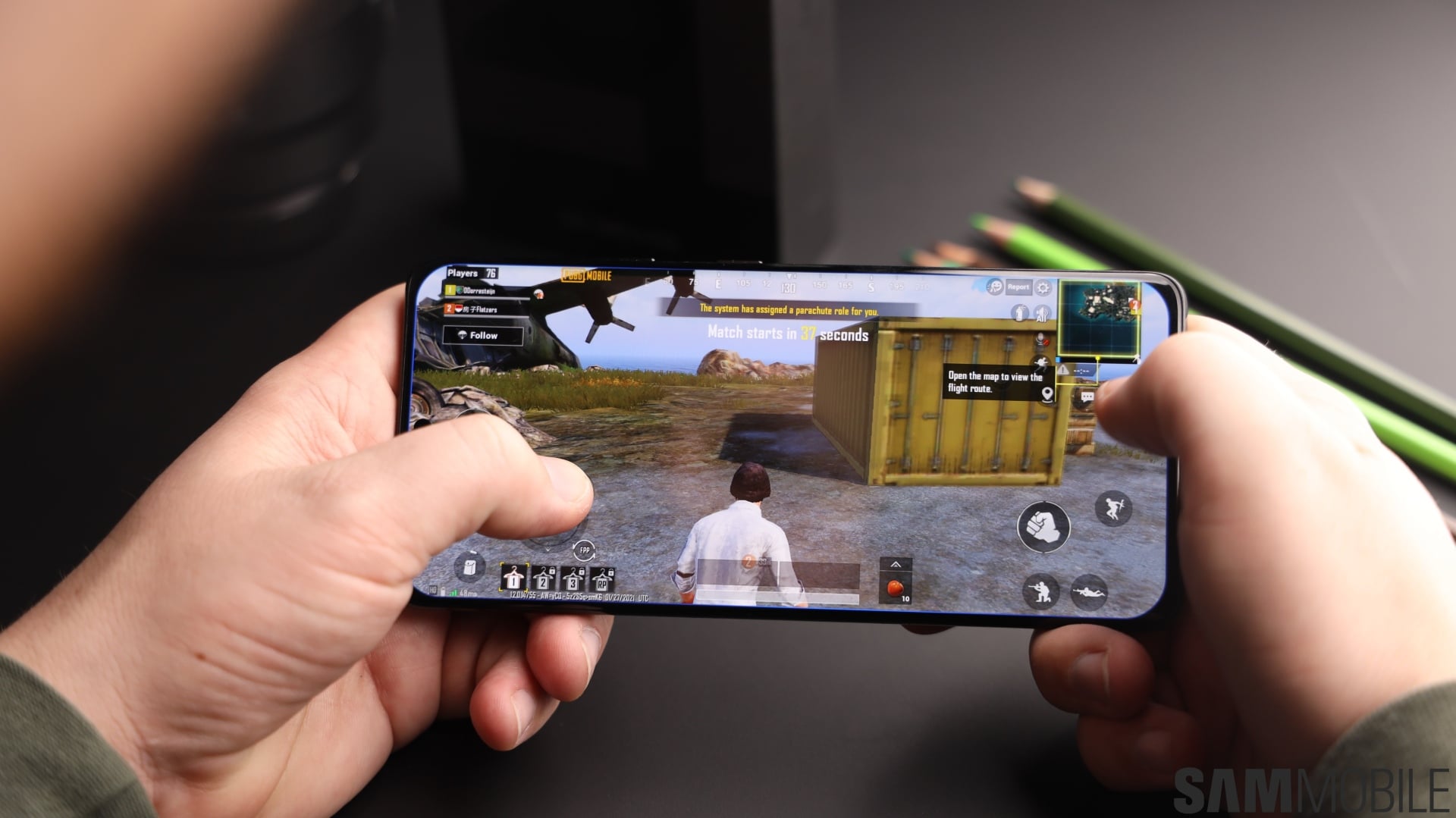
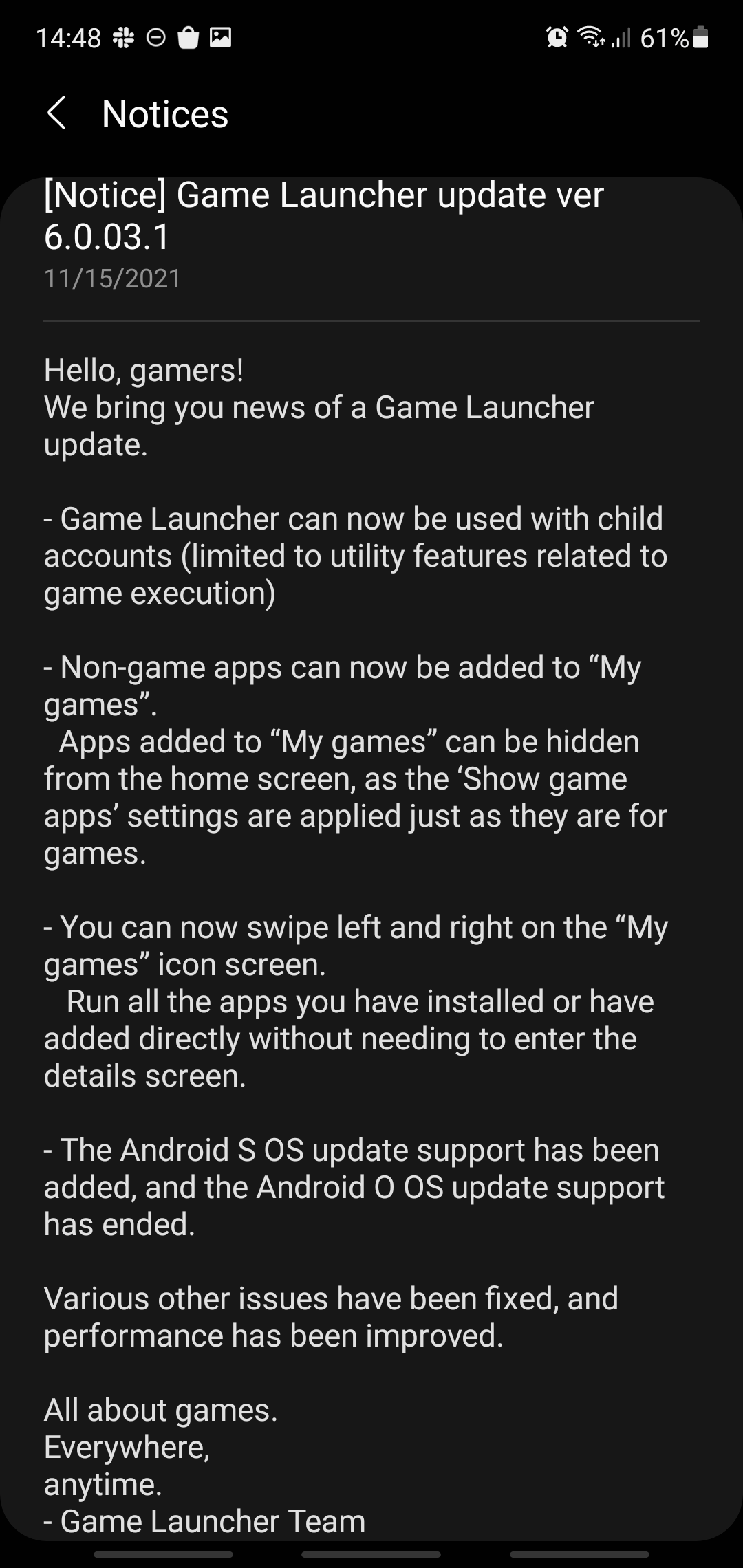
One of the biggest additions to Game Launcher with this latest update lets gamers add non-game apps to the “My games” list and hide the app's shortcut from the home screen via Game Launcher settings.
Other additions include the option for Game Launcher to be used with child accounts that have limitations. Furthermore, with Game Launcher version 6.0.03.1, users can now swipe left and right on the “My games” window.
To grab the latest Game Launcher update, open the Samsung Galaxy Store app on your phone and look for new app updates. As always, the update is gradually reaching devices in more markets, so there's a chance you may have gotten the update notification without getting the new app version itself. Just be patient and it should reach your device soon. Alternatively, head down to the APK section of our website, where you can download Game Launcher 6.0.03.1 manually on your phone.
Game Launcher now supports Android 12, which is great news for Galaxy S21 owners running One UI 4.0. The Android 12 update was released earlier this week and continues reaching more markets as we speak, not unlike the Game Launcher update.
Join SamMobile’s Telegram group and subscribe to our YouTube channel to get instant news updates and in-depth reviews of Samsung devices. You can also subscribe to get updates from us on Google News and follow us on Twitter.

Mihai is a blogger and column writer at SamMobile. His first Samsung phone was an A800 which took a lot of beating, and a part of him still misses the novelty of the clamshell design. In his free time, he enjoys watching shows, documentaries, and stand-up comedy; listening to music, taking walks, and occasionally playing old(er) video games.












