Last updated: August 30th, 2023 at 13:07 UTC+02:00
SamMobile has affiliate and sponsored partnerships, we may earn a commission.
Reading time: 2 minutes
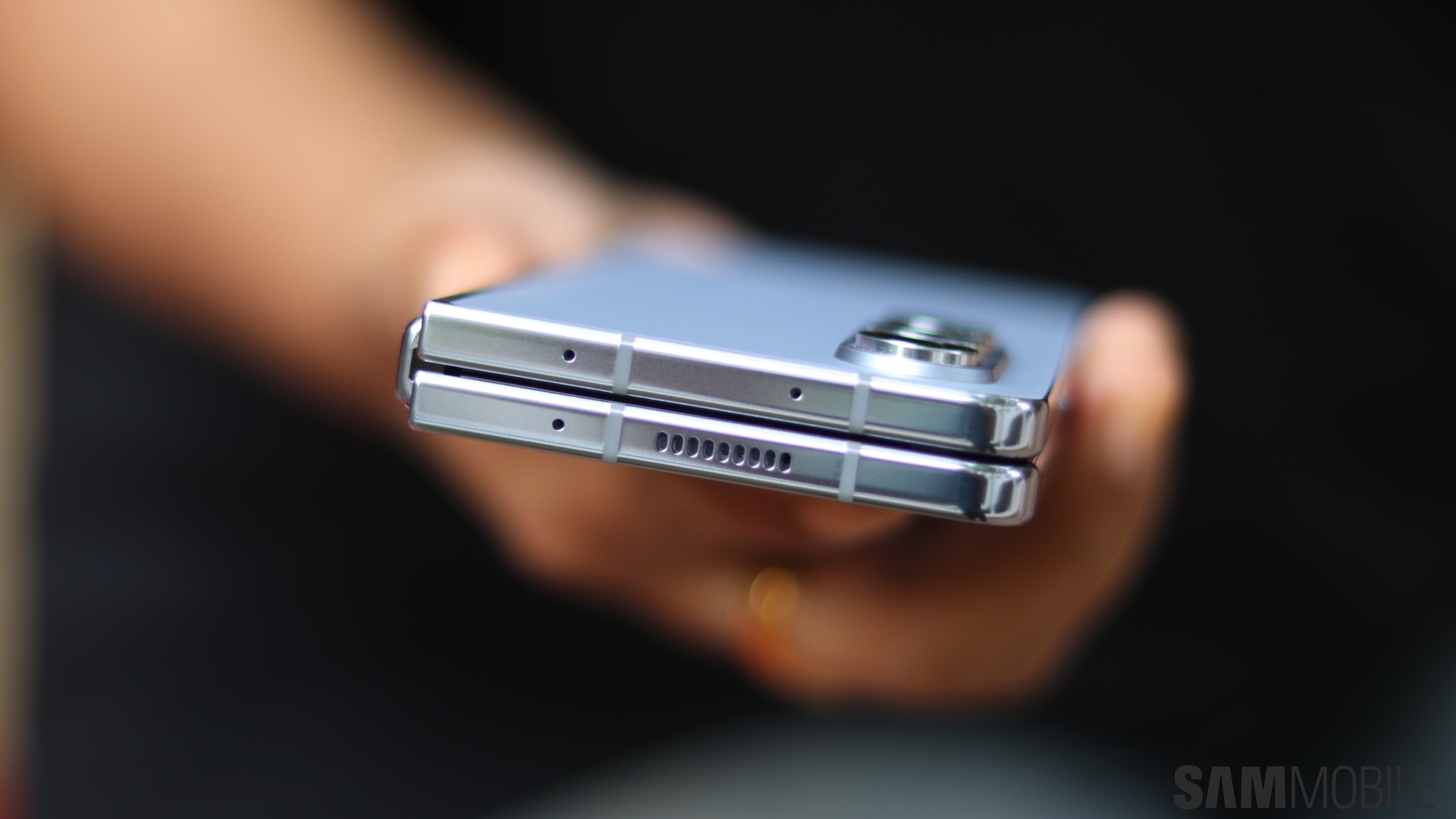
That also holds true for the Galaxy Z Fold 5. As one of Samsung's most powerful devices, it's great to see that accessibility remained an area of focus for the company as it crafted its latest and greatest top-of-the-line foldable smartphone.
Story continues after the video
Live Transcribe is one of the many accessibility features that come with the Galaxy Z Fold 5. This feature instantly recognizes speech and transcribes it as text on the display. The other person can then type their answer on the display itself to have an ongoing conversation.
The Magnification features also prove to be quite useful, enabling users to make everything look bigger on and outside the screen. It lets users zoom in on a particular area of the screen and even magnify physical content using the rear camera.
Samsung has also included a TalkBack accessibility feature which provides you with voice feedback for everything that you touch on the screen, enabling you to effectively listen to your touch-based inputs.
These, and many more accessibility features, are available on the Galaxy Z Fold 5. These particular features can be enabled and disabled through the Accessibility menu in the Settings app.

Adnan Farooqui is a long-term writer at SamMobile. Based in Pakistan, his interests include technology, finance, Swiss watches and Formula 1. His tendency to write long posts betrays his inclination to being a man of few words.












