Exceptional gifting. Our Samsung Galaxy gift guide features smartphones and wearables.
Last updated: March 24th, 2020 at 17:16 UTC+01:00
SamMobile has affiliate and sponsored partnerships, we may earn a commission.
Reading time: 2 minutes
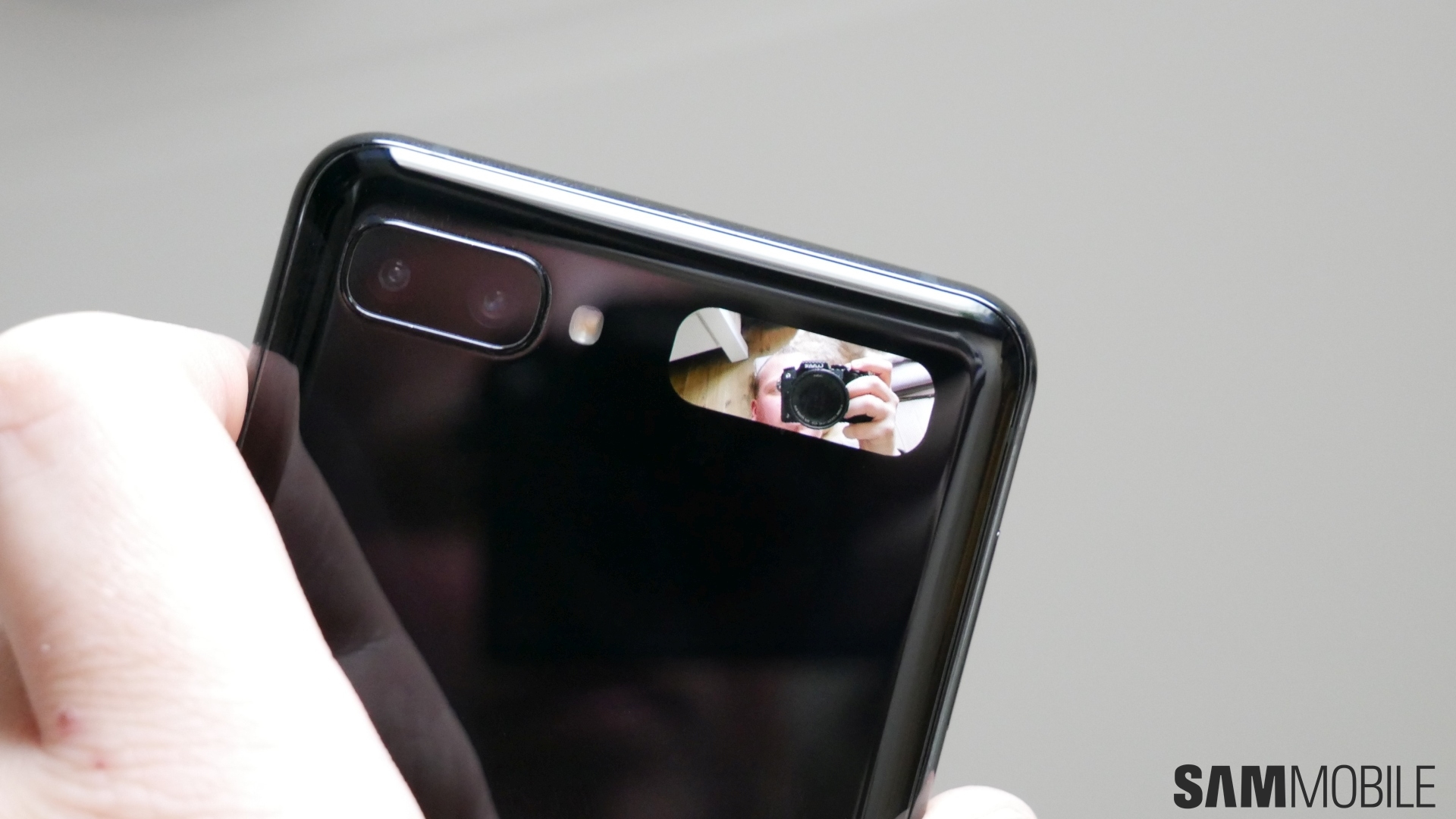
Unlike the Galaxy Fold, which ships with a more familiar 4.6-inch cover display that delivers a phone-like experience, the Galaxy Z Flip's exterior panel measures only 1.1 inches. Its functionality is more limited, to say the least. You can't type on it, open apps (except for Camera), or browse the web, but it does offer a few hidden functions to make the user experience of the Galaxy Z Flip owner a bit better.
Double-tapping the Galaxy Z Flip's cover display will wake it to reveal a minimalist status bar, complete with the time of day, date, and battery level. Swiping right will let you check your notifications, while swiping left gives access to music controls including play previous track, play/pause, and play next track. Swipe left when you receive a call and you can reject it. Last but not least, you can double-press the Side Key to open the Camera app and turn the cover display in a mini viewfinder for selfie shots. In this mode, the volume key acts as a shutter button.
Check out Samsung's official video below, and if you want to learn more about the Galaxy Z Flip and our thoughts on the cover display, feel free to check our review.
https://www.youtube.com/watch?v=ZnKlijjV0qU
Mihai is a blogger and column writer at SamMobile. His first Samsung phone was an A800 which took a lot of beating, and a part of him still misses the novelty of the clamshell design. In his free time, he enjoys watching shows, documentaries, and stand-up comedy; listening to music, taking walks, and occasionally playing old(er) video games.