Last updated: October 1st, 2019 at 08:35 UTC+02:00
SamMobile has affiliate and sponsored partnerships, we may earn a commission.
Reading time: 2 minutes
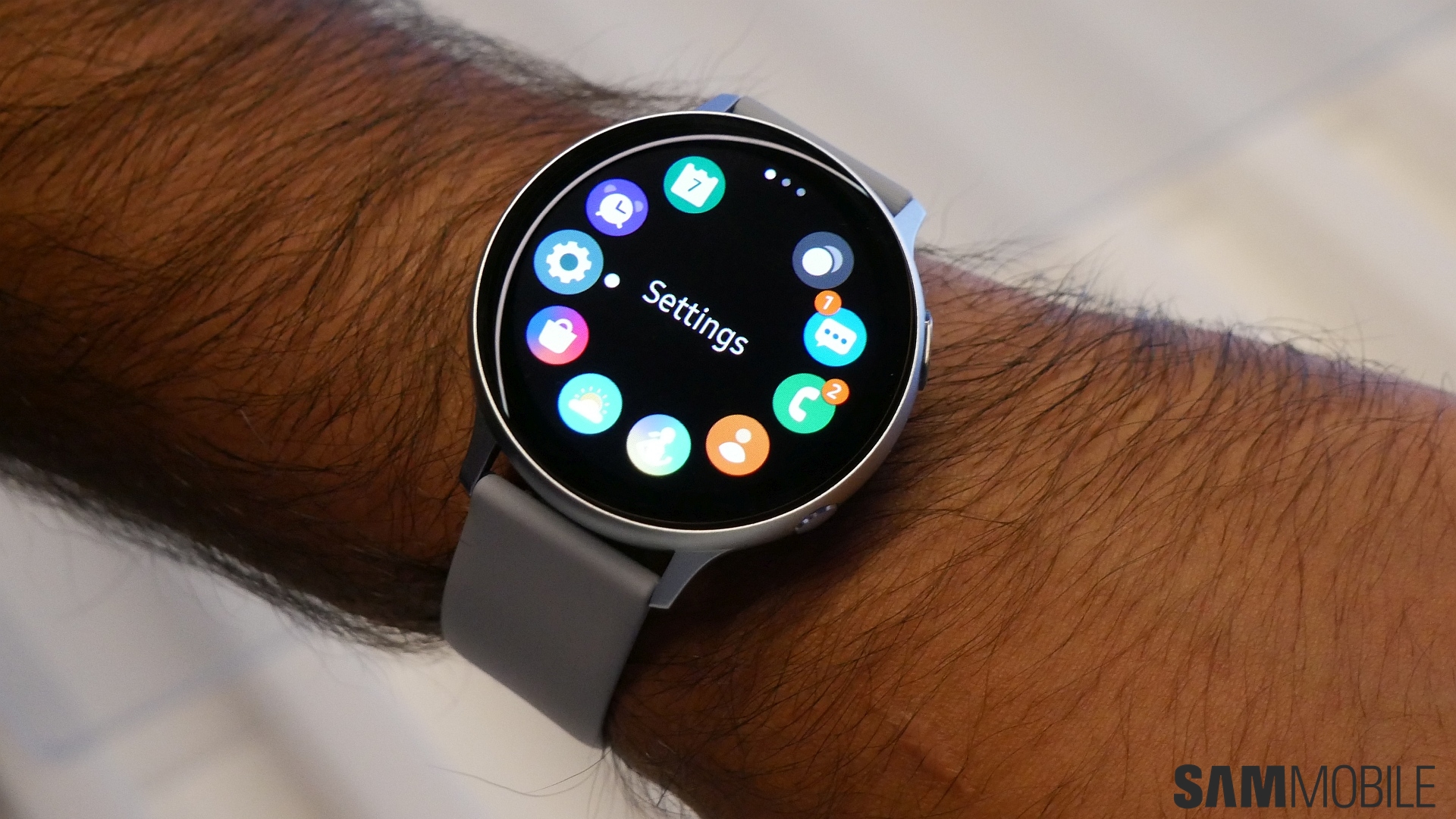
It's rather unclear how or why Samsung shipped the Galaxy Watch Active 2 out to customers with the touch bezel setting set to be disabled by default, but the company is now making the necessary correction. The update — sporting build number R820XXU1BSI9 for the 44mm Wi-Fi version of the watch — also improves GPS performance and the accuracy of the battery level indicator on watch faces. A similar update is likely to roll out for the 40mm and cellular variants – the update should also be making its way to markets outside the US in the near future, and we will be sure to let you know once that happens.
To check if the update is available for your watch, open the Galaxy Wearable app on your connected phone, select About Watch, followed by Update watch software, and then tap the Update now button. The update will also show up on its own via a notification on your phone if you don't manually check for it, although that can take a few days.
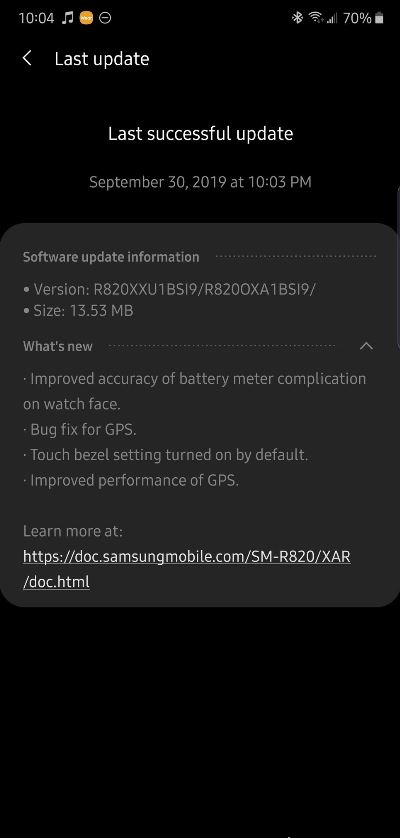
Thanks for the tip, Jake McCabe!

Abhijeet's writing career started with guides for custom firmware for Samsung devices (including the original Galaxy S), and he moved to SamMobile in mid-2013 and worked up the ranks to Editor-in-chief. In addition to phones and mobile devices, his interests include gaming on both PC and console, PC hardware, and spending countless hours on YouTube watching videos on tech, movies, games, politics, and internet dramas.













