Last updated: September 30th, 2025 at 09:26 UTC+02:00
SamMobile has affiliate and sponsored partnerships, we may earn a commission.
Samsung has started rolling out the One UI 8 Watch Beta 2 (Wear OS 6) update to the Galaxy Watch 6 Classic in Korea.
Reading time: 1 minutes
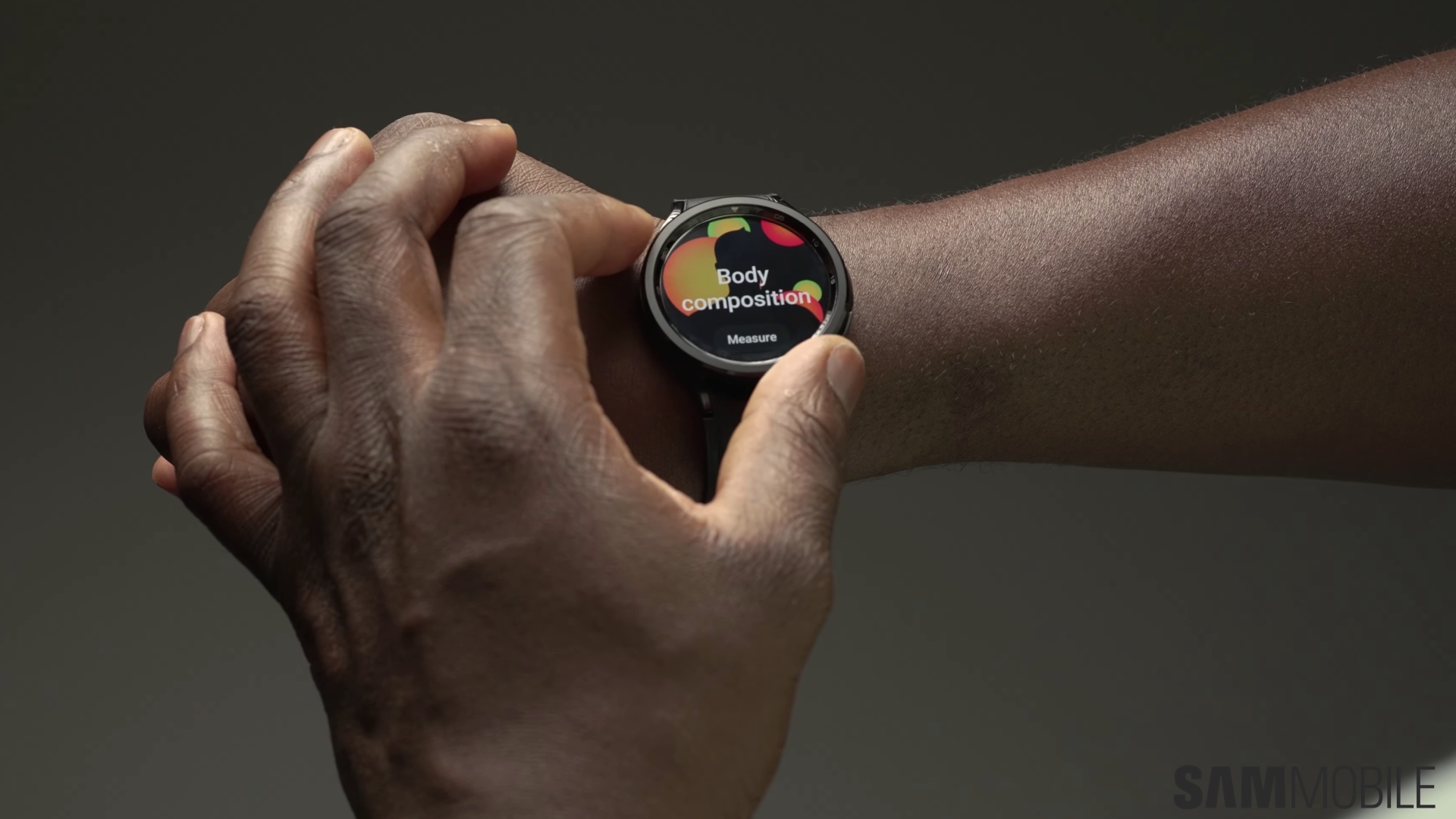
Last week, Samsung opened the One UI 8 Watch Beta Program for the Galaxy Watch 6 and the Galaxy Watch 6 Classic. Now, the brand is rolling out the second beta version of the new software to the latter, which brings three major changes.
Currently, Samsung is offering the One UI 8 Watch Beta 2 to the Galaxy Watch 6 Classic in its home country, South Korea. The update is 158.28MB in size and carries firmware version R960XXU1ZYI5, as you can see in the image below.

According to the change log, the update improves performance, fixes always-on display (AOD) malfunction with specific watchfaces, and fixes an issue where the services you had customized on your smartwatch wouldn’t turn on after connecting it to a new phone. Below is the official change log.
To update your Galaxy Watch 6 Classic to the second beta version of One UI 8 Watch, on your Android smartphone, open the Galaxy Wearable app, navigate to Watch settings » Watch software update and tap Download and install.

I’m a computer science engineer living in Hyderabad, India, who has a keen interest in automobiles and consumer electronics. My journalism career kicked off in 2017 with MySmartPrice where I wrote news, features, buying guides, and explanatory articles about technology among other things, and reviewed many products, including smartphones, tablets, laptops, PC components, smartwatches, audio devices, wearables, and smart home products. Since then, I have worked for 91Mobiles, Apple, and Onsitego, before finally landing on SamMobile.












