Last updated: December 23rd, 2025 at 07:06 UTC+01:00
SamMobile has affiliate and sponsored partnerships, we may earn a commission.
The update brings a redesigned UI, improved stock apps, and new and improved health and wellness features.
Reading time: 2 minutes
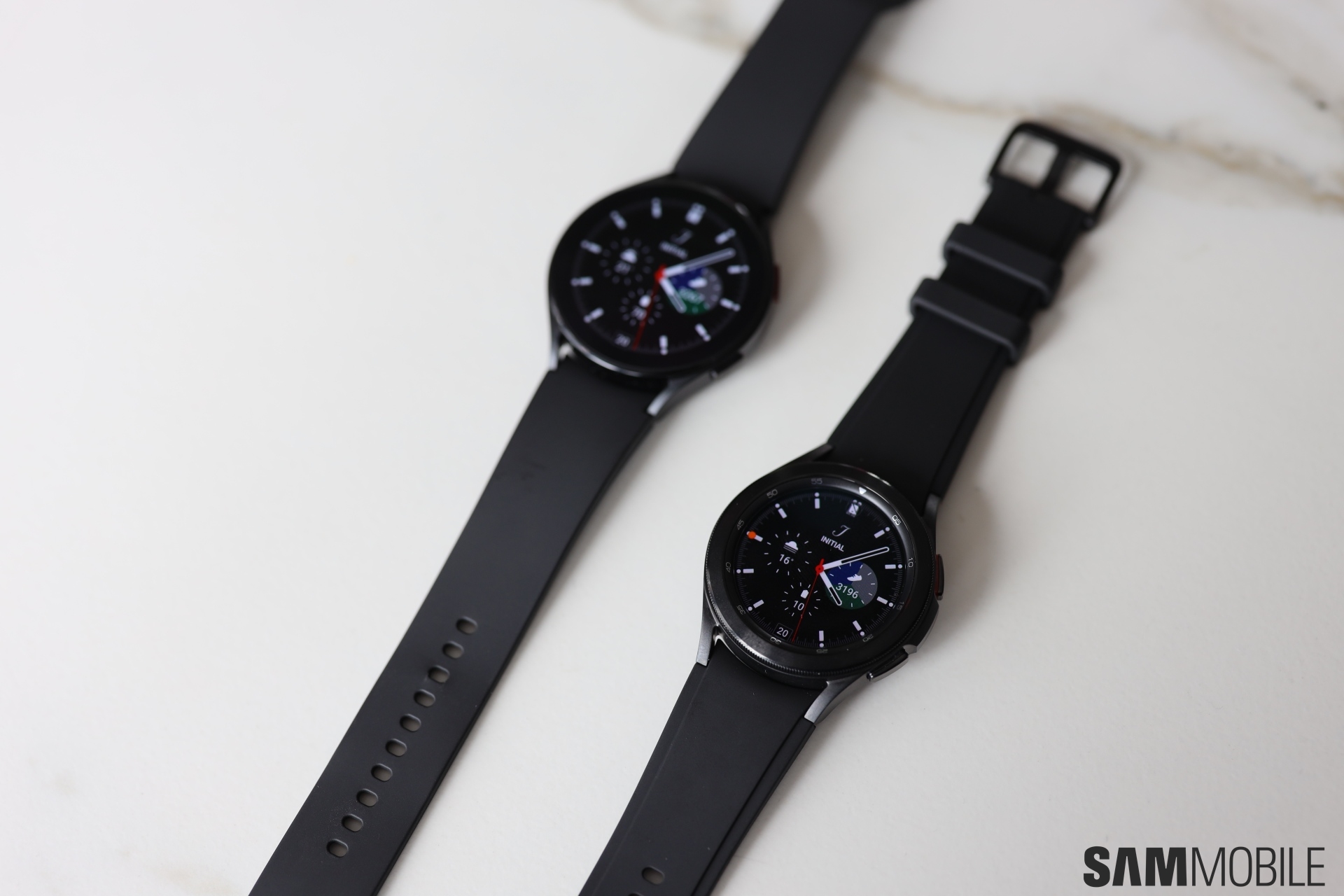
One week after releasing the One UI 8 Watch update for the Galaxy Watch 4 series in South Korea, Samsung is expanding the availability of the update. Today, the update went live in the USA for the Galaxy Watch 4 Classic. The base Galaxy Watch 4 could also get the update very soon.
The Galaxy Watch 4 Classic is now getting the Wear OS 6-based One UI 8 Watch update in the USA. It comes with firmware version R880XXU1JYK4 for the smaller variant of the smartwatch and R890XXU1JYK4 for the larger variant. The update has a download size of around 1.7GB and includes the October 2025 security patch.
The update is currently available only for Bluetooth + Wi-Fi variants of the Galaxy Watch 4 Classic, and hasn't been released for the Bluetooth + Cellular variants yet. Samsung could release the update to the Galaxy Watch 4 and the LTE variants of the Galaxy Watch 4 Classic in the coming days.
The update brings Now Bar, Double Pinch gestures for more actions, new battery charging animations, improved view for notifications, and easier way to respond to notifications. You can create custom Tiles using multiple widgets. It also brings Bedtime Guidance and Mindfulness features for health and wellness.
It also brings new grid layout and a list layout for the app drawer. The update also brings newer app icons to most stock apps from Samsung. This is likely the last major software update for the Galaxy Watch 4 series.
If you have a non-cellular variant of the Galaxy Watch 4 Classic and live in the USA, you can check for the new update by navigating to Settings > Software update and tapping Download and install on your smartwatch. Once the update is downloaded, tap the Install now button to start the update installation procedure.

Asif is a computer engineer turned technology journalist. He has been using Samsung phones since 2004, and his current smartphone is the Galaxy S23 Ultra. He loves headphones, mechanical keyboards, and PC hardware. When not writing about technology, he likes watching crime and science fiction movies and TV shows.












