Last updated: May 9th, 2024 at 13:23 UTC+02:00
SamMobile has affiliate and sponsored partnerships, we may earn a commission.
Reading time: 2 minutes
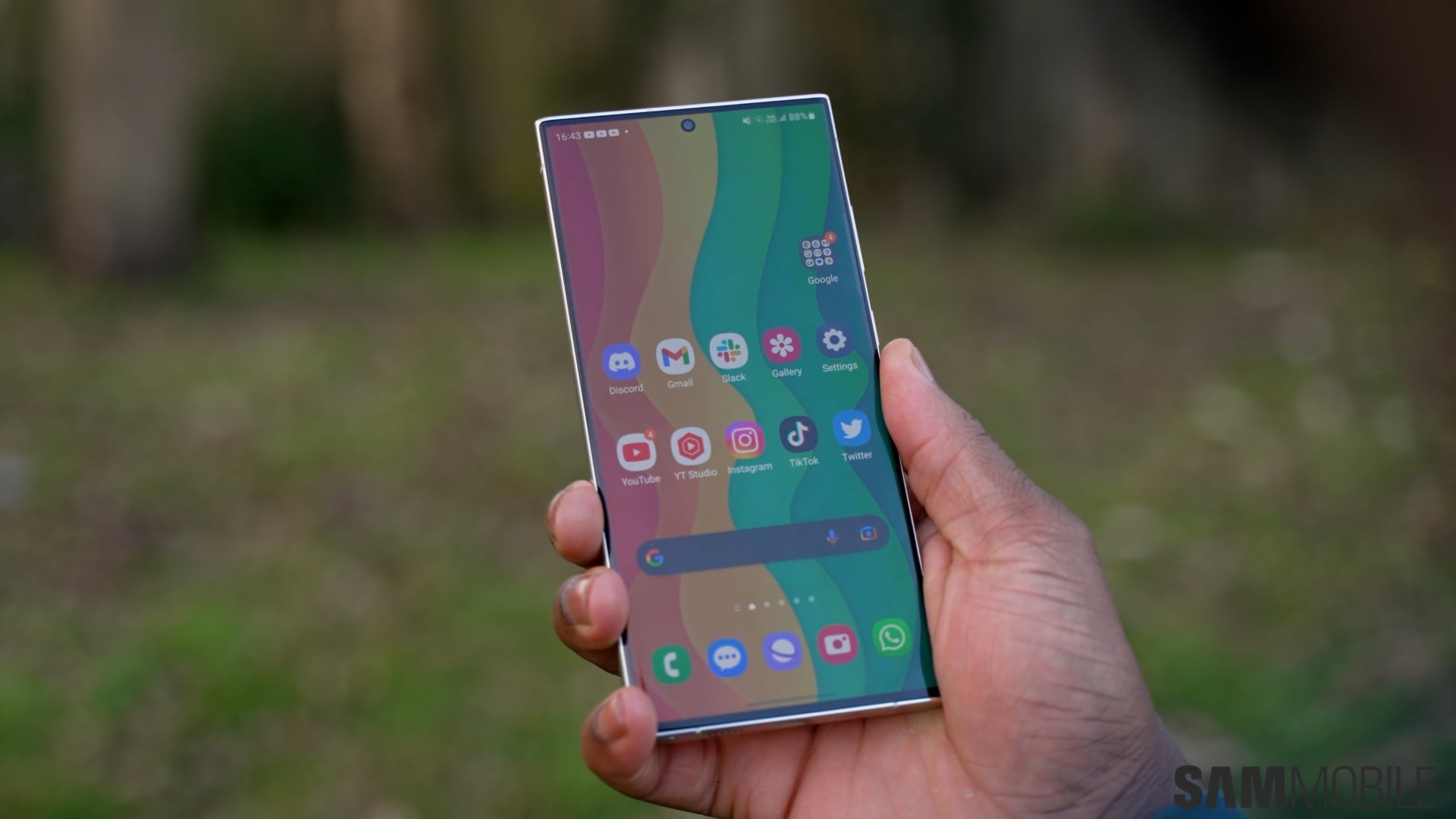
After installing the One UI 6.1 update, we found the lock screen clock widget on our Galaxy S23 Ultra resets its styling (placement, size, and font) after some time. We aren't sure whether the styling reset happens randomly or after the device is restarted, but it does happen quite frequently.
The story continues after the video…
With the One UI 6.1 update, Samsung brought the ability to use custom fonts for the lock screen clock widgets on Galaxy devices. Users can install any font from the Galaxy Store and choose one of the installed fonts to change the look of the lock screen clock widget. However, it doesn't seem to stay with custom fonts and reverts to the default font.
We are not sure whether Samsung knows about this bug, but we are hopeful that the South Korean firm is working on the issue and that future updates will solve this minor bug.

I’m a computer science engineer living in Hyderabad, India, who has a keen interest in automobiles and consumer electronics. My journalism career kicked off in 2017 with MySmartPrice where I wrote news, features, buying guides, and explanatory articles about technology among other things, and reviewed many products, including smartphones, tablets, laptops, PC components, smartwatches, audio devices, wearables, and smart home products. Since then, I have worked for 91Mobiles, Apple, and Onsitego, before finally landing on SamMobile.












