Last updated: November 22nd, 2023 at 00:33 UTC+01:00
SamMobile has affiliate and sponsored partnerships, we may earn a commission.
Reading time: 2 minutes
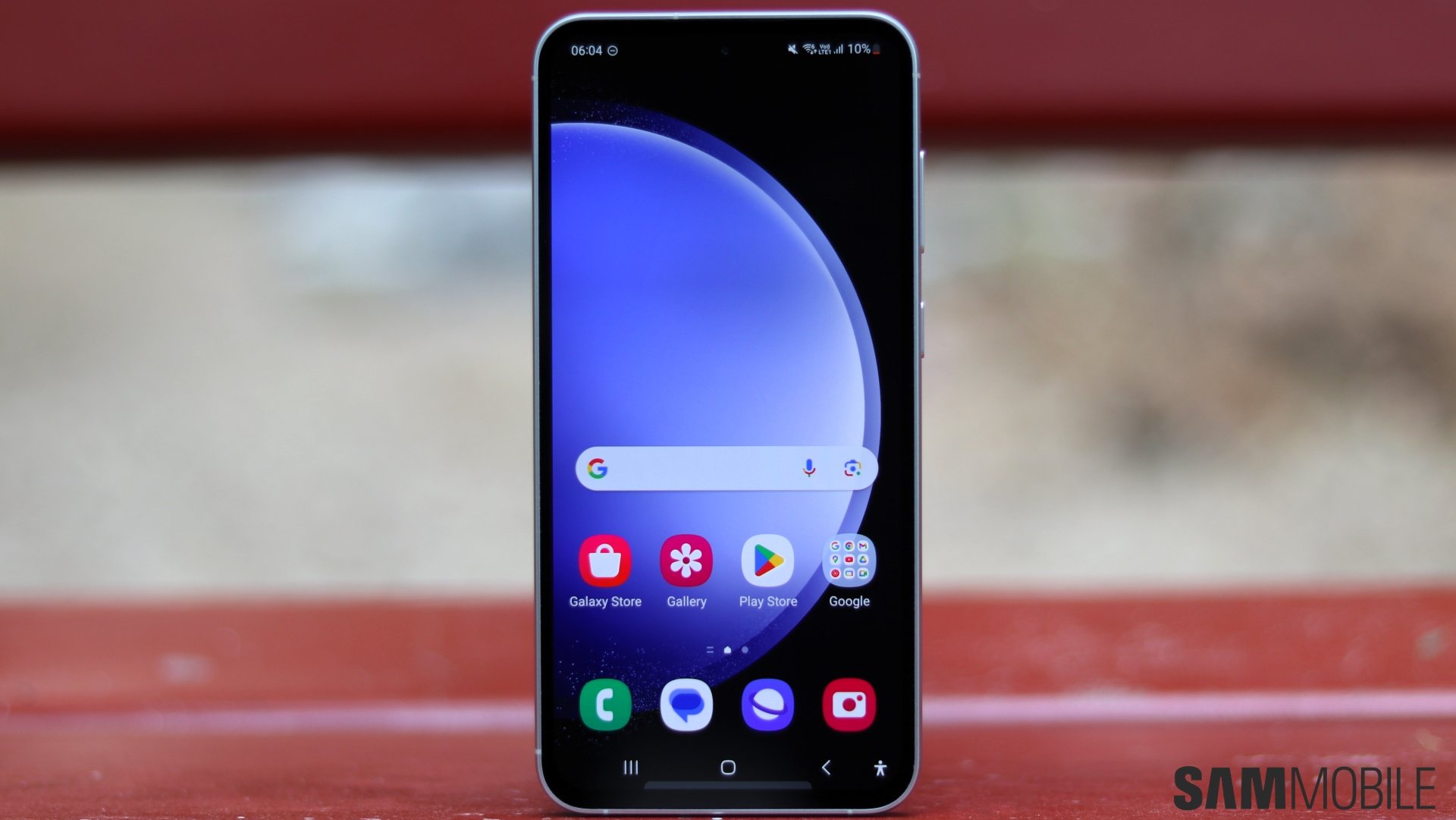
But Android 14, along with One UI 6, is finally here for the Galaxy S23 FE, three weeks after the update was released for the Galaxy S23, Galaxy S23+, and Galaxy S23 Ultra. The update began rolling out to the Exynos variant of the Galaxy S23 FE that's sold in most countries, but the Snapdragon version shouldn't be too far behind.
Since the Galaxy S23 FE is part of the Galaxy S23 lineup, its Android 14 and One UI 6 update should be virtually identical to the one released for its non-FE cousins and include all of the features, big and small, that we detail in our definitive One UI 6 guide and in the video above.
If you own a Galaxy S23 FE, you will be able to download the Android 14 update from the phone's Settings » Software update menu. You can also make the upgrade by flashing the Android 14 firmware available in our archives on the phone using a Windows PC and a USB-C cable.

Abhijeet's writing career started with guides for custom firmware for Samsung devices (including the original Galaxy S), and he moved to SamMobile in mid-2013 and worked up the ranks to Editor-in-chief. In addition to phones and mobile devices, his interests include gaming on both PC and console, PC hardware, and spending countless hours on YouTube watching videos on tech, movies, games, politics, and internet dramas.













