Last updated: October 15th, 2019 at 14:49 UTC+02:00
SamMobile has affiliate and sponsored partnerships, we may earn a commission.
Reading time: 2 minutes
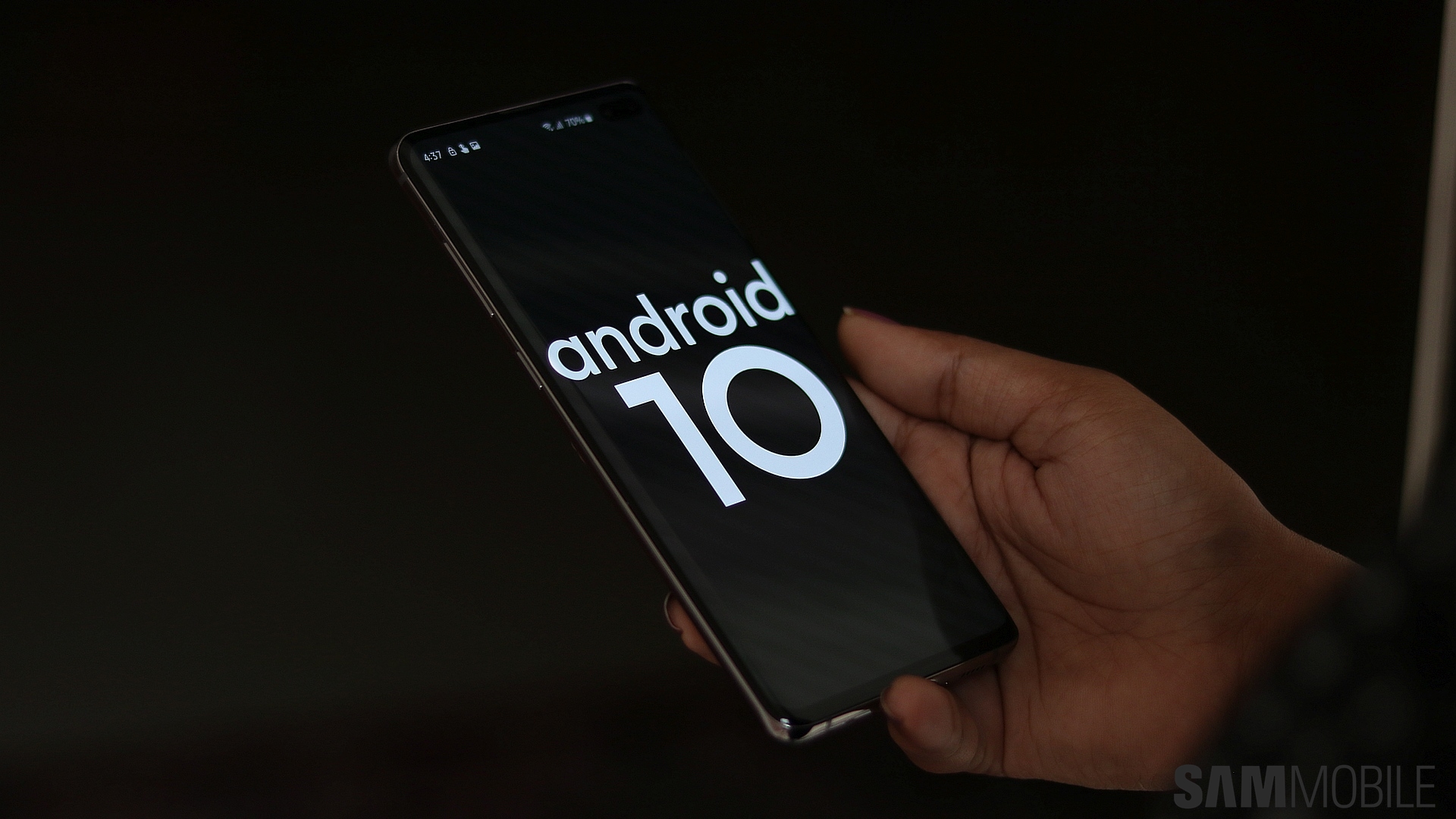
The first Android 10 beta is already rolling out over the air, and once you have registered, you can go into the Software update menu of your Galaxy S10's Settings app and tap Download and install to start downloading the beta software. It may not be immediately available for everyone, and if that's the case, just keep mashing the Download and install button until the update shows up.
The software version for the first beta is G970FXXU3ZSJ8, G973FXXU3ZSJ8, and G975FXXU3ZSJ8 for the S10e, S10, and S10+ respectively. The download size varies by device: 1865 MB for the S10e, 1867 MB for the S10, and 1900 MB for the S10+. Samsung doesn't say anything about registration slots for the beta being limited, but you might want to hurry and register as soon as possible to make sure you don't miss out. 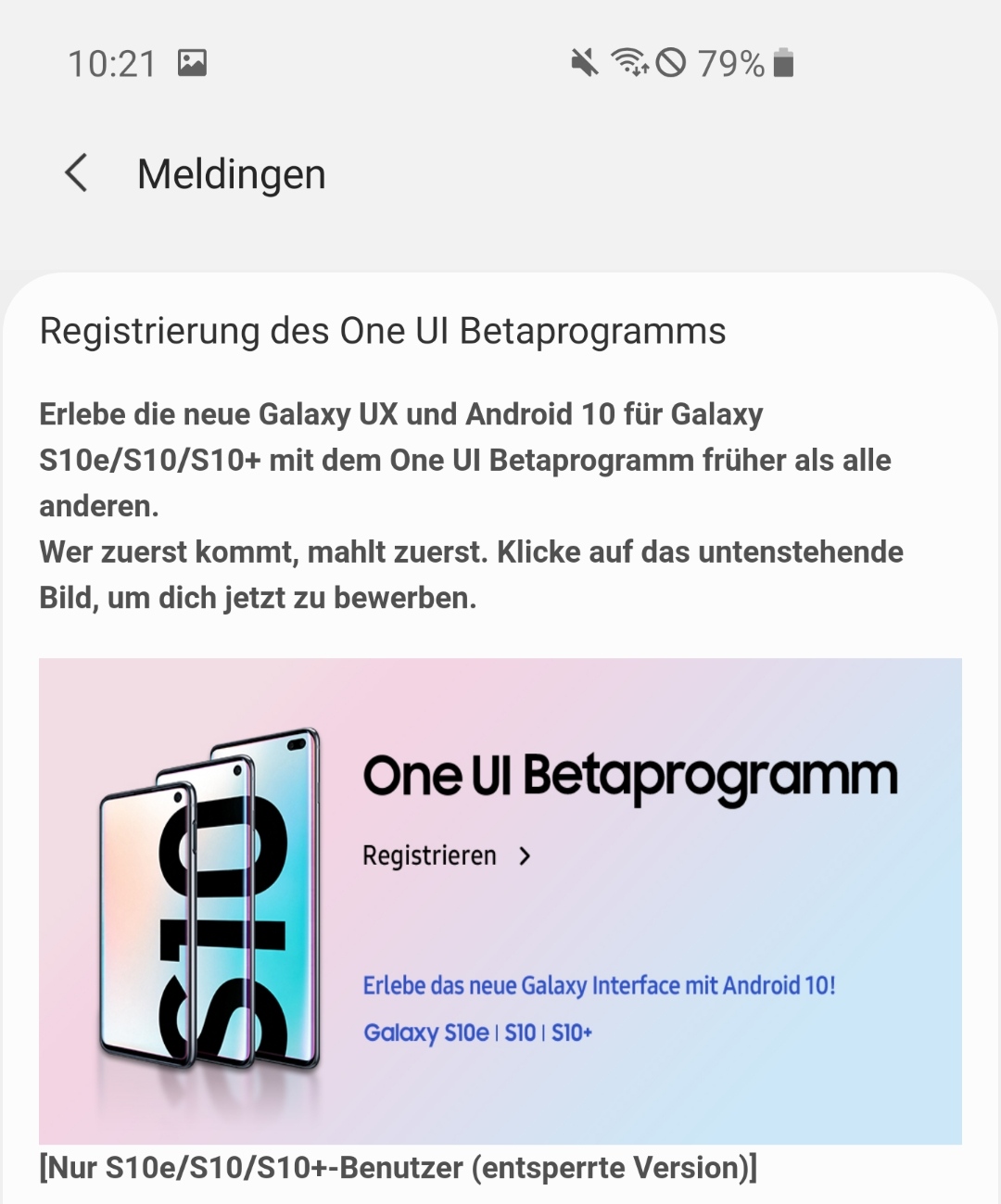

Abhijeet's writing career started with guides for custom firmware for Samsung devices (including the original Galaxy S), and he moved to SamMobile in mid-2013 and worked up the ranks to Editor-in-chief. In addition to phones and mobile devices, his interests include gaming on both PC and console, PC hardware, and spending countless hours on YouTube watching videos on tech, movies, games, politics, and internet dramas.













