Last updated: September 24th, 2025 at 08:30 UTC+02:00
SamMobile has affiliate and sponsored partnerships, we may earn a commission.
WhatsApp can now translate messages you receive on your Galaxy phone into the language you prefer.
Reading time: 2 minutes
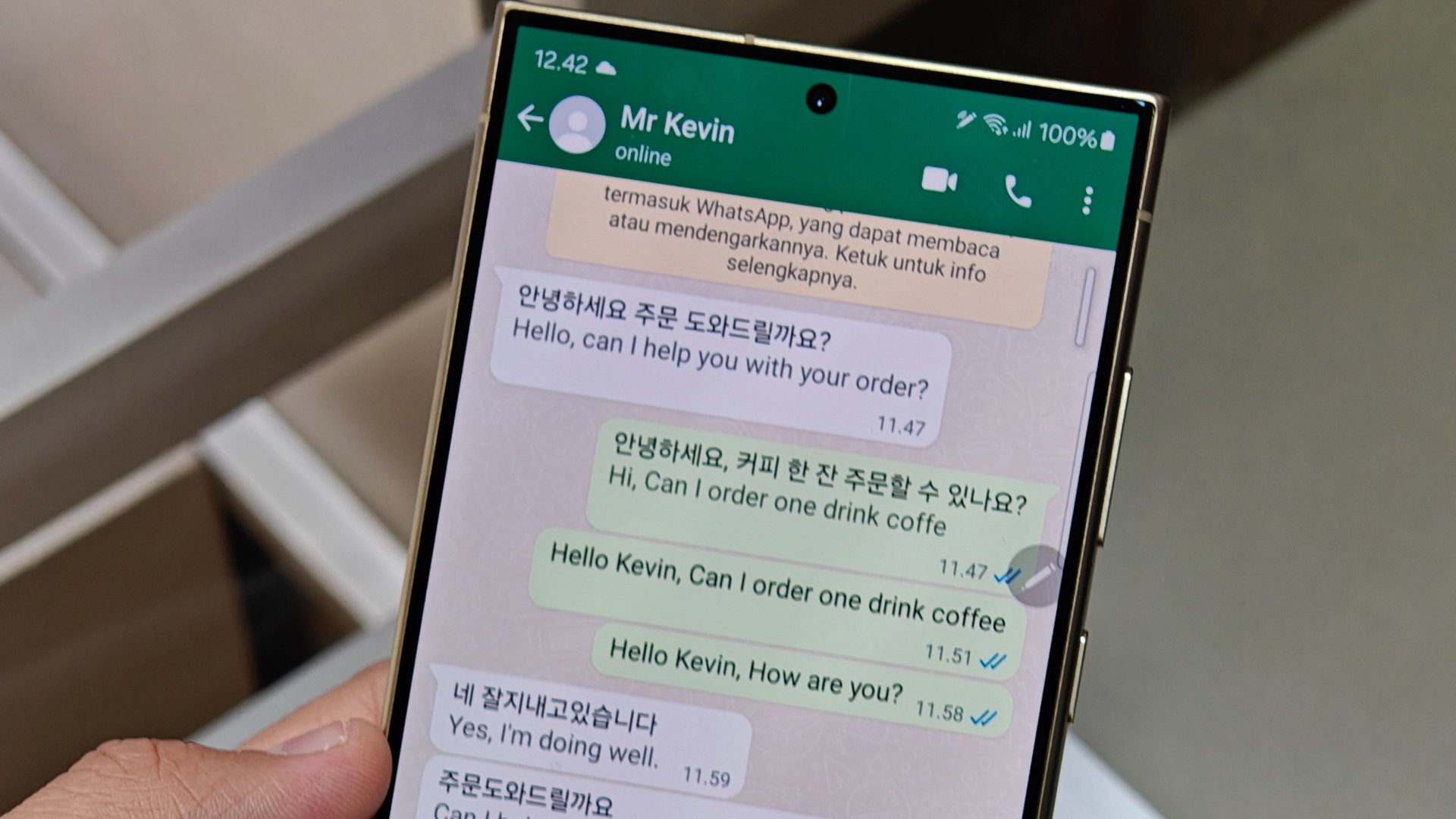
One of the most important features on Galaxy phones with AI is language translation. It works with calls, messages, notes, webpages, and more to translate one language to the one you prefer. But what if your Galaxy phone doesn't have Galaxy AI? Well, it can soon at least translate your WhatsApp messages.
WhatsApp has announced that it's starting to roll out the language translation feature for messages. This feature works on both Android and iOS devices, and it's important to note that it works on all devices without sending your messages to the cloud, so your information stays private.

When you long-press a message you received on WhatsApp, the Translate option appears in the context menu. You can then select the language you want to translate to and from. If you frequently receive messages in a specific foreign language, you can download its resources for faster translation. This feature works in 1:1 chats, group chats, and even channels.
Android users have the option to translate an entire chat thread, while iOS users must translate messages one by one. Currently, this feature supports six languages on Android: Arabic, English, Hindi, Portuguese, Russian, and Spanish. On iPhones, it supports 21 languages. WhatsApp plans to expand its language support on Android in the near future.
Since the update is being rolled out in phases, not everyone will get the new feature immediately. Some people will receive it later than others. To ensure you have access to this feature, make sure you're using the latest version of WhatsApp. People who have a Galaxy devices with Galaxy AI's Writing Assist don't need this feature, as

Asif is a computer engineer turned technology journalist. He has been using Samsung phones since 2004, and his current smartphone is the Galaxy S23 Ultra. He loves headphones, mechanical keyboards, and PC hardware. When not writing about technology, he likes watching crime and science fiction movies and TV shows.












