Last updated: September 23rd, 2019 at 14:43 UTC+02:00
SamMobile has affiliate and sponsored partnerships, we may earn a commission.
Reading time: 2 minutes
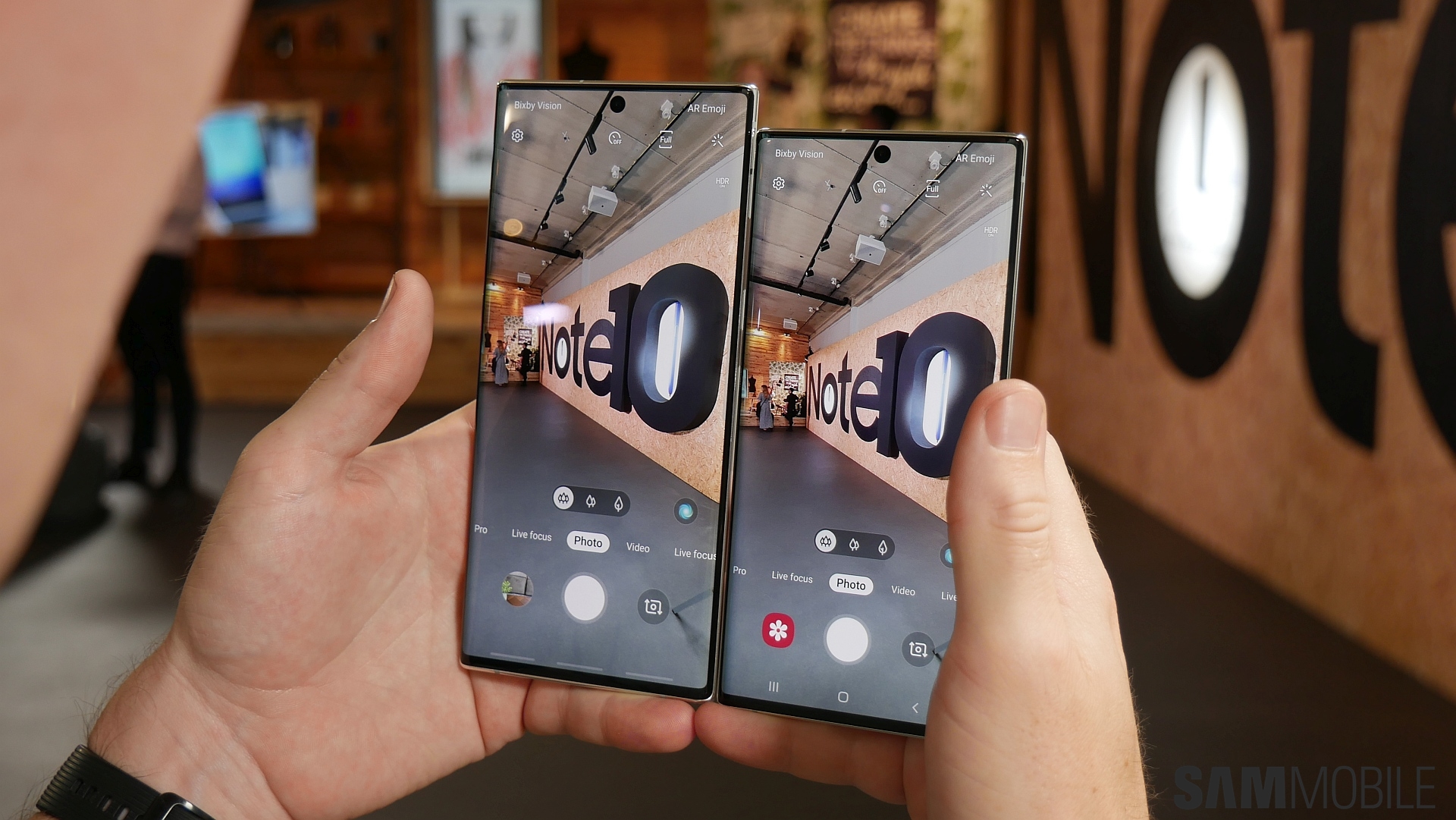
Unfortunately, Samsung isn't saying what the updated app brings to the table. It's likely just under the hood changes considering the small bump in version number (from 9.5.00.56 to 9.5.00.58), although it's possible those changes will prepare the device for new camera features Samsung may be planning on bringing to the Note 10 and Note 10+. Or, well, it's just a minor update that has no bearing on anything but general stability of the devices' camera(s). We couldn't notice any difference in photo quality or the functionality and options available in the app, but we'll have to dig in further to be completely sure.
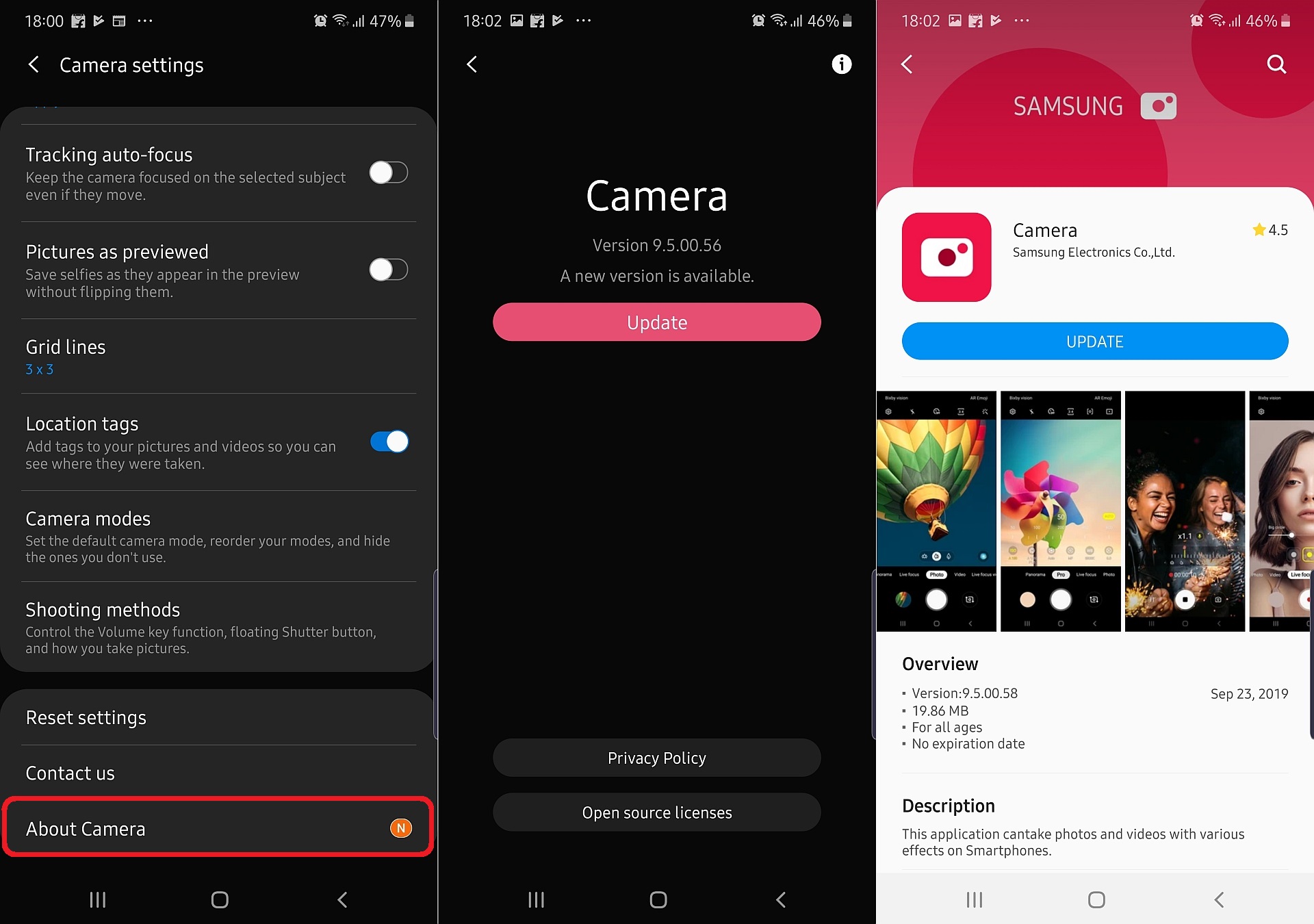
To update the Camera app on your Galaxy Note 10 or Note 10+, open the camera app, then hit the gear icon on the top left to go into camera settings. Scroll all the way to the bottom and tap About Camera, then hit the Update button. You will be taken to the Galaxy Store listing for the app – hit the Update button here to download and install the new version. The update may not be available for all users right away, and if that's the case for you, simply check again a little later.
See anything new or different on your Galaxy Note 10/10+'s camera after installing the update? Let us know down in the comments!
[modelinfo model=”SM-N970F”]
[modelinfo model=”SM-N975F”]

Abhijeet's writing career started with guides for custom firmware for Samsung devices (including the original Galaxy S), and he moved to SamMobile in mid-2013 and worked up the ranks to Editor-in-chief. In addition to phones and mobile devices, his interests include gaming on both PC and console, PC hardware, and spending countless hours on YouTube watching videos on tech, movies, games, politics, and internet dramas.












