Last updated: May 27th, 2025 at 12:29 UTC+02:00
SamMobile has affiliate and sponsored partnerships, we may earn a commission.
It brings lots of new and improved features to the Galaxy A54.
Reading time: 2 minutes
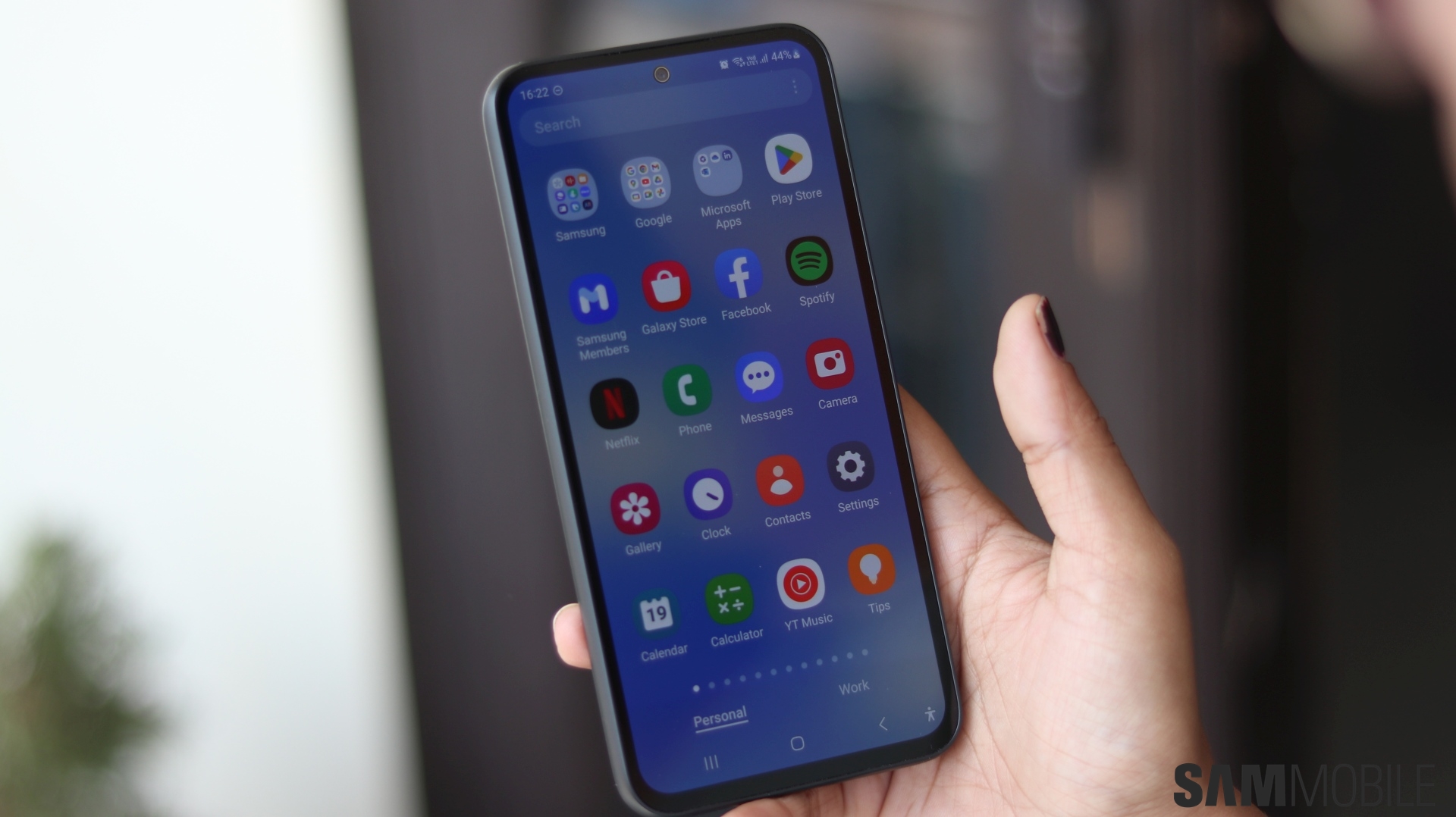
After releasing the One UI 7 update for the Galaxy A54 in South Korea two weeks ago and in India earlier today, Samsung has released the update for the Galaxy A54 in European countries. The remaining markets could get access to this update in the coming days.
Let us check out what the update brings to the phone.
The Galaxy A54 is now getting the Android 15-based One UI 7.0 update in Europe. The update comes bearing firmware version A546BXXUCDYDB and has a download size of around 3.5GB. It also includes the May 2025 security patch that makes the phone more secure than earlier.


If you are a Galaxy A54 user in Europe, you should check for the new update on your phone right away. You can do that by heading over to Settings » Software update » Download and install on your device and once the update is downloaded, tap the Install Now button. The phone will then restart after a few minutes and you can start using One UI 7.0.
You can also choose to download the new update's firmware file from our database and flash it manually if you have a computer running Windows OS and the Odin tool installed.
The One UI 7.0 update brings a lot of new and improved features to the phone. It also brings a major UI redesign that introduces new app icons for stock apps, new widgets for the home screen and the lock screen, more widget customization options, smoother and more playful animations and transitions, a new battery icon in the status bar, and a new charging animation.
Samsung has also introduced Now Bar, a new UI element that displays ongoing activities, such as an ongoing stopwatch or timer or live media playback controls. It is displayed on the lock screen and inside a pill-shaped chip on the status bar. It can also appear on the AOD screen.
One UI 7 also introduces improved image and video editing, more lock screen clock customizations, more battery health protection options, and other features.
Thanks for the tip, @winatuska1

Asif is a computer engineer turned technology journalist. He has been using Samsung phones since 2004, and his current smartphone is the Galaxy S23 Ultra. He loves headphones, mechanical keyboards, and PC hardware. When not writing about technology, he likes watching crime and science fiction movies and TV shows.












