Last updated: December 10th, 2025 at 16:40 UTC+01:00
SamMobile has affiliate and sponsored partnerships, we may earn a commission.
Galaxy A04 users had it even worse.
Reading time: 2 minutes
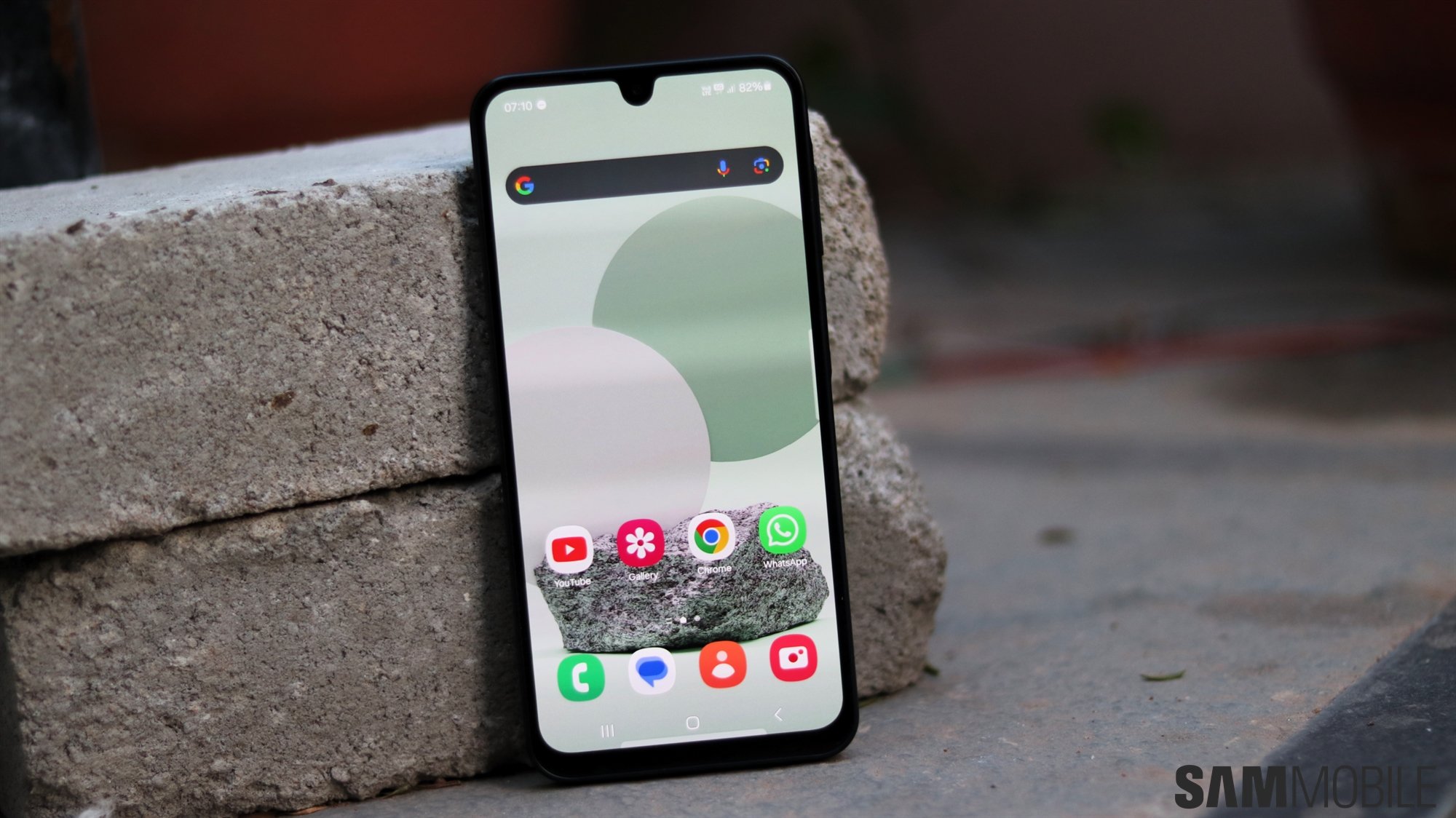
One UI has been the face of Samsung's mobile experience for years and fans generally love it. But One UI isn't the same for every device, especially when comparing cheaper to pricier Galaxy phones.
For instance, Galaxy AI is reserved for higher-end devices, beginning with the Galaxy S FE. And if you own a low-end phone, such as the Galaxy A06, you need to upgrade to the Galaxy A26 or better to gain access to Intelligent Features.
Interestingly, the Galaxy A06 is also missing out on a couple of motions and gestures that are otherwise available on every other Galaxy device from higher-priced lineups.
Namely, the Galaxy A06 is missing a couple of motions and gestures that have been around for as long as we can remember. These missing features are:
To be precise, the Galaxy A06 does support “Turn over to mute,” but it doesn't support muting by covering the screen.
Thankfully, apart from “Turn over to mute,” the Galaxy A06 does support these additional motions and gestures. You can access them via Settings > Advanced features > Motions and gestures.
The same is true for the Galaxy A05, but the older Galaxy A04 is missing even more motions and gestures and supports only double tap and turn over to mute.
These missing features for Galaxy A06 users likely aren't deal breakers, but they might hint at underlying touchscreen limitations.
In any case, if you want the full suite of motions and gestures in One UI, you can upgrade to a new Galaxy A1x phone or better.

Mihai is a blogger and column writer at SamMobile. His first Samsung phone was an A800 which took a lot of beating, and a part of him still misses the novelty of the clamshell design. In his free time, he enjoys watching shows, documentaries, and stand-up comedy; listening to music, taking walks, and occasionally playing old(er) video games.












