Exceptional gifting. Our Samsung Galaxy gift guide features smartphones and wearables.
Last updated: April 6th, 2023 at 14:59 UTC+02:00
SamMobile has affiliate and sponsored partnerships, we may earn a commission.
Reading time: 2 minutes
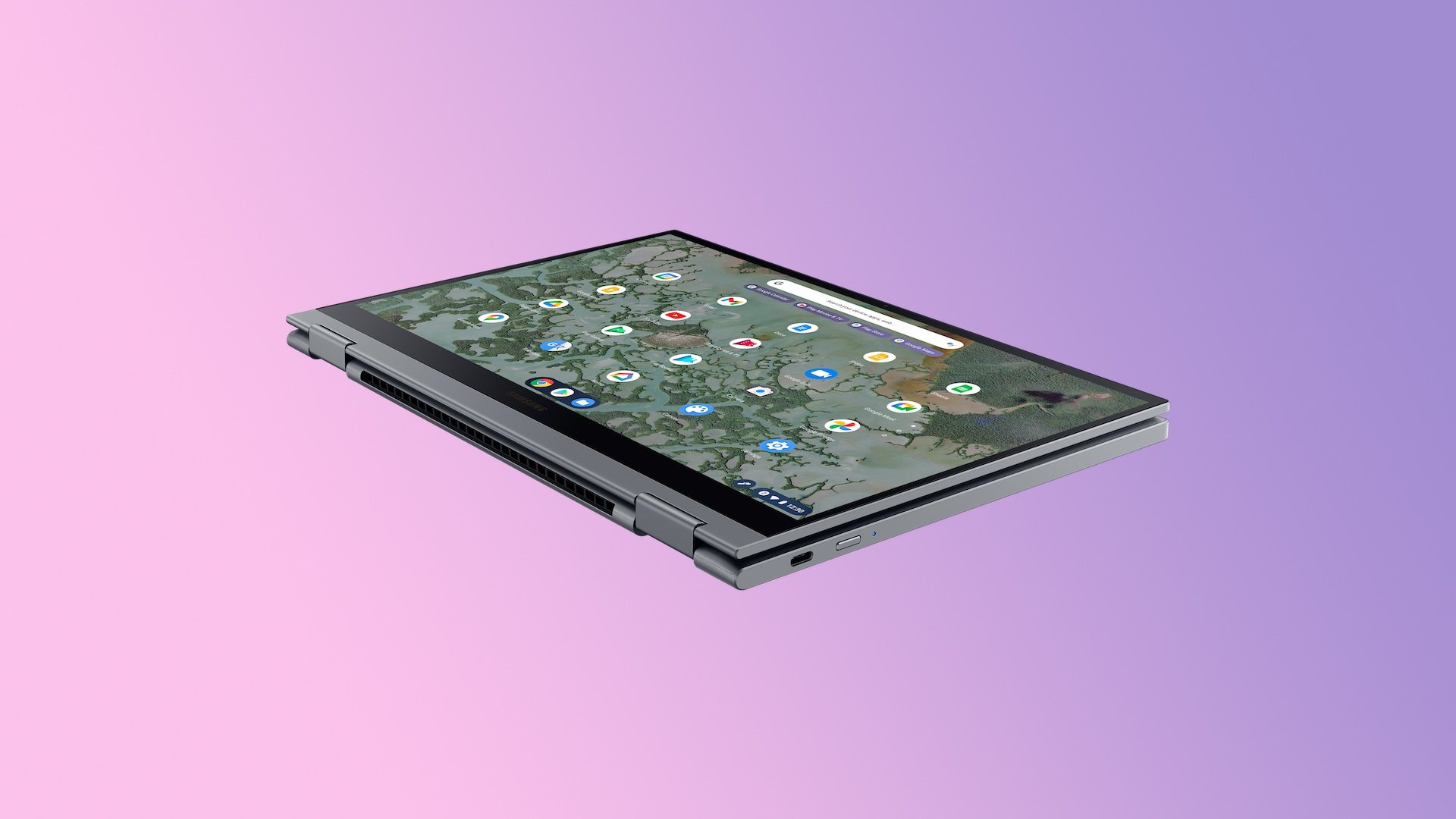
Just like Windows 11, ChromeOS has a built-in clipboard manager, and it is one of the most useful features of the operating system. It allows you to access the last five items you copied to the clipboard. To access this feature, press Search + V on your Galaxy Chromebook’s keyboard, and the clipboard history will pop up on your screen. You can then select the item that you want to paste.
However, not many of us are aware of this feature, and the ones who know about it, don’t use it as much. That’s because we aren’t accustomed to using the Search + V shortcut as much as we are hard-wired to use Ctrl + C, Ctrl + X, and Ctrl + V shortcuts for copy, cut, and paste, respectively. That’s probably why Google is working to make accessing the clipboard history on ChromeOS easier.
AboutChromebooks has discovered a new Chromium Gerrit, according to which you can access the clipboard history on ChromeOS just by long-pressing the Ctrl + V key combination. Since most of us are already accustomed to the Ctrl + V shortcut for pasting, long-pressing the same shortcut will be much easier. The new shortcut will also increase the discoverability of this feature to new users.
Currently, the new shortcut is available on ChromeOS Canary, and you can access it by going to chrome://flags#clipboard-history-longpress and enabling the flag. Since this is an experimental feature, there is no evidence that it will land on the stable version of the OS. If Google decides to make it available for everyone, the feature will first become available to the Dev Channel, then to the Beta Channel, and finally to the Stable Channel.
I’m a computer science engineer living in Hyderabad, India, who has a keen interest in automobiles and consumer electronics. My journalism career kicked off in 2017 with MySmartPrice where I wrote news, features, buying guides, and explanatory articles about technology among other things, and reviewed many products, including smartphones, tablets, laptops, PC components, smartwatches, audio devices, wearables, and smart home products. Since then, I have worked for 91Mobiles, Apple, and Onsitego, before finally landing on SamMobile.