Last updated: March 14th, 2024 at 15:00 UTC+01:00
SamMobile has affiliate and sponsored partnerships, we may earn a commission.
Reading time: 2 minutes
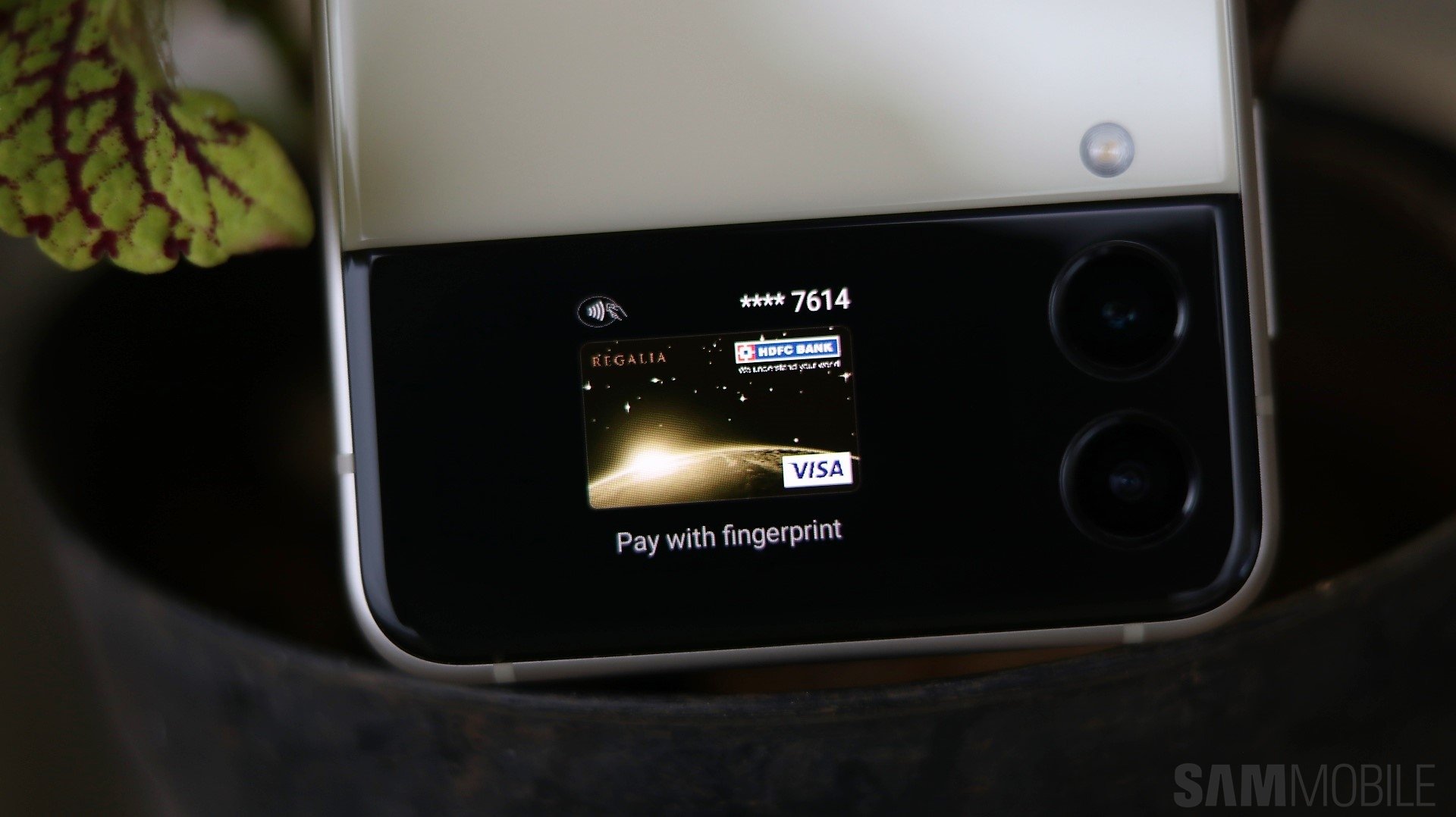
Even if you use Samsung Pay, there is a chance that Google Pay is the default mobile payment solution on your Galaxy device. However, you can change that, and here is how.
You can select a different mobile payment method on your Galaxy phone in just a few steps without opening any mobile payment apps.
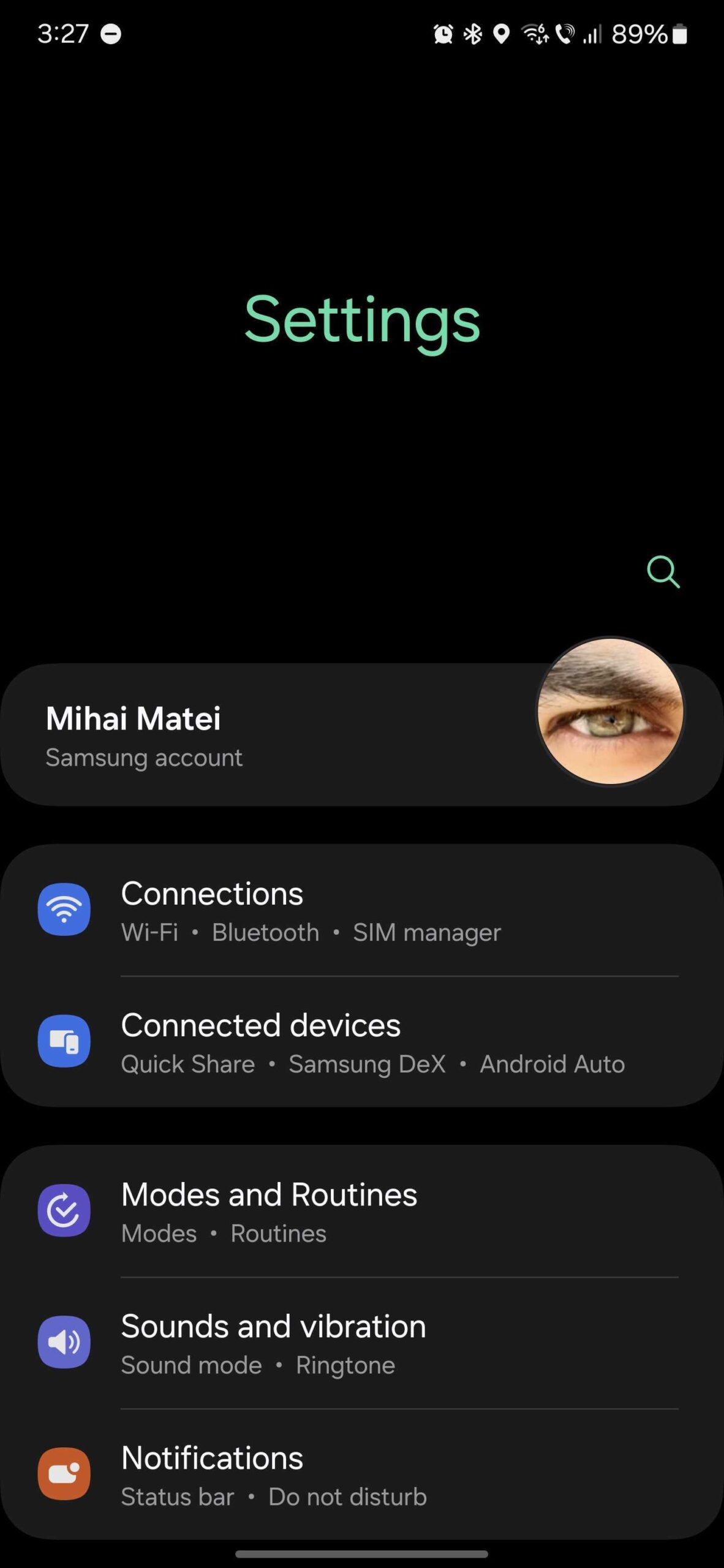
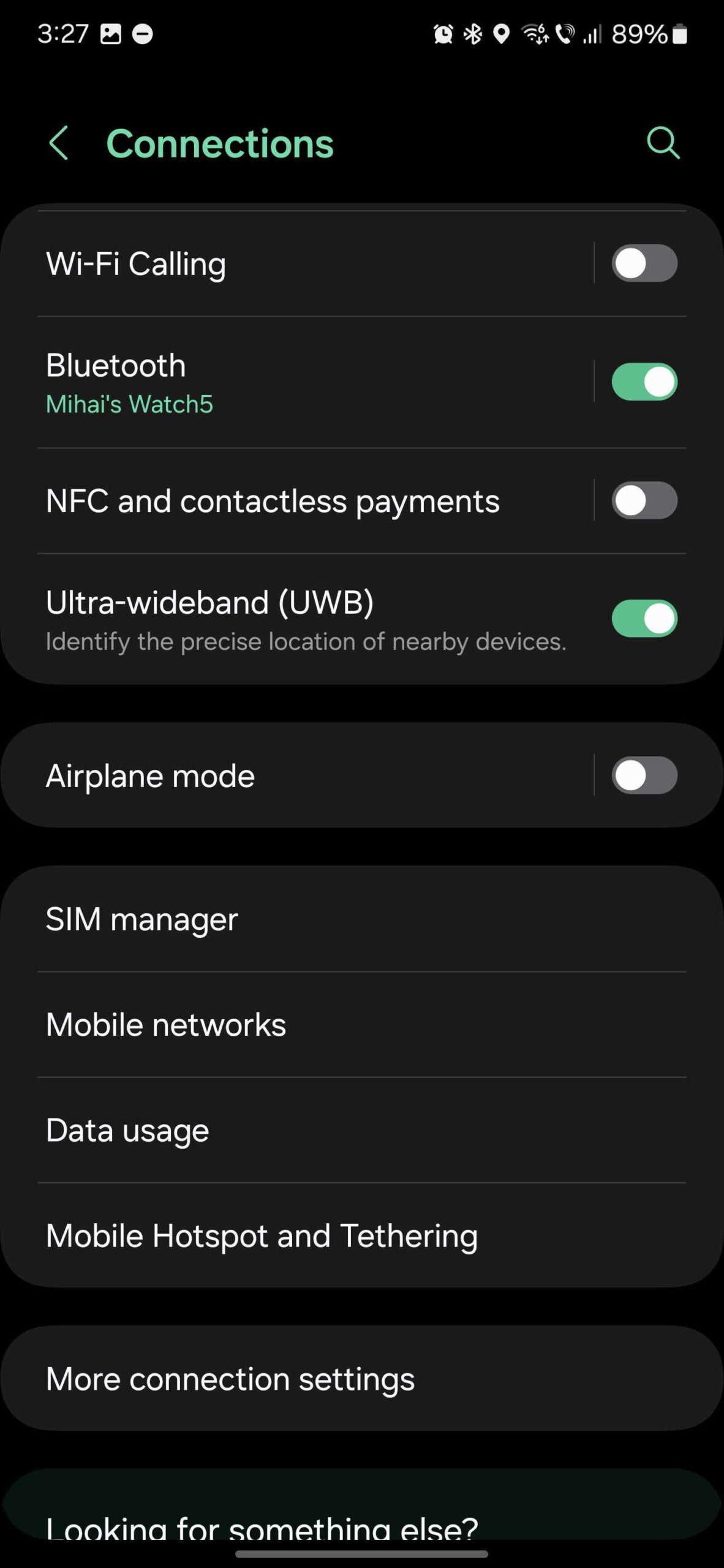
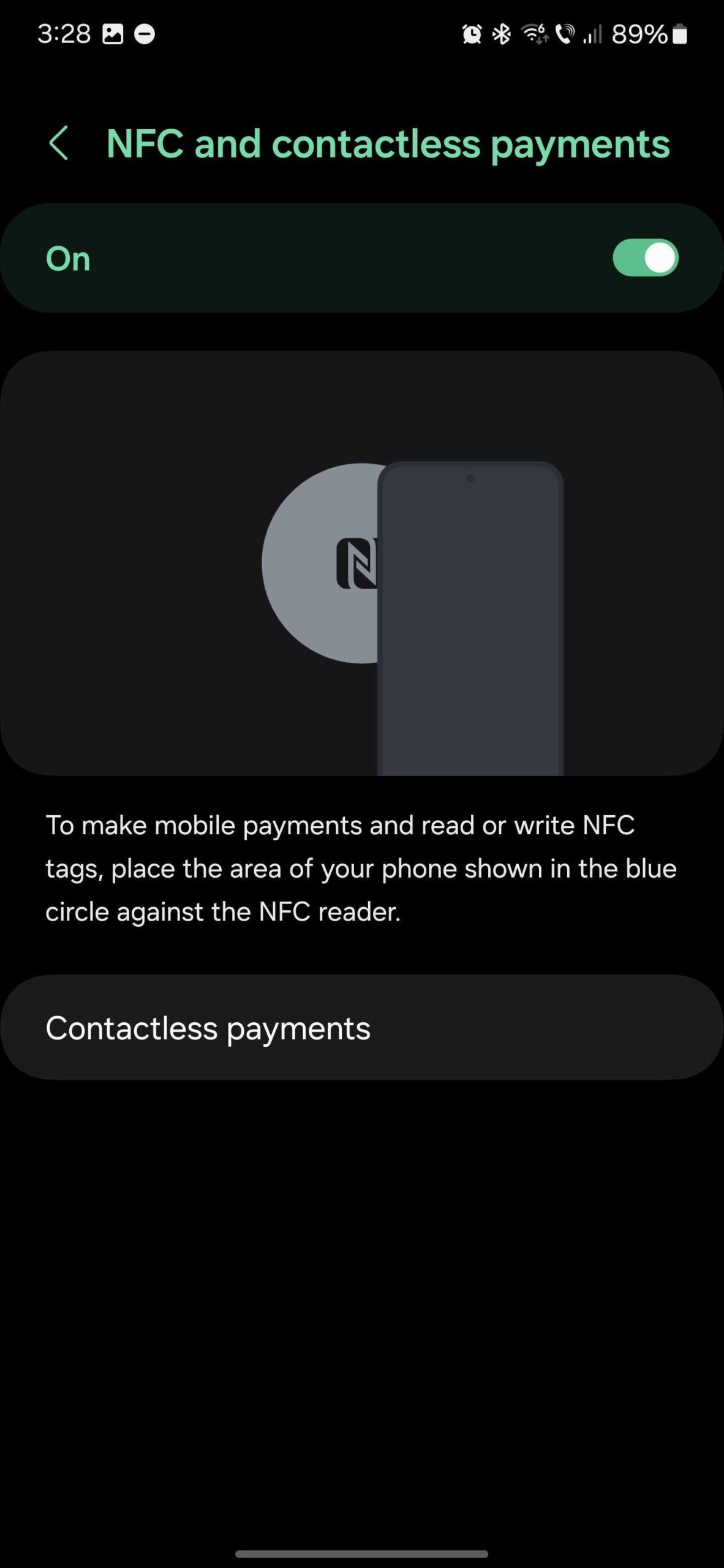
To do this, open the Settings app on your phone, go to “Connections,” access “NFC and contactless payments,” make sure the toggle is set to the “On” position, and then tap “Contactless payments.” You can choose a provider from the “Payment” list.
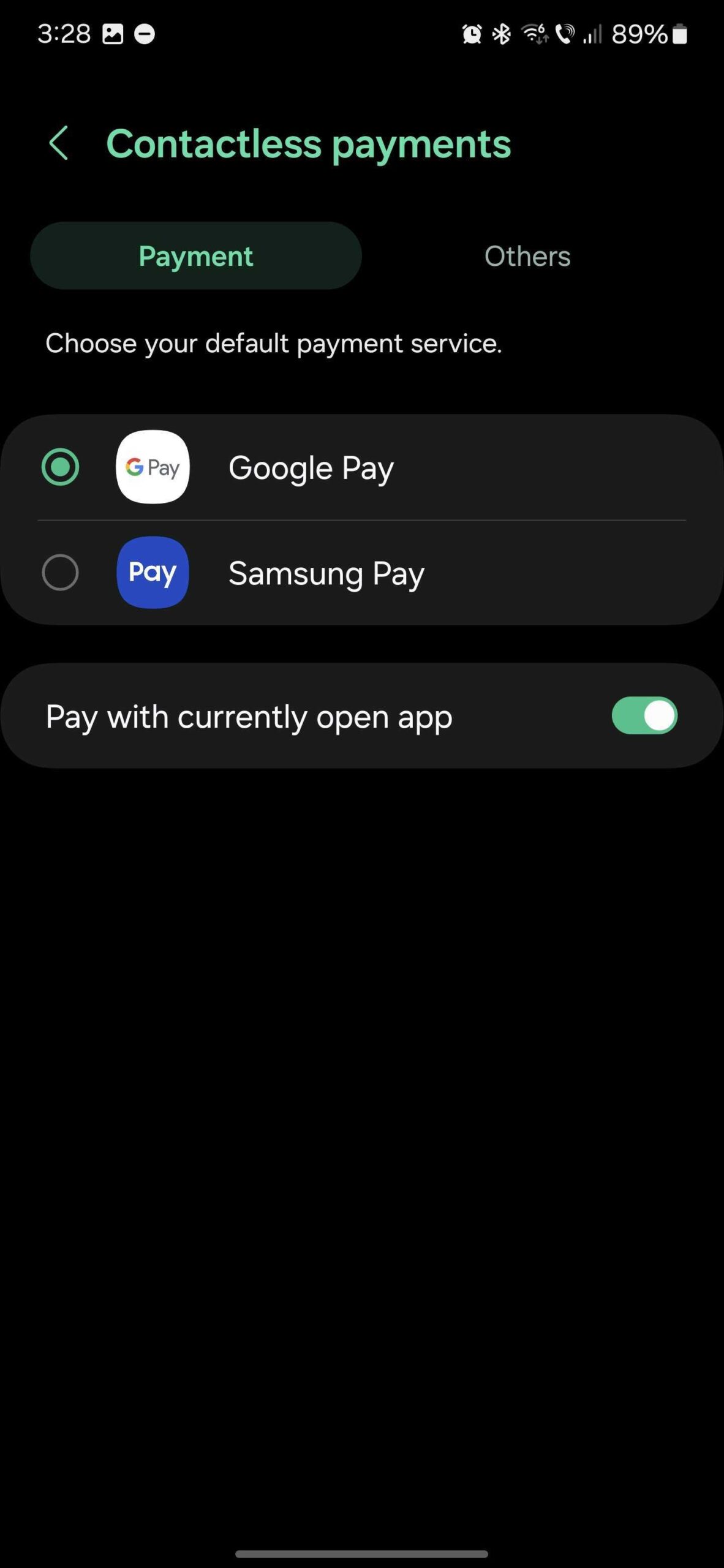
You will also notice a “Pay with currently open app” option, which should be turned On by default.
In addition, you can access the “Others” tab to choose which components should be turned On or Off individually, such as Nearby, Samsung Pay, Google Wallet, and Android Digital Car Key.

Mihai is a blogger and column writer at SamMobile. His first Samsung phone was an A800 which took a lot of beating, and a part of him still misses the novelty of the clamshell design. In his free time, he enjoys watching shows, documentaries, and stand-up comedy; listening to music, taking walks, and occasionally playing old(er) video games.














