Last updated: April 14th, 2025 at 21:14 UTC+02:00
SamMobile has affiliate and sponsored partnerships, we may earn a commission.
There's a simple fix to restore the missing battery icon after One UI 7 upgrade.
Reading time: 2 minutes
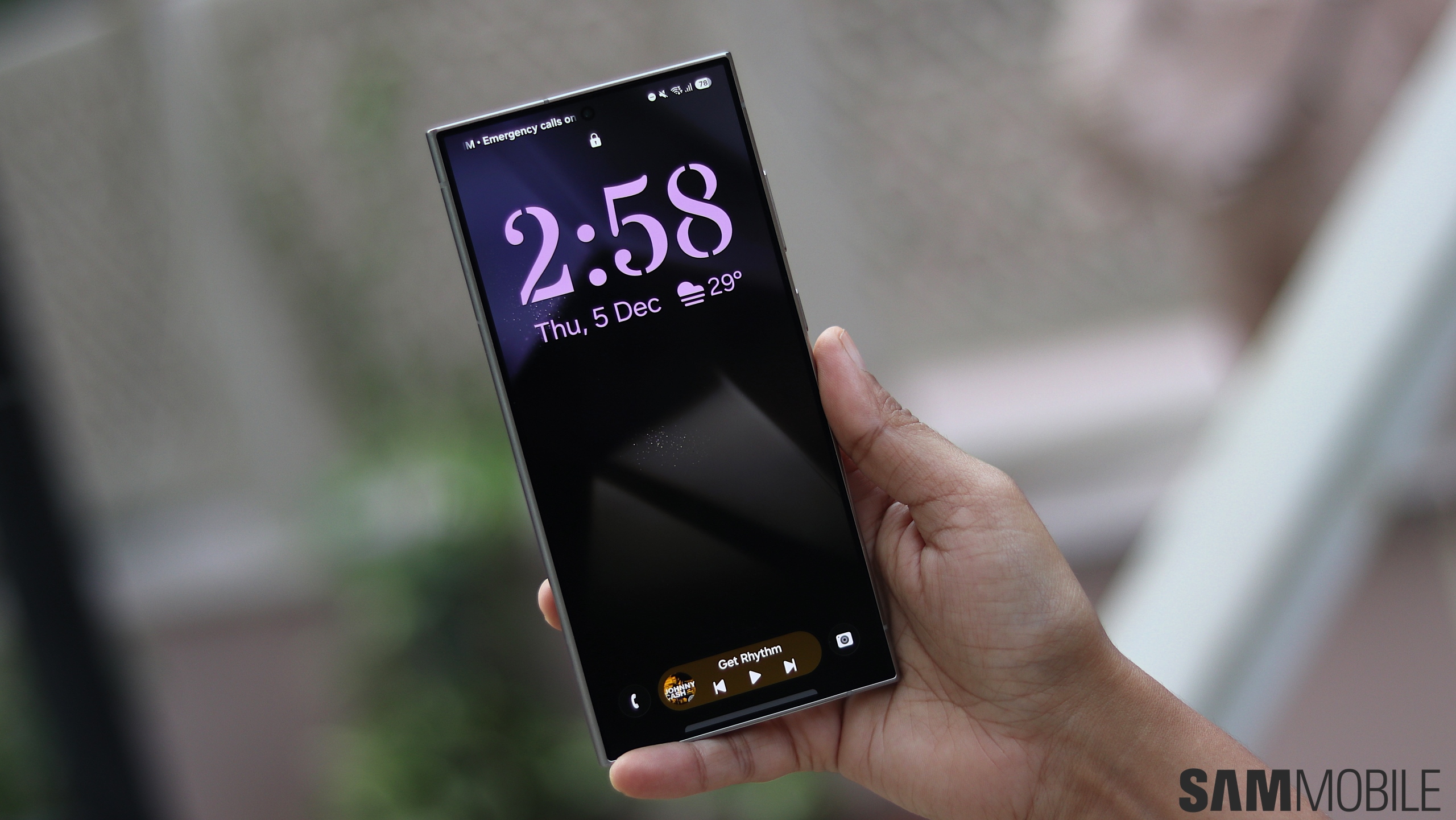
If you were among the lucky few who upgraded to One UI 7 without any issues before the roll out was halted, you may have run into a bug that causes the battery icon to disappear. Quite a few bugs have been discovered in the stable One UI 7 that was released on April 7 so far, and that may be why Samsung pulled the plug on it now.
Fortunately, this bug isn't something significant. It's the QuickStar Good Lock module that causes is and there's a very simple fix that you can perform to get the missing battery icon back on your One UI 7 device.
The QuickStar development team have addressed reports of the battery icon not being displayed on the status bar after installing the One UI 7 update. This bug only affects those who disabled the battery icon in the QuickStar module on their device running One UI 6.x before upgrading it to the latest firmware.
Since the battery icon and battery percentage are integrated on One UI 7, if it was disabled prior to the upgrade, the icon will not be reinstated back on the status bar even after the update is installed. It's a very simple fix. Just fire up Good Lock and in the QuickStar module, find the Visibility of Indicator menu and then turn on the Battery Icon option.
That's all there is to it. If you've not yet received One UI 7 on your device, you may have to wait for a few days. Samsung has halted the global roll out of One UI 7. The company has also said that it intends to issue the revised roll out schedule in the near future.

Adnan Farooqui is a long-term writer at SamMobile. Based in Pakistan, his interests include technology, finance, Swiss watches and Formula 1. His tendency to write long posts betrays his inclination to being a man of few words.












