Last updated: May 6th, 2024 at 14:54 UTC+02:00
SamMobile has affiliate and sponsored partnerships, we may earn a commission.
Reading time: 2 minutes
Google seems to be working on a new solution that merges two kinds of data migration/transfer methods to make new device setup much faster. Right now, there are three ways to import data when setting up a new phone: importing data from a Google account (cloud), importing data wirelessly, and importing data using a wired connection.
According to an Android Authority report, Google is working on a new data transfer method, ‘ MultiTransportD2dTransport,' which can use Wi-Fi and USB cable to transfer data simultaneously using both connections. This will accelerate the data transfer mechanism and speed up the new device setup process.
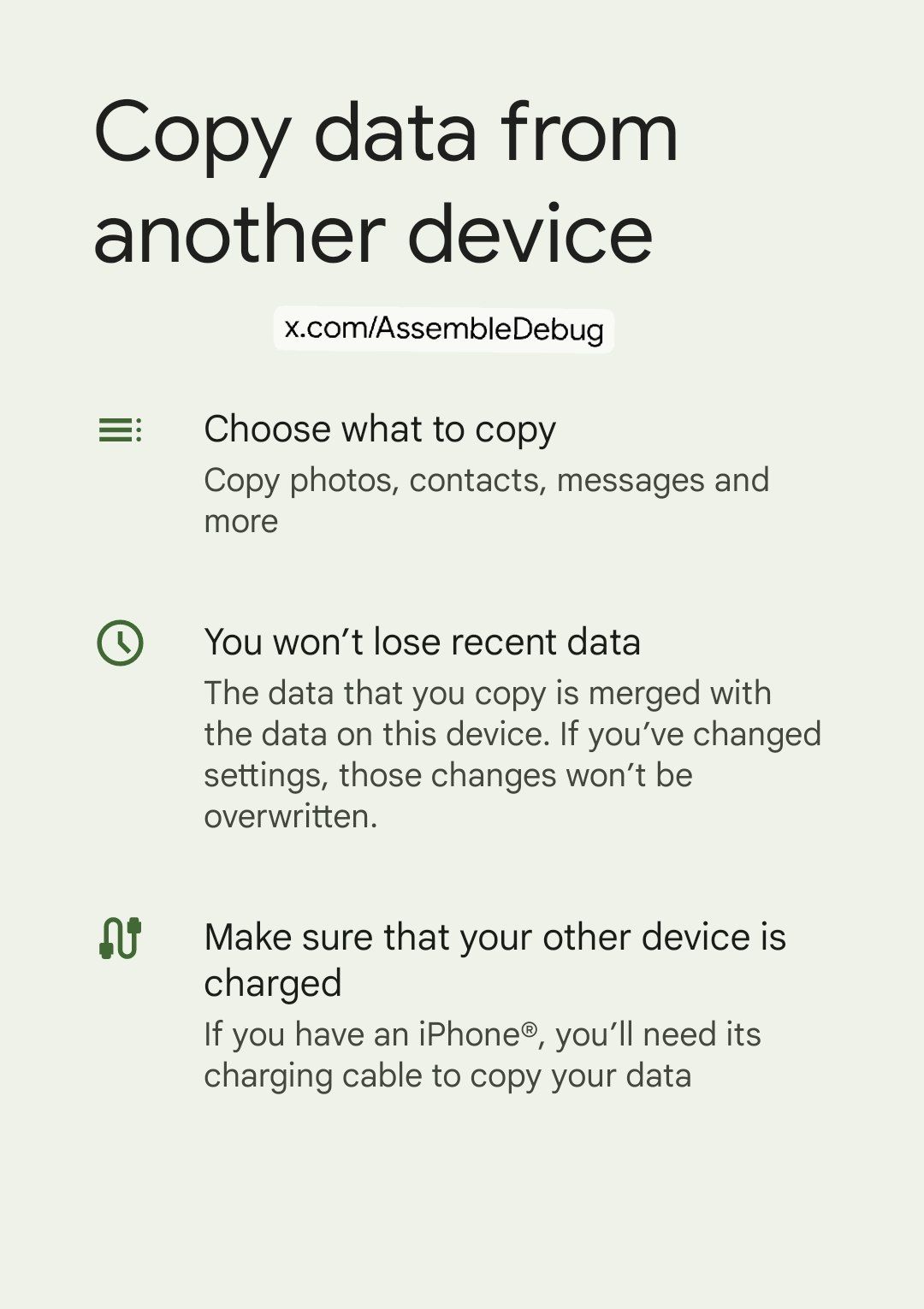
X user Assemble Debug spotted this new feature in the latest version (1.0.624892571) of Google’s Data Restore Tool app.
Moreover, Google is finally bringing a feature Samsung phones have had for years. The feature called ‘Restore Anytime' will now allow users to transfer data from one device to another anytime. Earlier, users could transfer data from one device to another only after performing a factory reset on one of the devices. New data will get merged with old data on the phone.
In classic Google fashion, there is a limitation on that feature as well. You can only continue importing data from the device that you used previously for importing data.

Asif is a computer engineer turned technology journalist. He has been using Samsung phones since 2004, and his current smartphone is the Galaxy S23 Ultra. He loves headphones, mechanical keyboards, and PC hardware. When not writing about technology, he likes watching crime and science fiction movies and TV shows.












